ln119
Inspiring
October 29, 2024
Answered

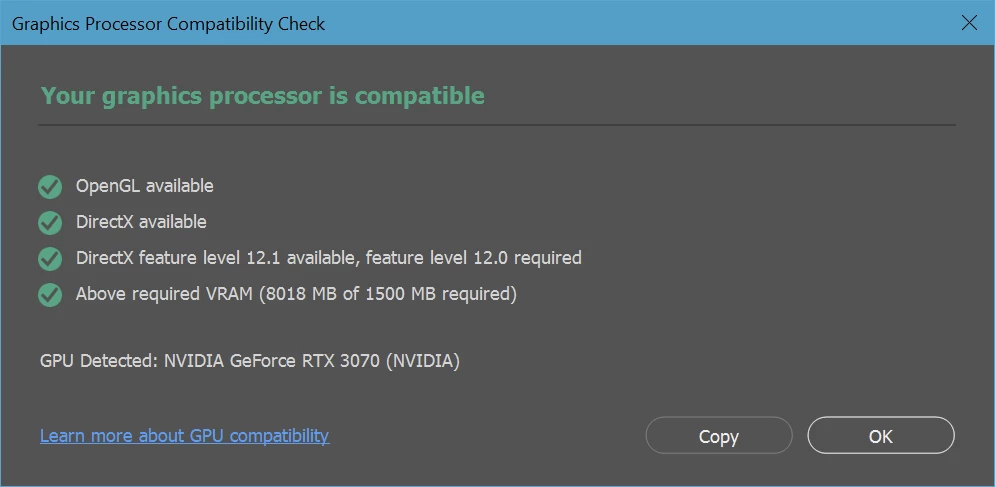
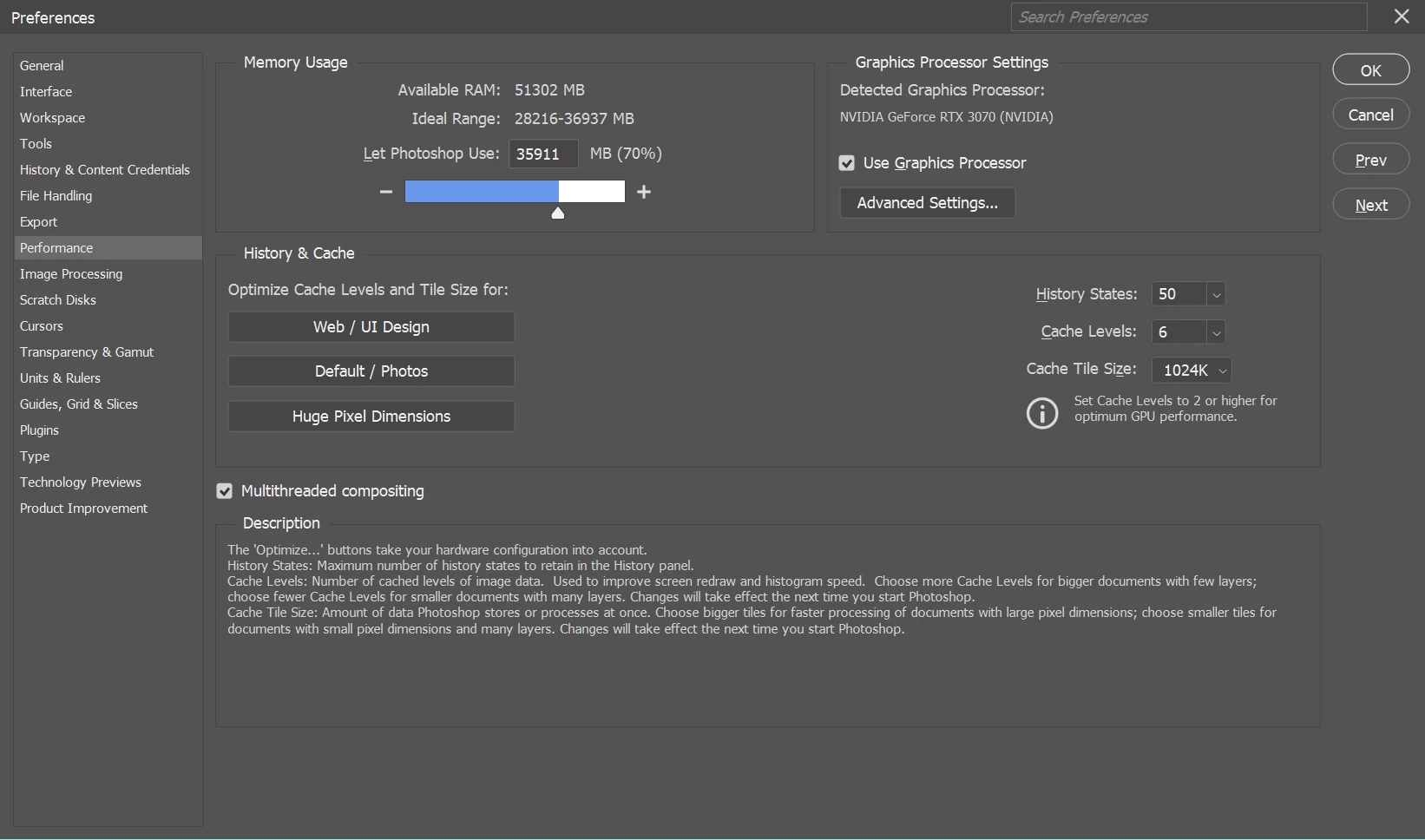
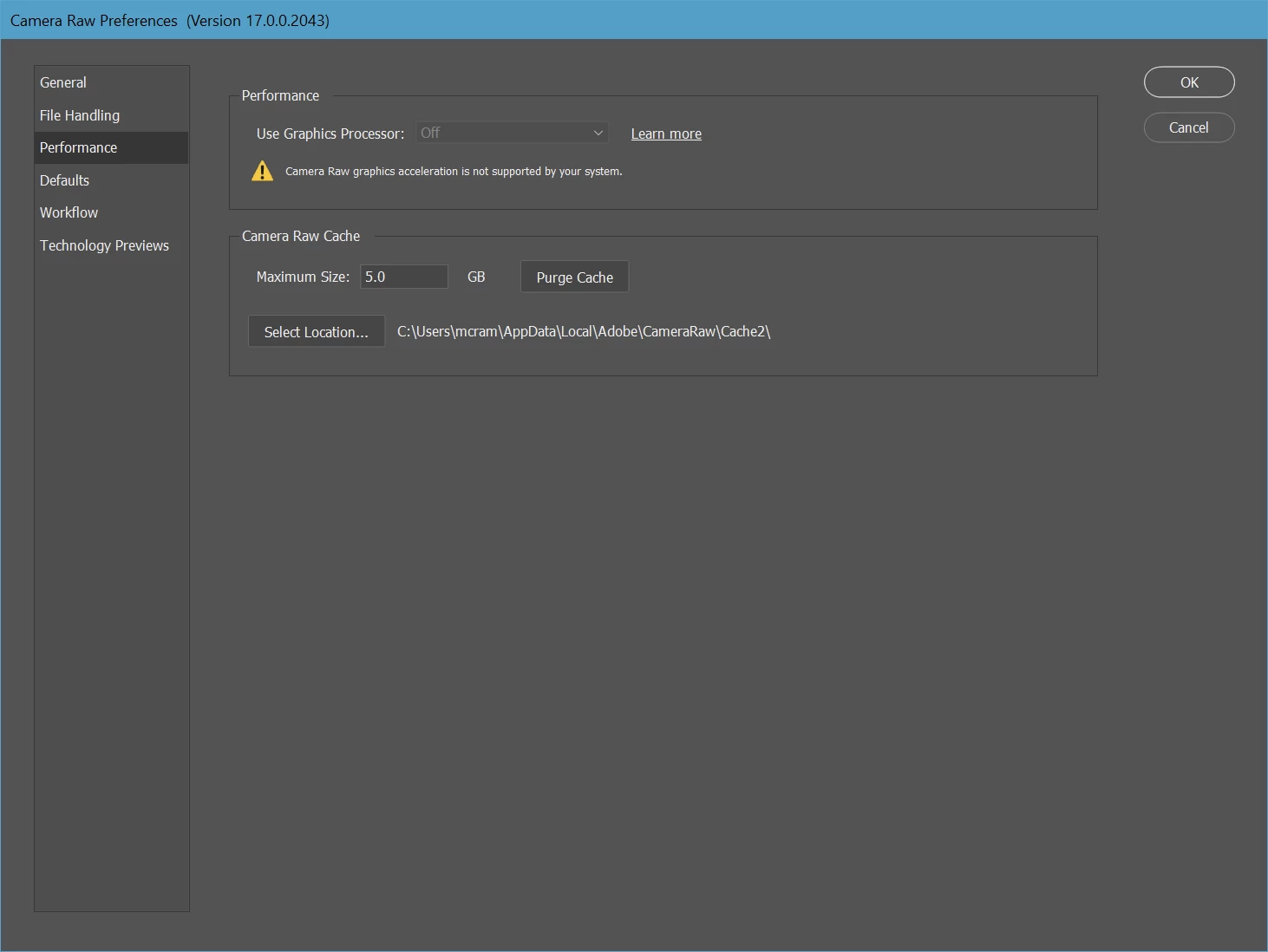
Camera RAW 17.0 don't detect Nvidia RTX3070 8GB while PS 26.0 can detect RTX3070
  • October 29, 2024
  • 6 replies
  • 16676 views

Please Help.

This topic has been closed for replies.
Correct answer ln119

As i remember, i always have some applications like IrfanView, FastRawViewer, Nikon software (NX Studio, Transfer 2, Tether, Picture Control Utility2) that can View/Display NEF files and Never Use them when running PS 26.
Other remark, BEFORE your suggestion to remove file & folder in Camera RAW_GPU folder, the ACR 17.0 always shows their logo/splash screen in Help and Prefs_CameraRaw BUT don't recognize Nvidia RTX-3070.
Also tryung launching PS while holding Shift key (to NOT loading any other plug-ins), No ACR logo NOR ACR Prefs windows.

Kind regards.


Hi ALL,

By pure hazard, after installing Adobe DNG Converter 17.0, Now ACR 17.0 work as before (LrC 14.0.1, Bridge 15.0.0, PS 26.0 and PS beta 26.2).
Hope that may help other users.

ps: Hi David, thanks for your help.

6 replies

alexeygalas
Participant
December 5, 2024

I suggest You to roll back to v16. v17 is very buggy. I have work station with stable OC params (RAM, GPU in stock, CPU undervolted but quite stable in Y-Cruncher and SuperPI).

After updating to v17 I started to get "GPU out of VRAM" and "GPU encountered an error" after 10-15min after begining every time. I found installer of v16, downgraded Bridge to v24. And now no errors at all.

v17 is extremely buggy and laggy. Hope Adobe will fix this in v18.

Otherwise I don't know the purpose of charging subscription fee every month for buggy product.

Participant
November 15, 2024

I had a similar problem (posted it but can't locate my post, hence putting the informatin here)  and resolved it with phone support from Adobe. After going down many false solutions, we finally resolved it to be a conflict with another unused display adapter. Here is a summary of what worked on may computer:

After a recent update, Camera Raw, inside of Photoshop, was unable to locate my GPU and failed to run and sometimes shutdown Photoshop while trying to start the Camera Raw Filter. However, in Photoshop going to Help and then GPU Compatibility would find my GPU. This took two days working with several people at Adobe to locate and fix the problem temporarily. Adobe still needs to resolve their software so there is no conflict.


The problem is a conflict with another Display Adapter. In my case it was the USB 3.0 External Graphic Device shown below.


 We disabled that adapter:


We then needed to reset Camera Raw so it did not know about the previous conflict. Follow this link: %AppData%\Roaming\Adobe\CameraRaw\GPU\Adobe Photoshop Camera Raw. After the failure to find the GPU there was a file called TempDisableGPU2 in this folder.  Rename it with a .OLD or some other extensions so camera raw won't find it.


Camera Raw worked after doing this.


Notes: work with an Adobe Tech Support person on a phone line. Give them your phone number at the start of the call. They can call you back. I first tried with using chat. When we lost the connection during a reboot I was not able to reconnect. The agent on chat cannot reinitiate the connection. This was in the middle of the agent deleting all my Adobe Apps. I asked him to save all my preferences, presets, etc. He said he did. He did not, he only saved my Photoshop preferences. All my Light Room Classic customizations were lost.  I was saved by my hard drive backup.


We rebooted the computer several times during the debug process.


ln119
ln119Author
Inspiring
November 20, 2024

Thanks for sharing your experience.

dfranzen_camera_raw
Adobe Employee
Adobe Employee
October 29, 2024

Sorry you're having problems. I'd like to get to the bottom of it.


Please read and carefully follow the instructions under "4. Collect detailed logs" from our troubleshooting guide here:


https://helpx.adobe.com/camera-raw/kb/acr-gpu-faq.html#troubleshoot

If you share the Adobe Camera Raw Log files and a DxDiag report file, I may be able to learn more about why you are having this problem.

Thanks,
David

ln119
ln119Author
Inspiring
November 6, 2024
Still got same problem - after uninstall PS 26, reinstall last previous PS
25.x + Camera Raw 16.5 then 17.0 . Uninstall PS, after reboot now reinstall
PS 26.0 then ACamera Raw 17.0 ==>
PS 26.0 recognize RTX3070 with 561.09 Studio driver BUT Camera Raw 17.0
NONE.
Please help.

--
Lap Nguyen
ln119
ln119Author
Inspiring
November 8, 2024

Thanks, here is another screen capture that may help:

FYI the PS beta show the same problem.


Got same issue with PS beta 26.2 - ACR 17.0 with Nividia RTX -3070 studio 561.09 driver.


ln119
ln119Author
Inspiring
October 29, 2024

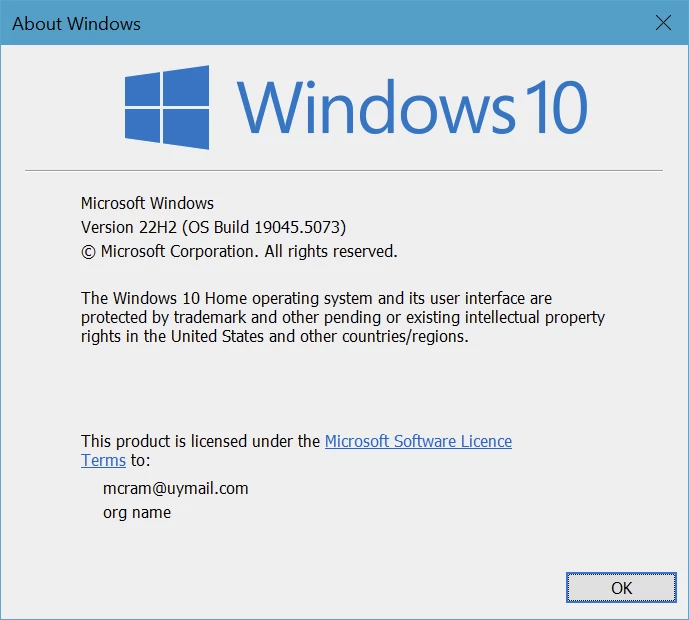
Thanks for your help, but i like to stay with W10.
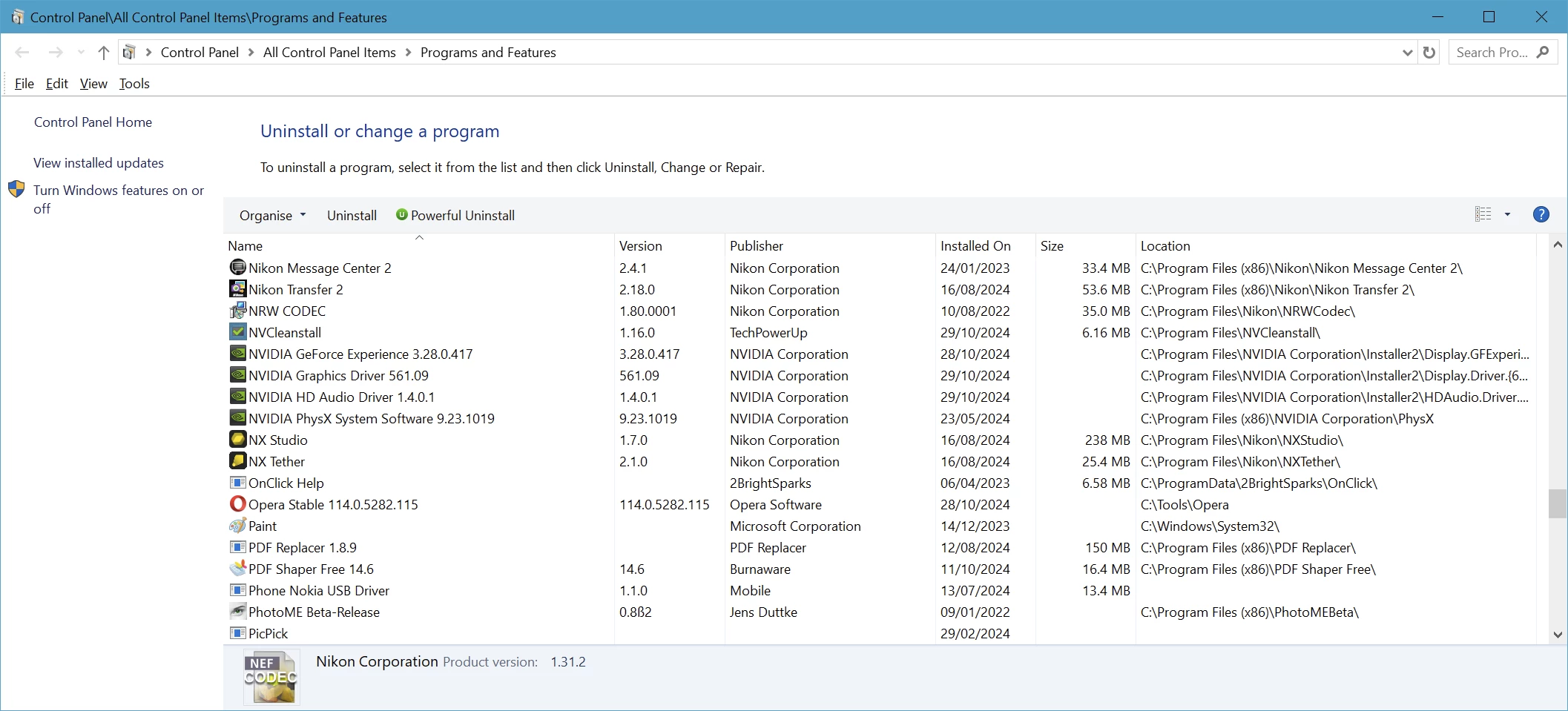
My problem appear just after installing new Nvidia studio driver 565.90, Already uninstall 565.90 & nvcleaninstall the good one ie 561.09 (that work with ps26 & ACR17).

Erik Bloodaxe
Legend
October 29, 2024

Sorry to be the bearer of bad news.

This does not solve your problem and may just frustrate you.

I have a Windows 11 high spec PC with a 3070 GPU and it works fine with Camera Raw giving full graphics acceleration and using the same driver. I put together the PC myself and all worked out of the box.

There must be a solution for you but sadly I don't know what it is except perhaps to upgrade to Windows 11.

ln119
ln119Author
Inspiring
October 29, 2024

Same problem with Nvidia RTX-3070 Studio Drivers 565.90, 561.09.