Participating Frequently
March 29, 2019
Answered

Canon EOS R cr3 Files Not Supported by DNG Converter - March 29, 2019

  • March 29, 2019
  • 4 replies
  • 10301 views

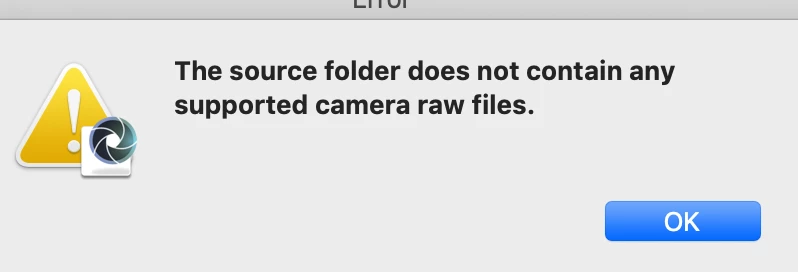
I recently purchased the Canon EOS R Mirrorless Camera, I have tried everything in my power to convert these raw files.

I downloaded the Adobe DNG converter 11.2.1 Beta and still nothing. Please help!

This topic has been closed for replies.
Correct answer Jeff Arola

I have using a MacBook Pro Mojave 10.14.3

Photoshop CC 20.0.4

LR CC Classic 8.2

Camera Raw 11.2

I think everything is up to date but I cant get those cr3 to convert

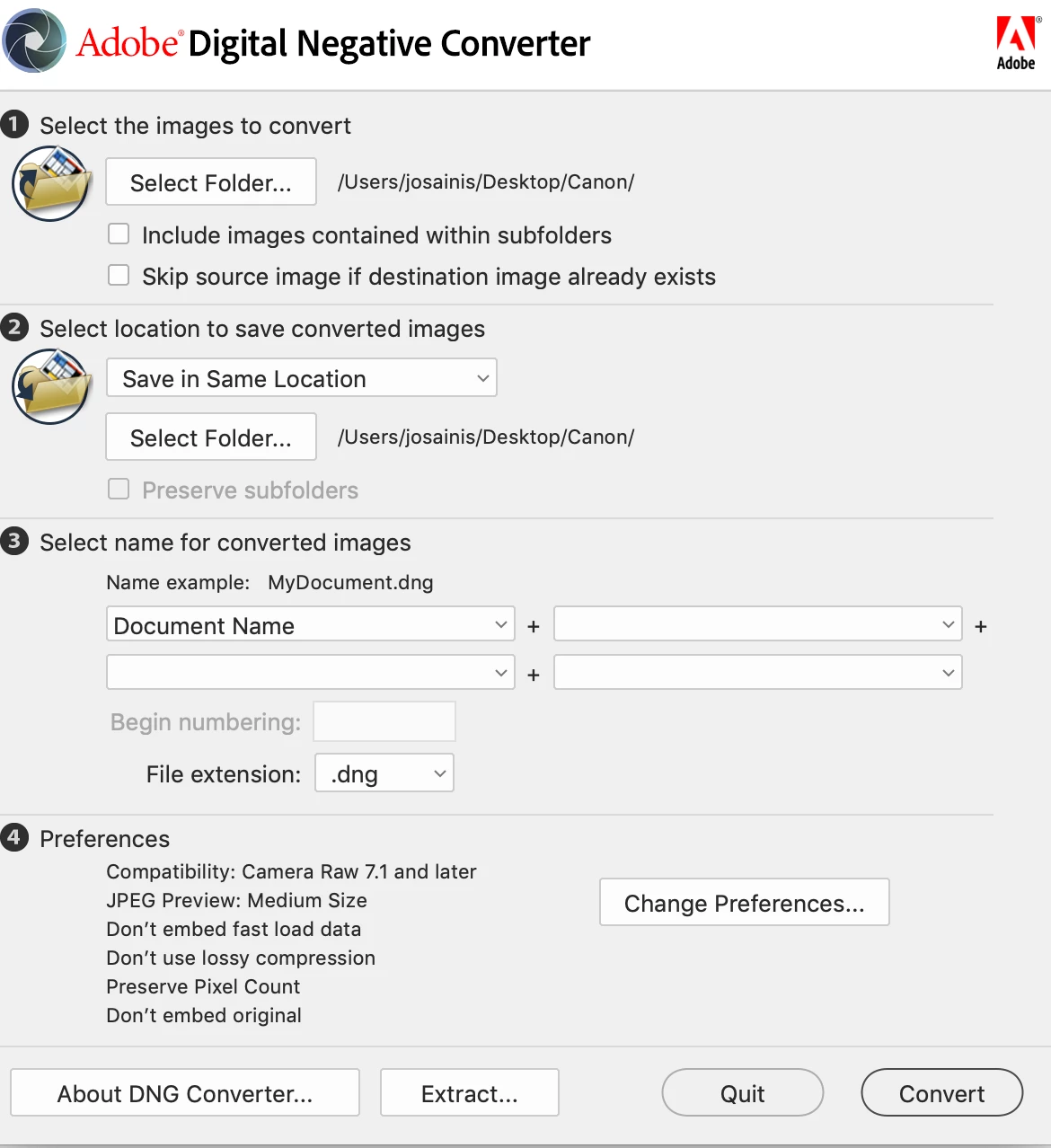
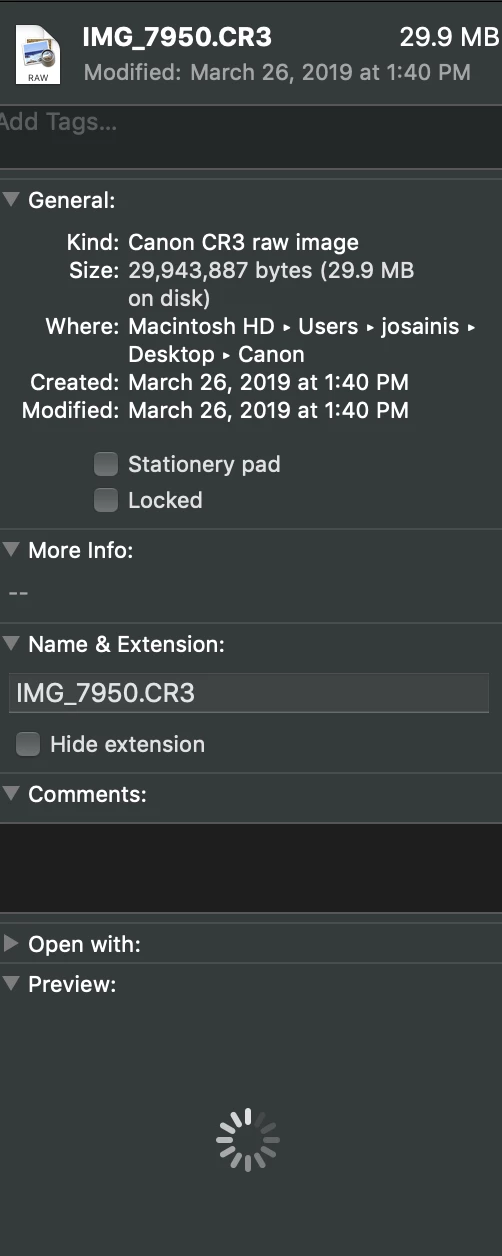
Here's a screenshot of ADNC and my raw file info


You have the Canon EOS R or Canon EOS RP?

You installed the 11.2.1 beta from here?

Adobe - Adobe Camera Raw and DNG Converter : For Macintosh : Adobe DNG Converter 11.2.1 Beta

4 replies

Akash Sharma
Legend
April 3, 2019

Hi All,

We are happy to announce Camera Raw 11.2.1

The Canon EOS RP raw files should be supported in this update release of Camera raw.

Camera Raw 11.2.1 which, in addition to the new camera support listed below, includes a bug fix affecting the opening raw files stored on a NAS. This change should fix issues with Bridge and Lightroom Classic opening raw files using Edit in Photoshop.  Note: It is necessary to install the Camera Raw update to fix this issue. Installing Lightroom Classic 8.2.1 alone will not affect the issue.

New camera raw file support added in this release:

  • Canon EOS RP
  • Panasonic LUMIX DC-FZ1000M2 (DC-FZ10002)
  • Panasonic LUMIX DC-S1
  • Panasonic LUMIX DC-S1R
  • Panasonic LUMIX DC-ZS80 (DC-TZ95, DC-TZ96, DC-TZ97)
  • Sony A6400 (ILCE-6400)

You can install the updates on desktop applications via the Creative Cloud App. [CTRL/CMD]+[ALT/OPT]+[ R ] will refresh your app if the update doesn’t appear. See Update apps to the latest release of Adobe Creative Cloud

Let us know if you continue to face any issues.

Thanks,

Akash

Participating Frequently
March 29, 2019

On my computer. Pretty sure that's the same link where i got the converter

JP Hess
Inspiring
March 29, 2019

If you click on the "About DNG converter" button at the bottom of the DNG converter dialog, what version does it indicate that you have?

Participating Frequently
March 29, 2019

I have the 11.0.0.61. I previously downloaded the 11.2.1 beta  and that didn't work either.

JP Hess
Inspiring
March 29, 2019

Just to clarify everything, what is the name of the folder, on your desktop, that contains the raw images?

Jeff Arola
Community Expert
Community Expert
March 29, 2019

A common error when using the adobe dng converter is trying to select the raw files themselves.

You just need to select the folder that the raw files are in.

The Canon EOS R Mirrorless Camera has been supported since camera raw 11.0

Cameras supported by Camera Raw

What version of photoshop and operating system are you using?

Participating Frequently
March 29, 2019

I did that, still doesn't read them.

Jeff Arola
Community Expert
Community Expert
March 29, 2019

What version of photoshop and operating system are you using?