
Answered
How to hide the grid while rotating and image with crop tool?
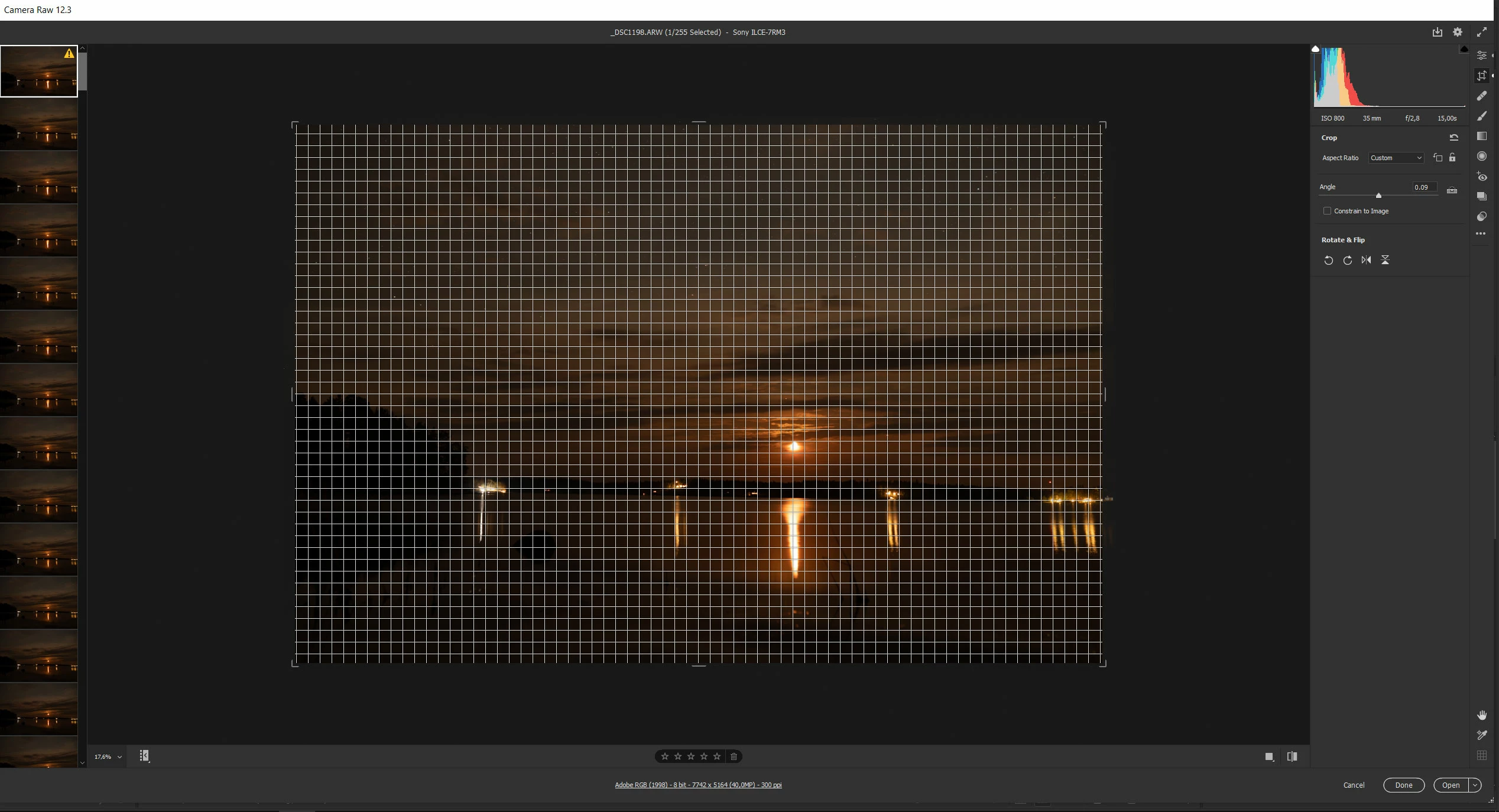
When selecting the crop tool in Camera Raw, a 3x3 grid appears. After I try to rotate the image, a new denser grid overlays the whole image.
Very counter-intuitively I can change the opacity and the grid size only when not in crop mode (in crop mode grid settings are grayed out). These settings applies to crop mode also, but I want to make this grid completely disappear. How can I do it?
 AdChoices