


- Home
- Captivate
- Discussions
- Re: Captivate scripting - change x & y position of...
- Re: Captivate scripting - change x & y position of...
Captivate scripting - change x & y position of object

Copy link to clipboard
Copied
Hi all,
I am asking this because I would like to know if this is technically possible in Captivate 9...
What I would like to do is to have a button with a script on it so that when you click it an object
on the screen (this could be an image or a flash SWF object etc) moves from one point of the
screen to another. For example, it could be in the top-left hand corner and when you click the button,
it moves to the bottom right hand corner.
I know you can make one object on one part of the screen invisible by hiding it and making an identical
object elsewhere visible by showing it to give the illusion that it has just "moved" but I am wondering if
a script is possible where I can just move the same object.
Thanks in advance.
Keith
Moderator: took out your personal email address, this is a public forum


 30
Replies
30
30
Replies
30


Copy link to clipboard
Copied
This is a script I used to incrementally move an object by 10 pixels right and down. If you change the number (10) it should work for you.
var obj = document.getElementById( 'Image_1c' );
var posX = parseInt( obj.style.left );
var posY = parseInt( obj.style.top );
obj.style.left = ( posX + 10 ) + 'px';
obj.style.top = ( posY + 10 ) + 'px';
Copy link to clipboard
Copied
Hi, Thank you for your reply.
How EXACTLY do you implement the above script in captivate?
Thanks
Copy link to clipboard
Copied
Choose Execute JavaScript as the action on your button. Put the script in the script window and make sure the dropdown selection is current. The items in bold are the name of the object you want to move and the numbers are where you want it to move relative to where it is. Whatever you object name is you may have to append a "c" to the instance name.
var obj = document.getElementById( 'Image_1c' );
var posX = parseInt( obj.style.left );
var posY = parseInt( obj.style.top );
obj.style.left = ( posX + 10 ) + 'px';
obj.style.top = ( posY + 10 ) + 'px';
Copy link to clipboard
Copied
Hi,
I have tried it but it doesn't seem to work
Thanks
Copy link to clipboard
Copied
Hi,
Have you got a working example?
Thanks
Copy link to clipboard
Copied
Not that I can share from my current work location.
What type of object are you trying to move?
What is it's name?
Can you post the code you are executing?
Copy link to clipboard
Copied
hI,
var obj = document.getElementById( 'Image_1c' );
var posX = parseInt( obj.style.left );
var posY = parseInt( obj.style.top );
obj.style.left = ( posX + 10 ) + 'px';
obj.style.top = ( posY + 10 ) + 'px';
Image_1c is a FLASH swf file but I have tried this with a bitmap image and changed the name of that to Image_1c.
Would it be possible for me to send you the Captivate file?
Thanks
Copy link to clipboard
Copied
This won't work for Flash output. You are going to need to use Lilybiri's solution or else have two of the swf files. Hide one then show the other in a different position.
Copy link to clipboard
Copied
So, I have to use an image file such as a PNG. correct?
Thanks
Copy link to clipboard
Copied
If you are publishing to HTML5 it can work. If you are publishing to swf it will not.
It doesn't matter what you are trying to move a swf, png, smartshape, you cannot get a reference to the element because it is inside of the swf, in HTML5 the elements are all accessible with code because they are in div or canvas elements.

Copy link to clipboard
Copied
How do you apply javascript to a text caption. Adding a c does not seem to animate it only the shape of the box animates leaving the text at its location

Copy link to clipboard
Copied
Hi, can we use Execute JavaScript in Shared Action? Or any solution for the case that I wanna make all of slides have this action.

Copy link to clipboard
Copied
It is possible within some limits to have Execute JavaScript in a shared action. However I doubt this will be suitable since you probably want to have the coordinates as parameters? Have a look at an example where I used Execute JS in a shared action for a game:
http://blog.lilybiri.com/game-using-javascript-in-a-shared-action
Copy link to clipboard
Copied
I want a square move in all of the slides and I use the code that mentioned here.
But the name of the ojbect (a square) changes each slide and I have to create many Advance Action and it takes time 😞
Do you have any idea to solve this problem?
The code that I used:
var obj = document.getElementById( 'Re-Image_1c' );
var posX = parseInt( obj.style.left );
var posY = parseInt( obj.style.top );
obj.style.left = ( posX + 10 ) + 'px';
obj.style.top = ( posY + 10 ) + 'px';


Copy link to clipboard
Copied
You may only need to have one instance of this object. Just set it timed for Rest of Project. Then it will appear on all slides from the one where it is first added and the Object Name will not change.
Copy link to clipboard
Copied
Thanks so much RodWard!
And do you have any idea if the same action for all slide but the objective will be change, for example: a square in slide 1, a triangle in slide 2,.....
Copy link to clipboard
Copied
I have not tried this myself so I cannot really answer.
You will just have to try it and see what happens.
Copy link to clipboard
Copied
Thanks for your reply, I'll try and find the way to solve it. Have a nice day!
Copy link to clipboard
Copied
Have you ever try to click a button (button 1) to auto play another button (button 2)?
Copy link to clipboard
Copied
I am not sure what you are asking here.
Are you talking about clicking a button to execute an action on another button? If so, why not just set up an Advanced Action? Then either button could execute the same action.
Copy link to clipboard
Copied
hi, I explain more about my question:
- Button 2 has Javascript
- I wanna click Button 1 include some actions and also show the action in Javascript (button 2)
If I set up a Advanced Action with Javascript for the Button 1, I can't make a Shared Action - that can be used for other slides.
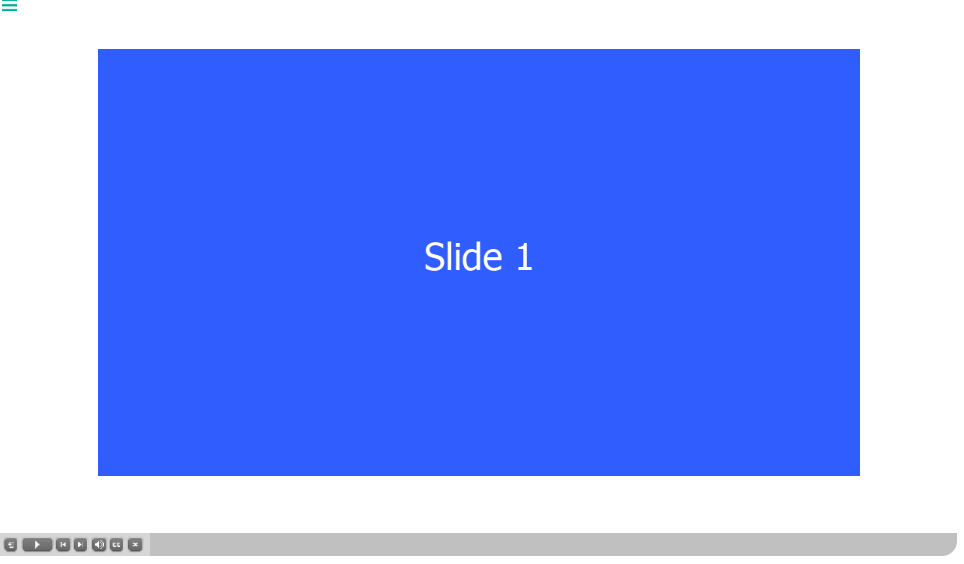
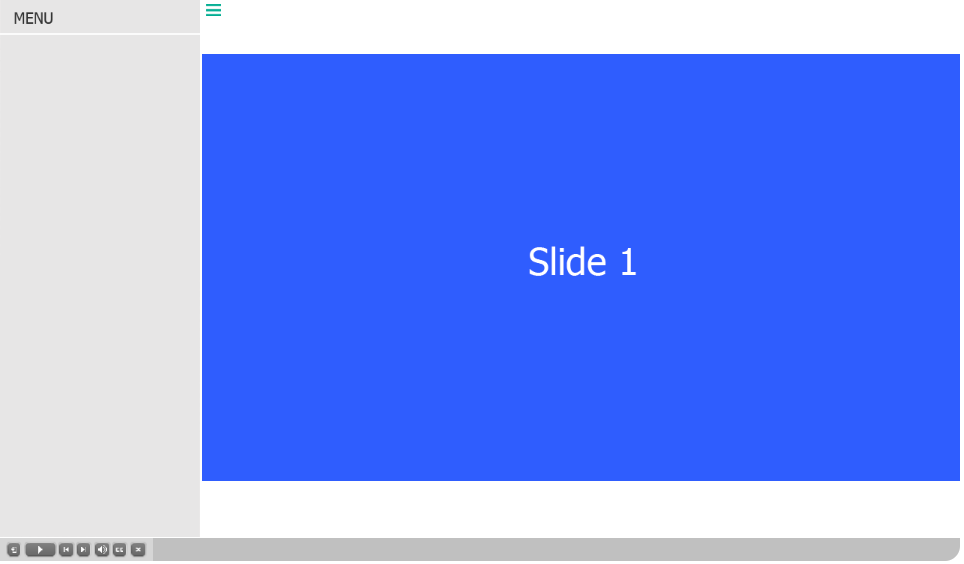
In my project, I am going to build a TOC by myselt, It can be open or close without overlap the content.
You can see my pics.
And each slide I have to set up the button Open and Close (Advanced Action) because it has Javascript. It takes time if the project has many slides. I try to find the way to make Shared Action.
If you have ever made the TOC like this, please show me the way.
Many thanks 🙂

Copy link to clipboard
Copied
I will weigh in on this a little.
If you plan to call the same or similar code many times in a project - it sounds like a good use of a function. Functions can allow you to write big, complex blocks of code one time and then execute them elsewhere with a single line of code.
You can click one button and have some JavaScript fire another button with other code on it by doing the following.
So you have button1, that when clicked, will fire off button2 at the same time. This would be the code to include somewhere on button1.
document.getElementById("button2").click();
Hope that helps.
Copy link to clipboard
Copied
Thank you for your response, Stagprime, I'll try. Have a nice day!
Copy link to clipboard
Copied
You can trigger any effect, also a motion effect using either directly with that button, or with an advanced action. If you don't need to do anything else with that button, the first approach will do what you want. At least: if you know the exact location where the object has to end. Motion path can be edited on the stage.

-
- 1
- 2

Get ready! An upgraded Adobe Community experience is coming in January.
Learn more
 AdChoices