PDF does support transparency but as a layered file format support using Illustrator and Indesign overprint, but clear areas without pixels as PNG supports which have no color
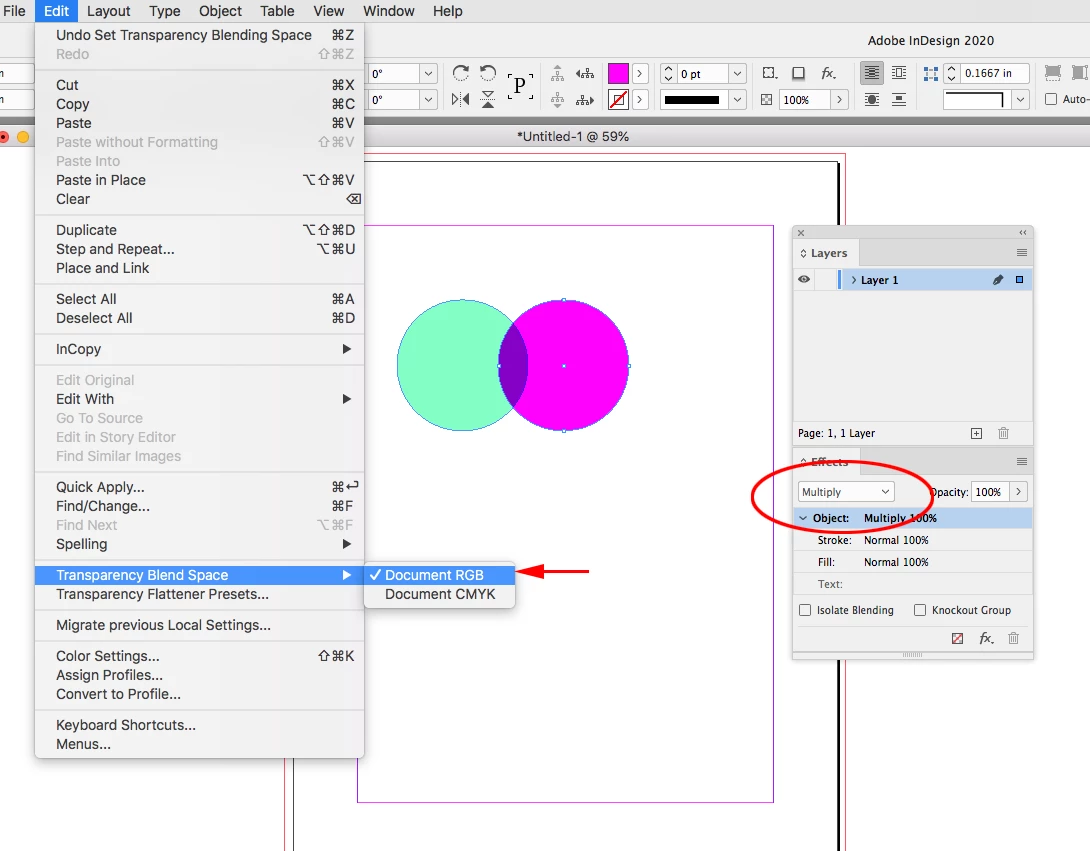
InDesign, also has a Transparency Blend Space, which can be included with a PDF Export, but it doesn’t have anything to do with layers or overprinting. ID allows different color spaces on the same spread—RGB, Lab, or CMYK—so there has to be a common color space for cases where transparent objects with different color spaces get flattened at output or export.
Here are two out-of-gamut RGB page items on a page with no transparent objects and a single layer.
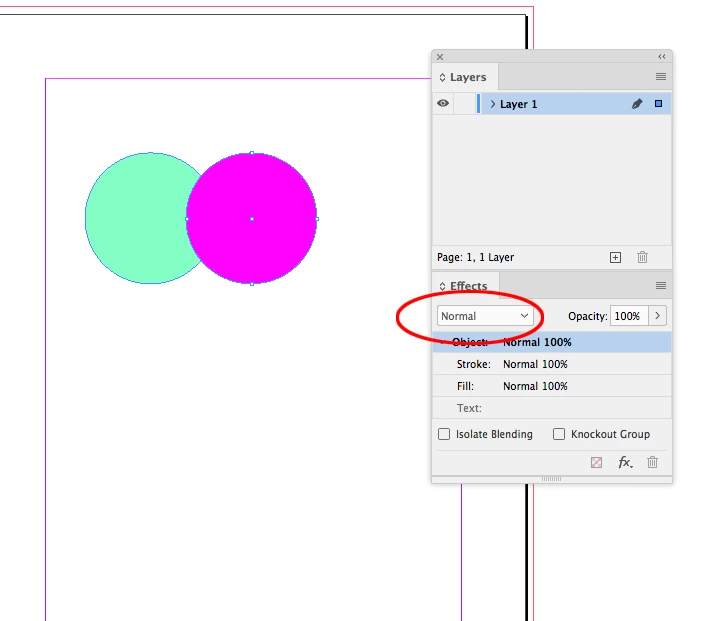
My blend space is set to CMYK, so adding any transparent object will proof the entire spread (including RGB objects that have no transparency applied) in the document CMYK profile’s gamut.
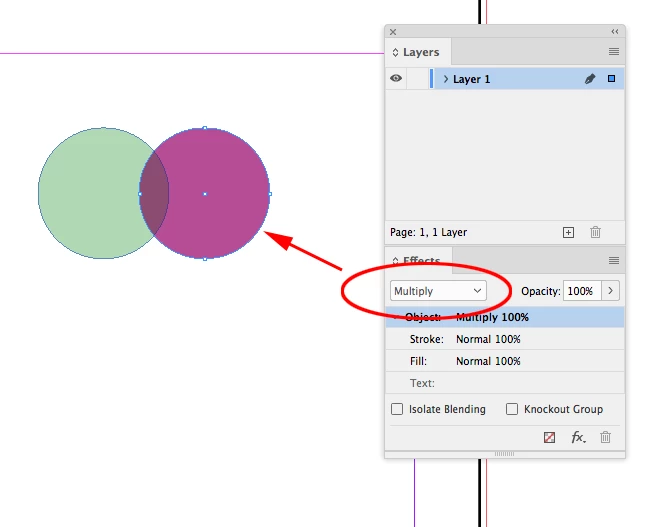
If I set my blend space to RGB the objects preview as RGB:
Illustrator has a document color space, so the blend space is the document’s Color Mode


 AdChoices