
Answered
2017.5 how to disable pop up
Does anyone know how to disable these pop-ups? They are driving me mad and are even more frequent in the latest .5 update.
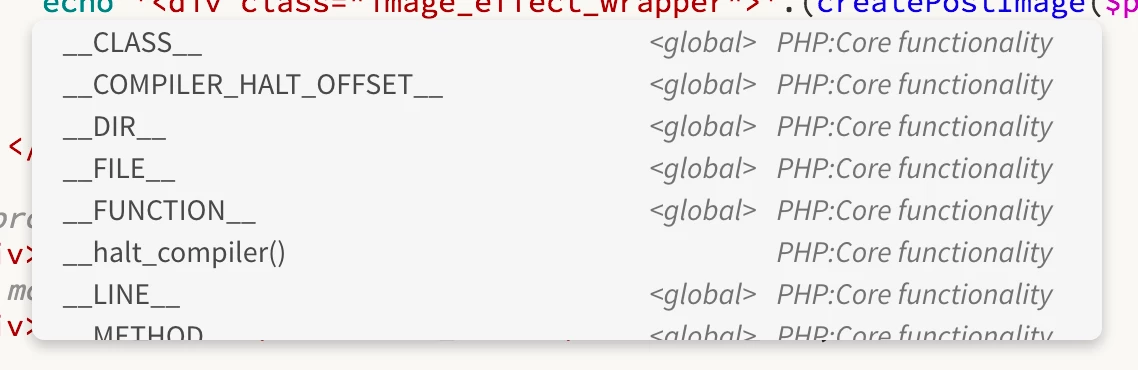

Does anyone know how to disable these pop-ups? They are driving me mad and are even more frequent in the latest .5 update.
It does appear to be disabling the auto close brackets feature, thankfully.
We have logged a bug internally for PHP code hints not getting disabled even after changing preferences.
Sorry for inconvenience caused. You can still disable HTML\CSS code hints by deselecting "Enable Code hints" in Preferences dialog > code hints category.
Issue with PHP code hints is only seen in DW 17.5, it works fine in DW 17.1 release. If its too annoying, then downgrade is the option for you where disabling code hints will work as expected. Below thread has downgrading details
Already have an account? Login
Enter your E-mail address. We'll send you an e-mail with instructions to reset your password.
 AdChoices