Display, res and DPI are the same. Only using the one display.
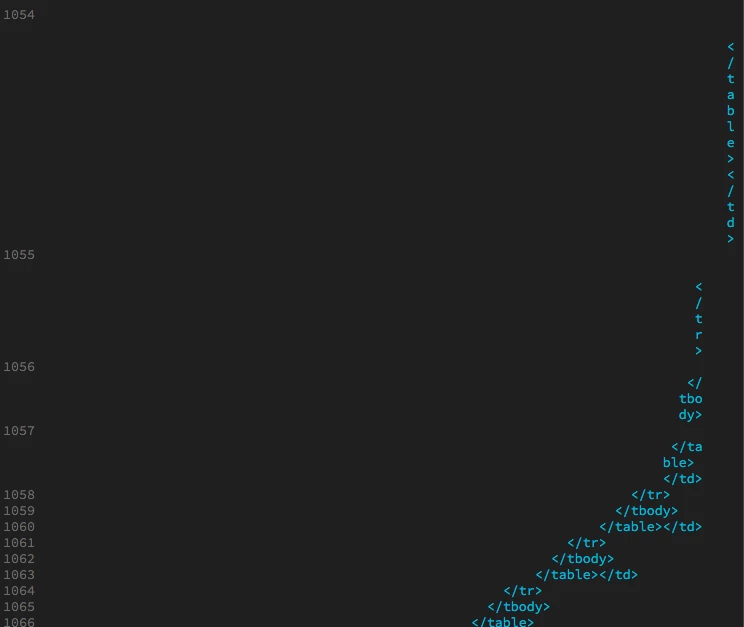
Because you're using DW's Word Wrap, and the code appears to be excessively indented, along with a vertically oriented Code View window, this is what you will see. With all that indentation and a vertical Code View window, DW just doesn't have enough room to display the code correctly.
With Word Wrap turned off, you'll need to use the horizontal scroll bar to see a more "normal" code structure.
In the Common toolbar (the vertical one), add the Word Wrap option by clicking the 3 dot icon at the bottom of the bar. In the dialogue that comes up, click Word Wrap. That will add the icon to the toolbar, but won't activate/deactivate it, so you'll need to click the newly added icon to disable it.
The only other option would be to clear out some of the indentation or switch to an over/under Split.

 AdChoices