I'm using Dreamweaver 2018 and in the insert panel I can not find the "Application" tab.
(Old Adobe Dreamweaver CC image)
Where can I find this tab in Dreamweaver 2018?
Thank you!
This topic has been closed for replies.
Correct answer Nancy OShea
Do you know why they take it?
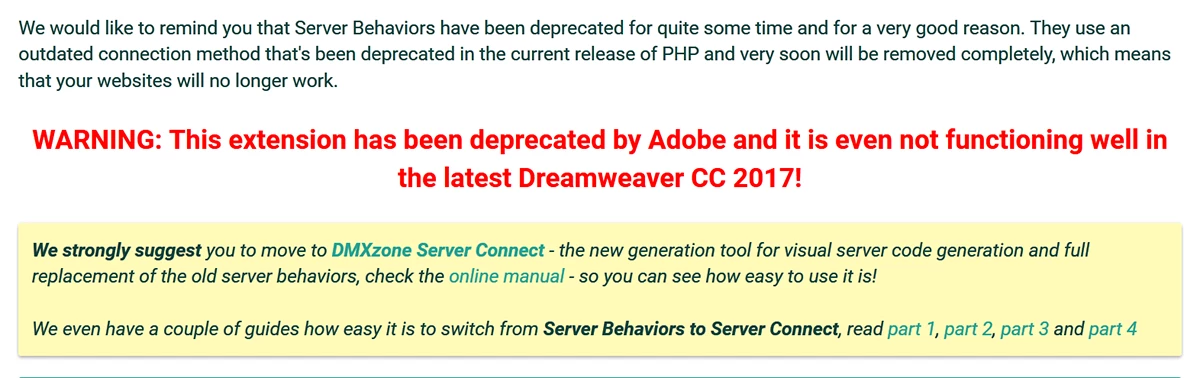
That feature is deprecated. The code it produces is outdated. It's not secure. It won't work with PHP 7 servers. You should not use it for current or future projects. See the warning statement below.
If you want to create database sites without manual coding in DW CC, use a commercial extension from DMX Zone. See link below.
Your image is from a very old version of Creative Suite not Creative Cloud. You won't find Applications in the current DW CC. You would need to revert to Creative Suite 6 (12.0) from your CC Desktop App.



 AdChoices