Known Participant
December 3, 2018
Answered

Dreamweaver highlighting when I insert cursor

  • December 3, 2018
  • 1 reply
  • 1454 views

When I'm editing in code view and I want to add something, I click my mouse where I want to add something. At this point nothing should be highlighted since I haven't dragged over anything but Dreamweaver highlights the whole line or more. It's really distracting.  I only want things highlighted when I drag my curson over something, not when I insert the cursor into an empty spot to add something.  Is there some easy way to stop this? I'm using CC 2019 but I've had the same problem with earlier versions.

Thanks,

Liz
    This topic has been closed for replies.
    Correct answer BenPleysier

    Changing the color of the highlight is nice but it's not what I asked for help with. I do not want it to highlight entire tags when I inset my cursor to change text within a tag.  I do want a highlight color when I'm dragging within a tag or outside of a tag but I only want exactly what I've dragged over to be highlighted.  That was and still is my original question.


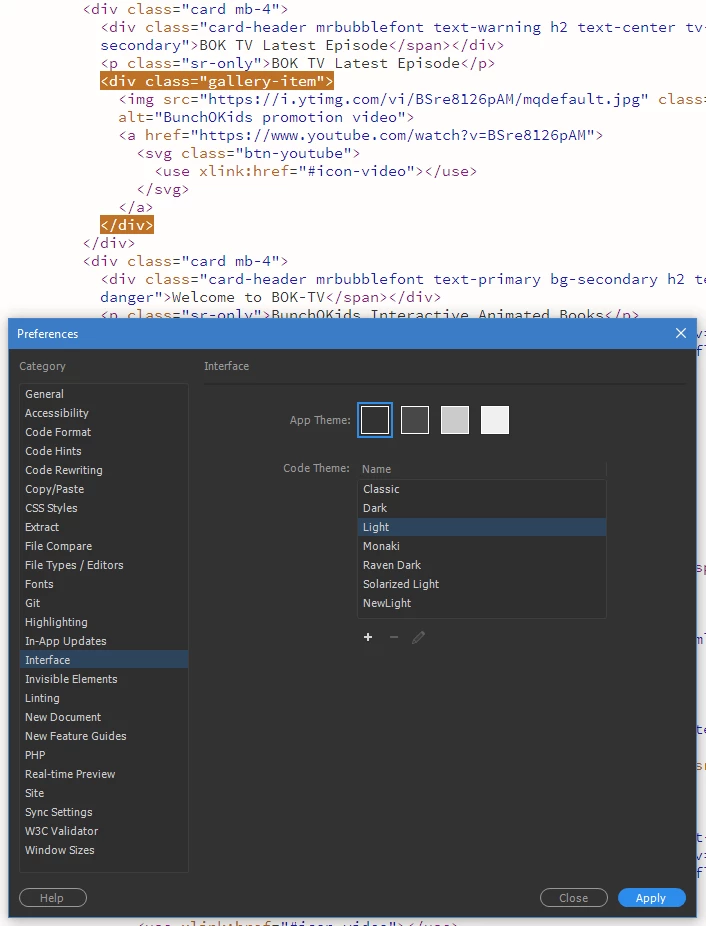
    I did not realise that each theme had a different document and line numbering. The important thing is to change the colouring of the '.CodeMirror-matchingbracket, .CodeMirror-matchingtag' identifyer. For the Light theme, this is line #334.

    The result before:

    The result after:

    The code:

    1 reply

    BenPleysier
    Community Expert
    Community Expert
    December 3, 2018

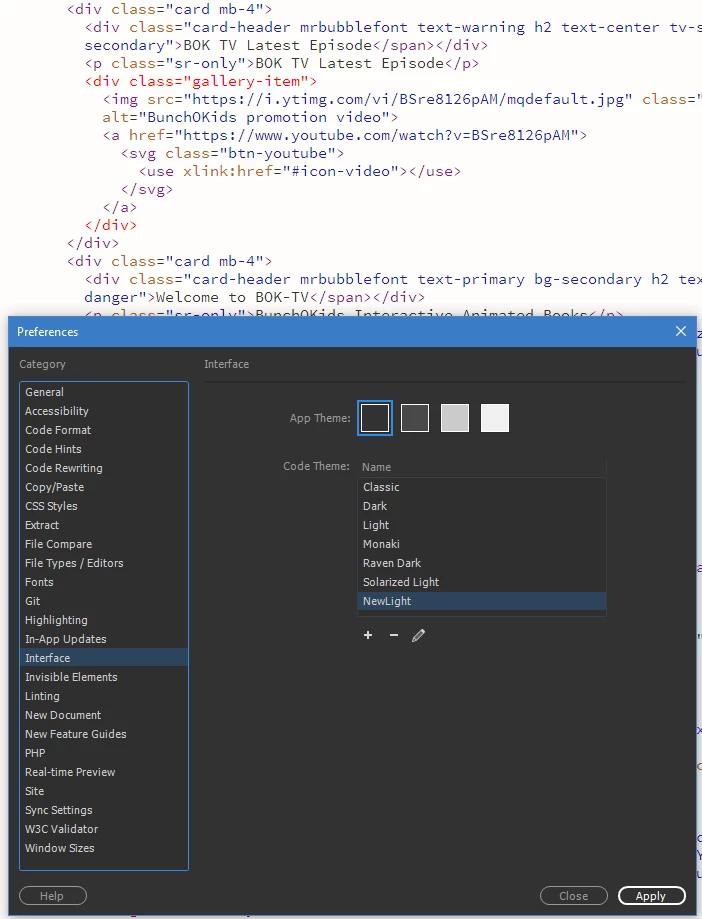
    Follow the this procedure, calling the newly created Theme, Custom or similar.

    main.less will open in Dreamweaver. Goto line #249 and change that accordingly as per

    Wappler is the DMXzone-made Dreamweaver replacement and includes the best of their powerful extensions, as well as much more!
    elhzAuthor
    Known Participant
    December 3, 2018

    I made a new theme and changed 249 to background-color: transparent;

    It didn't help. I get the exact same results.

    Nancy OShea
    Community Expert
    Community Expert
    December 3, 2018

    I clicked apply when I made the changes. I had already closed the document.  When I opened it again I saw the same problem. I created a new document and had the same problem.  I don't know how to make the theme apply to specific documents.  I assumed that switching to my new theme in preferences it would apply to all documents. 

    By the way, the problem happens when I click inside any type of tag such as

    <div class="content-center">

    <li><a href="/yosemite.shtml">YOSEMITE</a></li>

    or a JavaScript tag, or link tag, etc.  It does not happen in the middle of text that is not within tags. Sorry, should have specified that but since I was only trying to change things within tags I didn't notice.

    Liz


    To be honest, I don't even notice the highlighting anymore.   My theme has a dark highlight instead of transparent background.  If it still won't take, try adding !important to your rule.  Hit Ctrl+S to save your main.less file.  Close file.  Apply new theme.

    Nancy O'Shea— Product User & Community Expert