
How do i make a background image in a div with a h1 on top?
IV'E WORKED OUT HOW TO DO IT! IN CASE YOU'RE CURIOUS, MAKE THE H1 ELEMENT: POSITION: RELATIVE, THEN ADJUST IT TO THE POSITION YOU WANT BY USING TOP, LEFT, RIGHT, BOTTOM. IT WILL NATURALLY GO OVER THE BACKGROUND IMAGE, SO JUST PLACE IT WHEREVER YOU WANT. GOOD LUCK!
Before i start, please make your answer simple. I'm still fairly new to this and i struggle to understand things when they aren't super straight forward. Also the more visual the example, the better! Okay, so here's my problem.
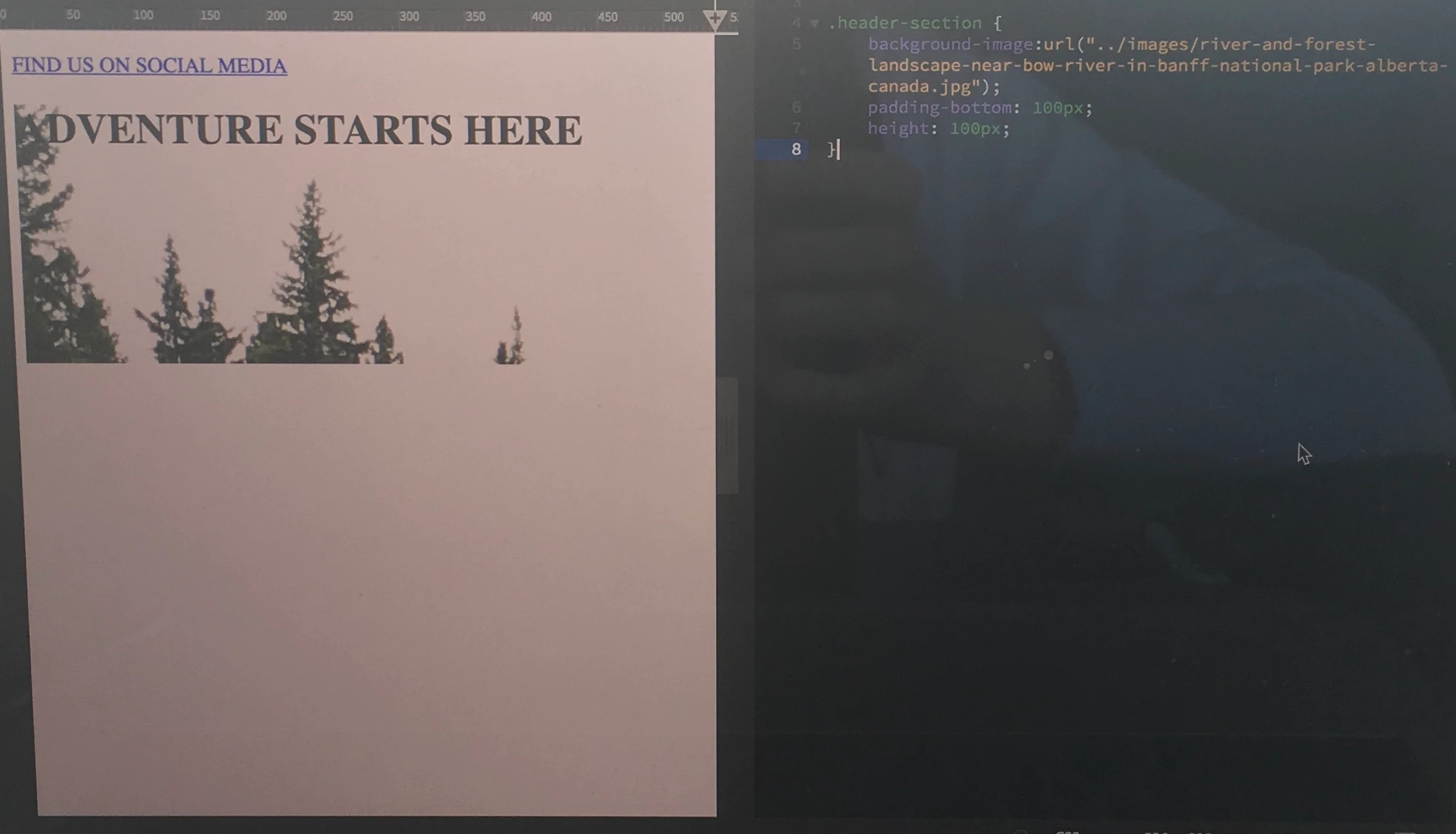
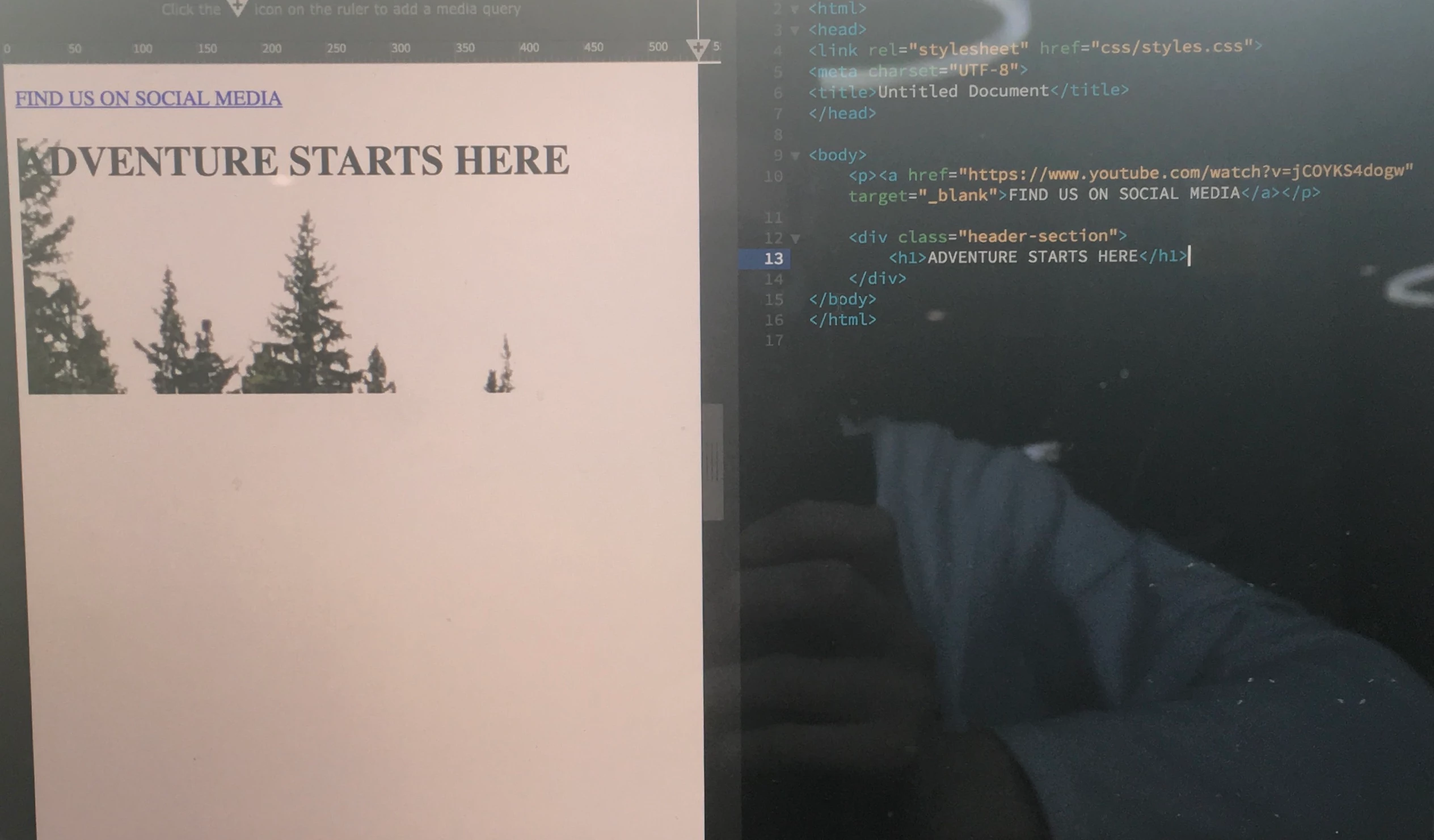
I'm going to insert a drawing iv'e made of what i want to achieve. I made a div with the background-image inside AND the h1, but when i adjusted the padding, it only affected the h1. Because this happened, i thought maybe the background-image would have to be in a seperate div from everything else entirally? So i can edit all of it's sizes and dimentions?? Again, please keep your answers simple and straight forward. I really struggle to understand explanations when they use terms i don't understand. I'm not saying this to moan, i just find it really hard!!! Iv'e tried to understand div's and parent containers etc but it's all quite confusing, maybe someone could give me a real basic definition? Is a div naturally a parent container? And then the body is the parent container of the div????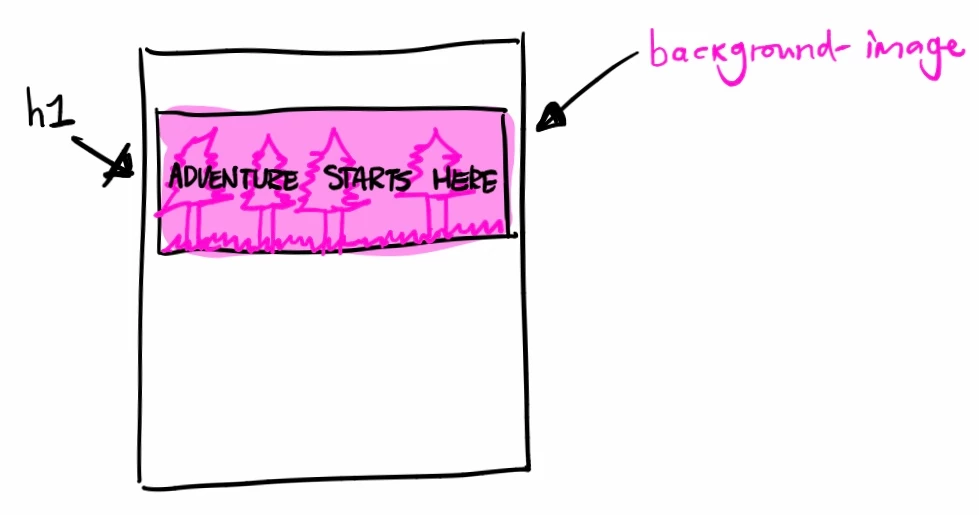
 AdChoices