Exit
  • Global community
    • Language:
      • Deutsch
      • English
      • Español
      • Français
      • Português
  • 日本語コミュニティ
  • 한국 커뮤니티
0

I do not know where is image to change

New Here ,
Mar 25, 2017 Mar 25, 2017

Here is what I want to do: I download a template for debuted. I managed to change everything except the 3 icons as you see here. If you want, you can just tell me where the place is to change the icons. Here is a link in which I give you the elements of my site and the images I want to change.Tanks You.                         https://goo.gl/JVx2XT
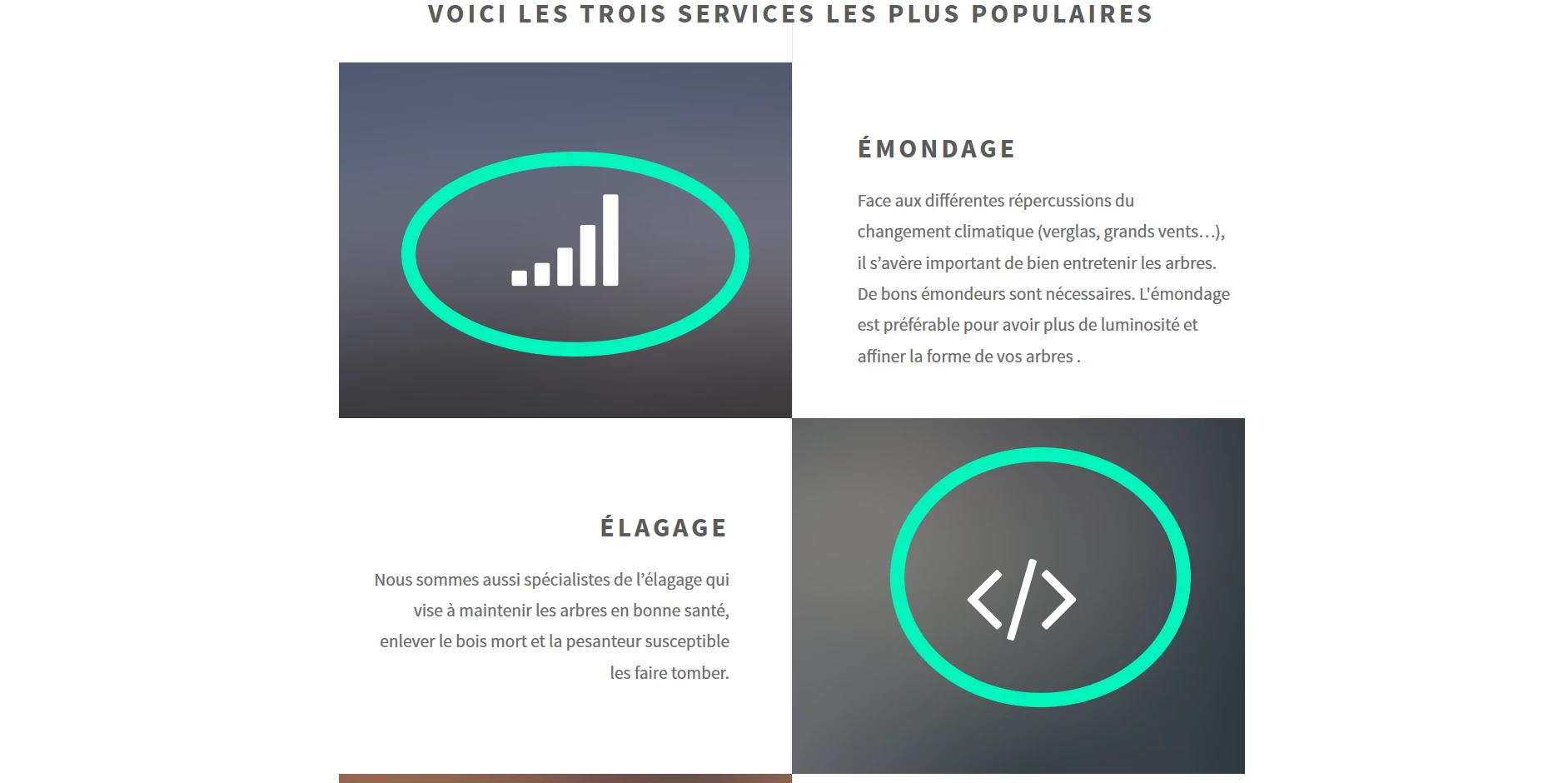
Capture.PNGex:abattage.png

531
Translate
Report
Community guidelines
Be kind and respectful, give credit to the original source of content, and search for duplicates before posting. Learn more
community guidelines

correct answers 1 Correct answer

Community Expert , Mar 26, 2017 Mar 26, 2017

fa-signal is a font awesome icon.  See link below for details on Font Awesome Icons.

Font Awesome Cheatsheet

images/pic01.jpg is an ordinary image.

Translate
LEGEND ,
Mar 25, 2017 Mar 25, 2017

Hi there

I know you posted your question in a forum named "WebHelp" and you likely think this forum is for anything related to the web. Unfortunately that isn't the case. This forum is for seeking help with a specific output produced by an Adobe application known as RoboHelp.

What Adobe product are you using? DreamWeaver? Something else? If you can tell us, we will be happy to move your thread to a location where you can be best helped.

Cheers... Rick

Translate
Report
Community guidelines
Be kind and respectful, give credit to the original source of content, and search for duplicates before posting. Learn more
community guidelines
New Here ,
Mar 25, 2017 Mar 25, 2017

DreamWeaver

Translate
Report
Community guidelines
Be kind and respectful, give credit to the original source of content, and search for duplicates before posting. Learn more
community guidelines
LEGEND ,
Mar 25, 2017 Mar 25, 2017

Thread moved here from RoboHelp > WebHelp forum subspace.

Translate
Report
Community guidelines
Be kind and respectful, give credit to the original source of content, and search for duplicates before posting. Learn more
community guidelines
Community Expert ,
Mar 25, 2017 Mar 25, 2017

Assuming you have defined your local site folder and your site's assets are stored in your site folder.

CC-localsite.jpg

Open your HTML file in Code View. 

  1. Hit Ctrl+F to Find
  2. Find:  <img
  3. Find in: Current document
  4. In your Properties Panel (Ctrl+F3) change the image SRC.  See Screenshot.

Nancy

Nancy O'Shea— Product User, Community Expert & Moderator
Translate
Report
Community guidelines
Be kind and respectful, give credit to the original source of content, and search for duplicates before posting. Learn more
community guidelines
New Here ,
Mar 25, 2017 Mar 25, 2017

Thank you for this answer but it is not the background that I want to change but the icon aboveCapture2.PNG

Capture.PNG

Translate
Report
Community guidelines
Be kind and respectful, give credit to the original source of content, and search for duplicates before posting. Learn more
community guidelines
Community Expert ,
Mar 26, 2017 Mar 26, 2017

fa-signal is a font awesome icon.  See link below for details on Font Awesome Icons.

Font Awesome Cheatsheet

images/pic01.jpg is an ordinary image.

Nancy O'Shea— Product User, Community Expert & Moderator
Translate
Report
Community guidelines
Be kind and respectful, give credit to the original source of content, and search for duplicates before posting. Learn more
community guidelines
LEGEND ,
Mar 27, 2017 Mar 27, 2017
LATEST

Hi Nancy,

my compliments to you: always the latest state! And naturally I couldn't resist to try it for myself and others, which I invite to use the source code at MY fontsAwesome testpage.

Hans-Günter

Translate
Report
Community guidelines
Be kind and respectful, give credit to the original source of content, and search for duplicates before posting. Learn more
community guidelines