Known Participant
September 16, 2017
Answered

Local server problem - PC - XAMPP - DW CC

  • September 16, 2017
  • 2 replies
  • 2006 views

Dreamweaver CC. Windows 10

Using a David Powers tutorial in Lynda and his exercise files all is well. I load a file and Split view and Live shows the web site being designed and the Code as expected.

I then tried to setup with a local server fro a dynamic site. Site - Manage sites
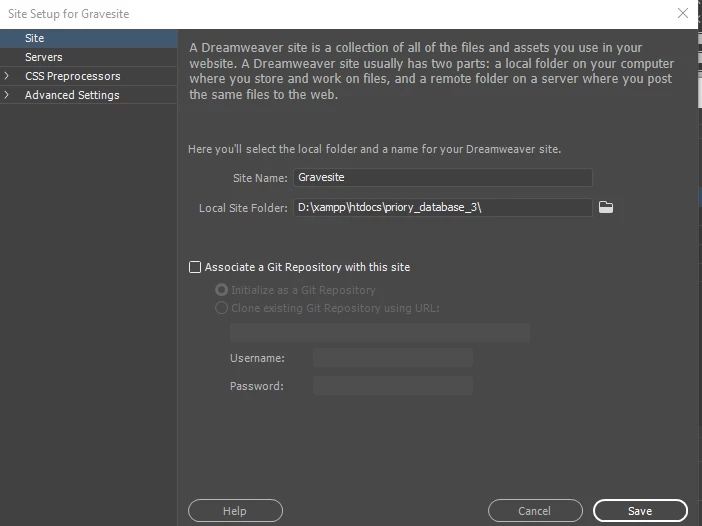
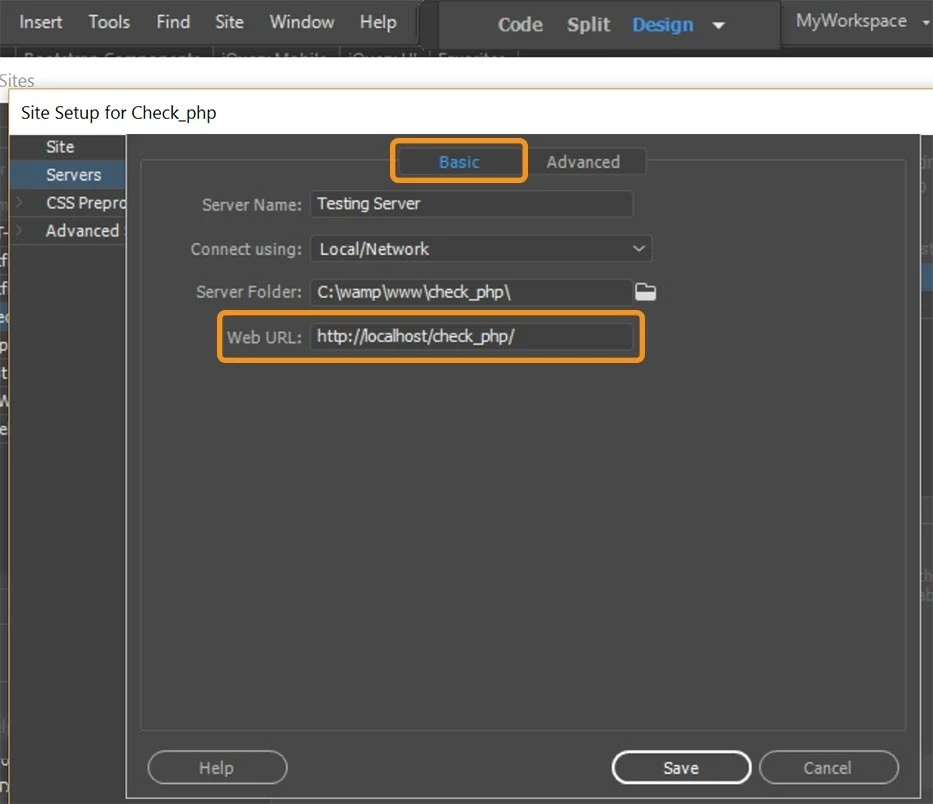
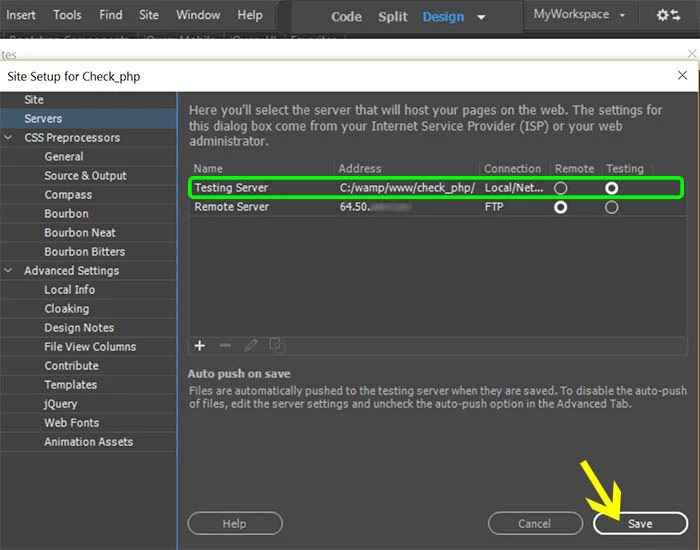
Server setup - Testing Server button selected then
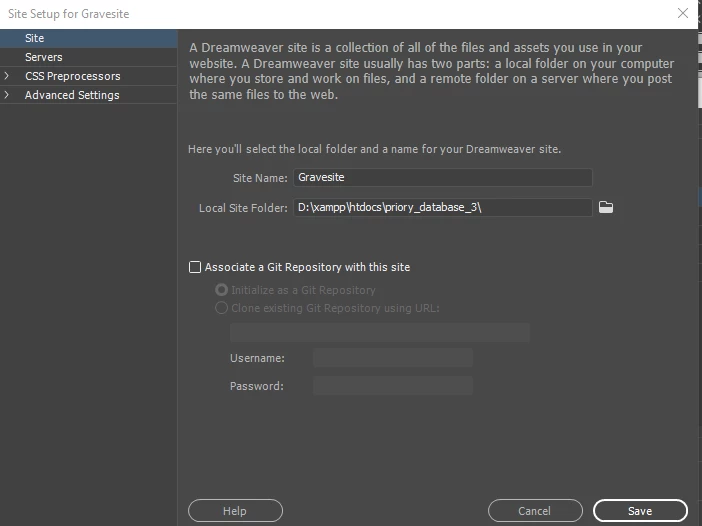
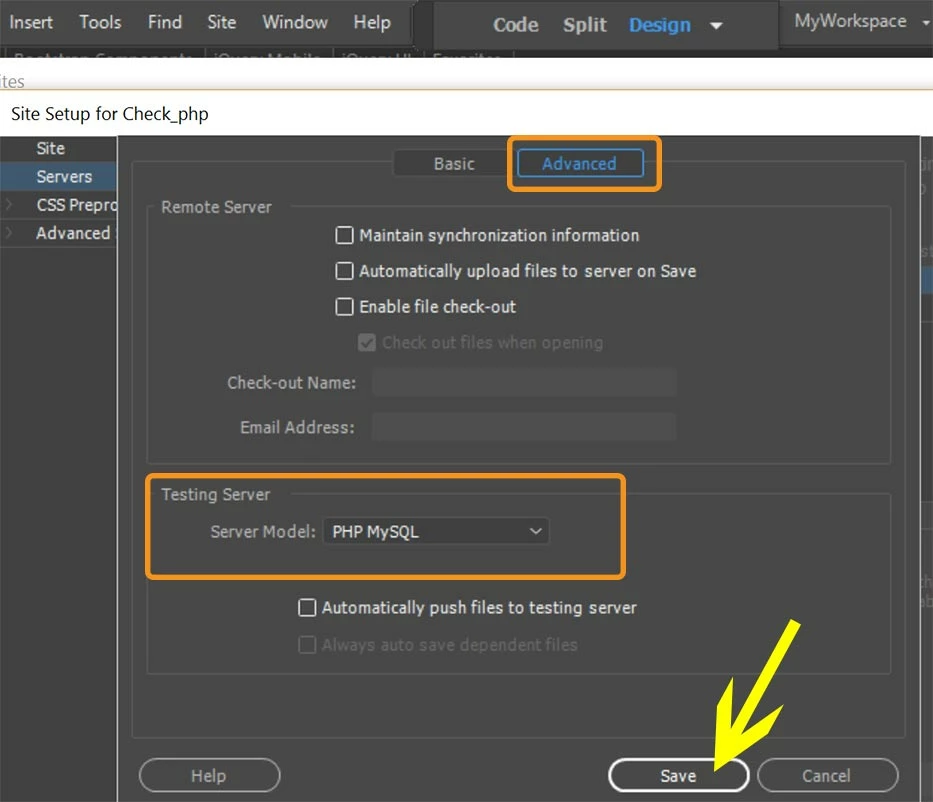
Finally  in the Advanced box I have ticked Maintain synch and Model PHP MySQL selected. Auto Push ticked.

The site appears as exced in my Filepe box but when I load a file to edit I can see the page in Design view and the Code below, but i I switch to Live view, the page disappears and I just see a white box.

Clicking on Real time preview results in the error message

This site can’t be reached

localhost refused to connect.

Try:

ERR_CONNECTION_REFUSED

What have I done wrong!
This topic has been closed for replies.
Correct answer Nancy OShea

Are  XAMPP and all PHP and Apache processes running? 

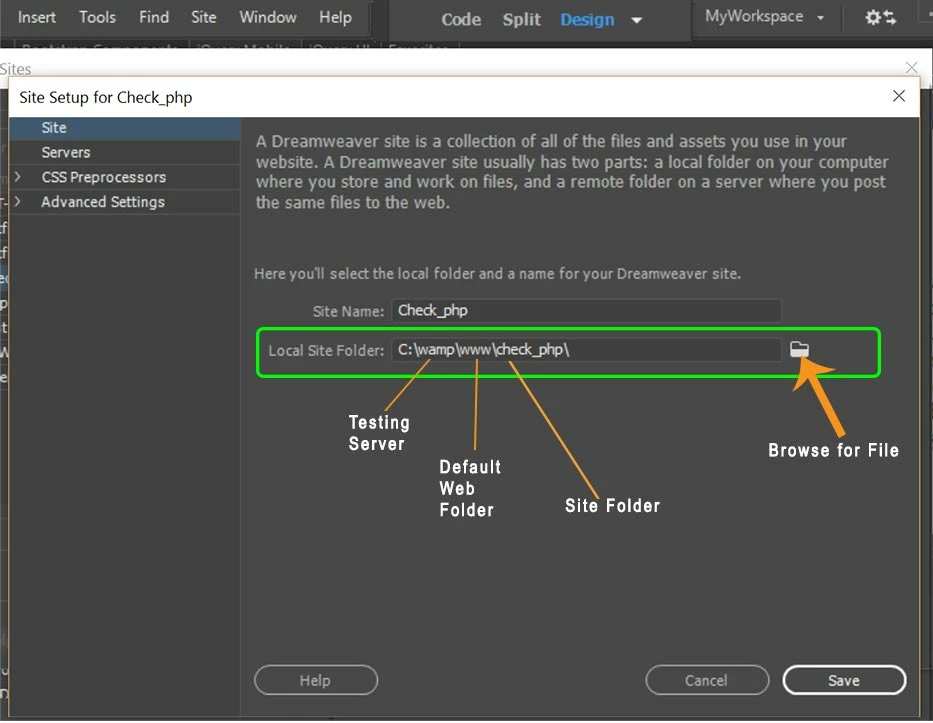
My local site folder is in my testing server's default web directory.  That way, when I save files they're automatically saved to the testing server.  It's one less step and fewer duplicate files/folder on my computer.

2 replies

BegadocAuthor
Known Participant
September 17, 2017

I feel a fool. Only excuse is anno domini!

I thought Xampp was running because it had been setup originally to start up the various required modules automatically when I ran it. So I din't look to see if they were when I started XAMPP. For some reason the auto start was no longer set.

When I double checked this time after your reminder at the start of this I noticed none of the modules were not running, started them manually and guess what!!

Thank you Nancy for your usual prompt and helpful responses.

BegadocAuthor
Known Participant
September 16, 2017

Sorry - Wrong screen view posted

Nancy OShea
Community Expert
Nancy OSheaCommunity ExpertCorrect answer
Community Expert
September 16, 2017

Are  XAMPP and all PHP and Apache processes running? 

My local site folder is in my testing server's default web directory.  That way, when I save files they're automatically saved to the testing server.  It's one less step and fewer duplicate files/folder on my computer.

Nancy O'Shea— Product User & Community Expert