


Lost fifteen years of snippets on Dreamweaver reinstallation - how f'd am I?
This morning, I tried to open Dreamweaver. It wouldn't open. When I went to the application icon, it had turned itself into a folder. Weird.
I went to the Creative Cloud app, looked up Apps, found Dreamweaver, hit Install. Went and got a coffee. Came back, truned on Dreamweaver. Turned on just fine, but I noticed my snippets panel was set back to the default.
I have fifteen years of snippets in Dreamwever. I've had them synced with Creative Cloud so that I don't have to worry about them being lost if my machine crashes or gets wet or stolen. But they are not pulling down from Creative Cloud. Why not?
I can't find any option to toggle to tell Dreamweaver to pull down the snippets from Creative Cloud.
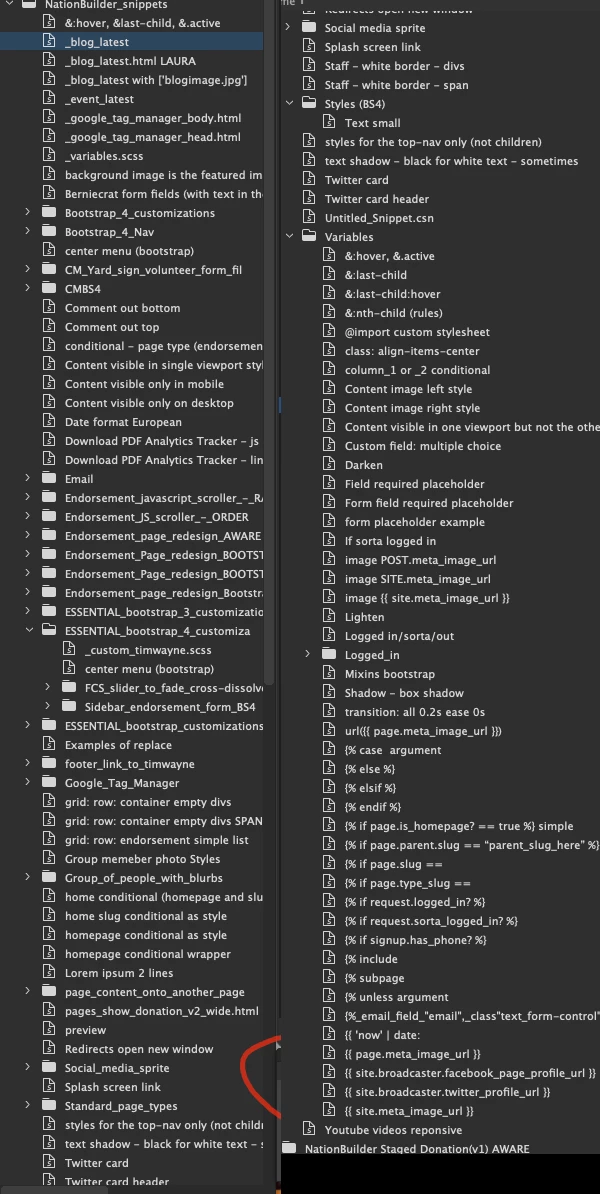
Here's a Dreamweaver screenshot I took a couple years ago for something else which happened to capture the snippets. Most of the folders are unexpanded but you can get a sense of the universe of snippets I use:
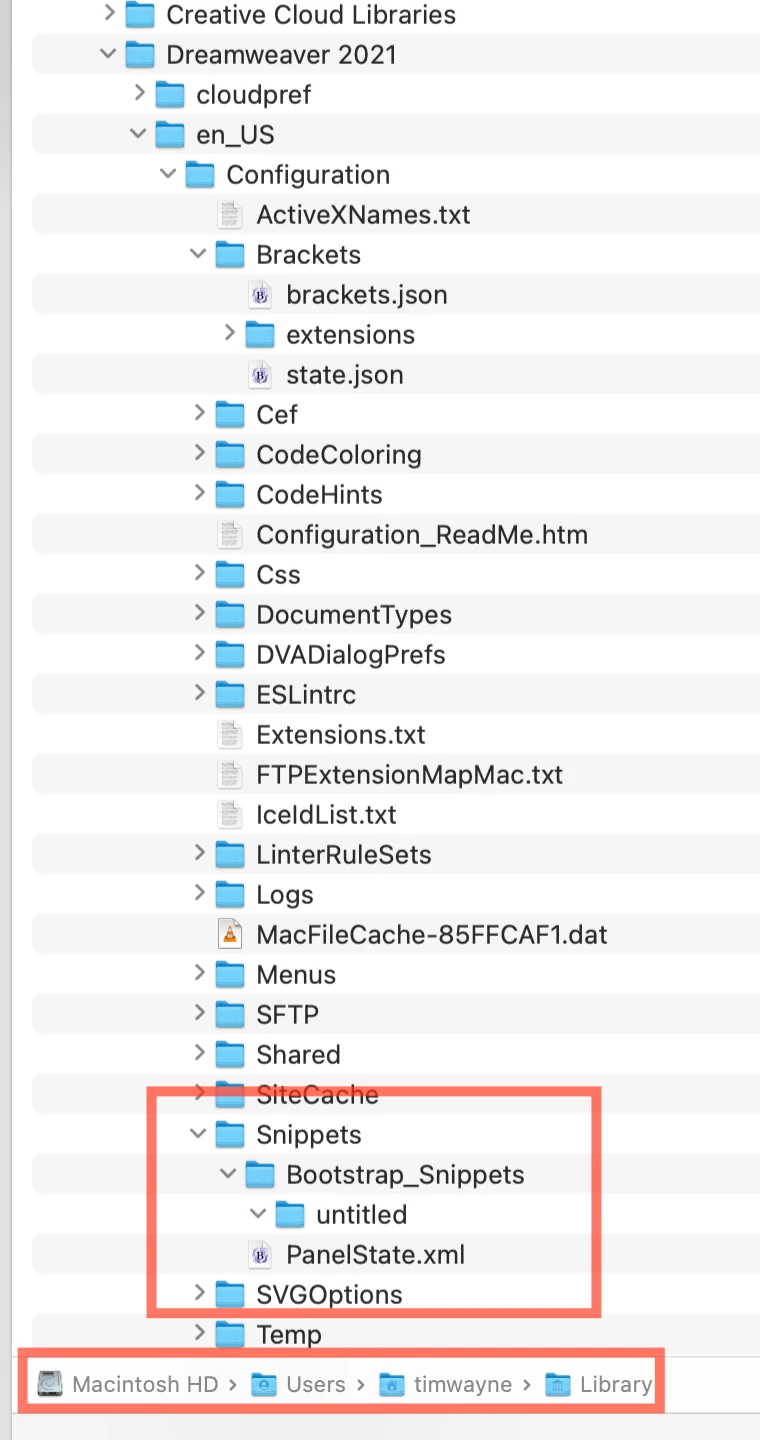
Just to be clear, these were cloud-based, not local computer based. The snippets are not in the library:
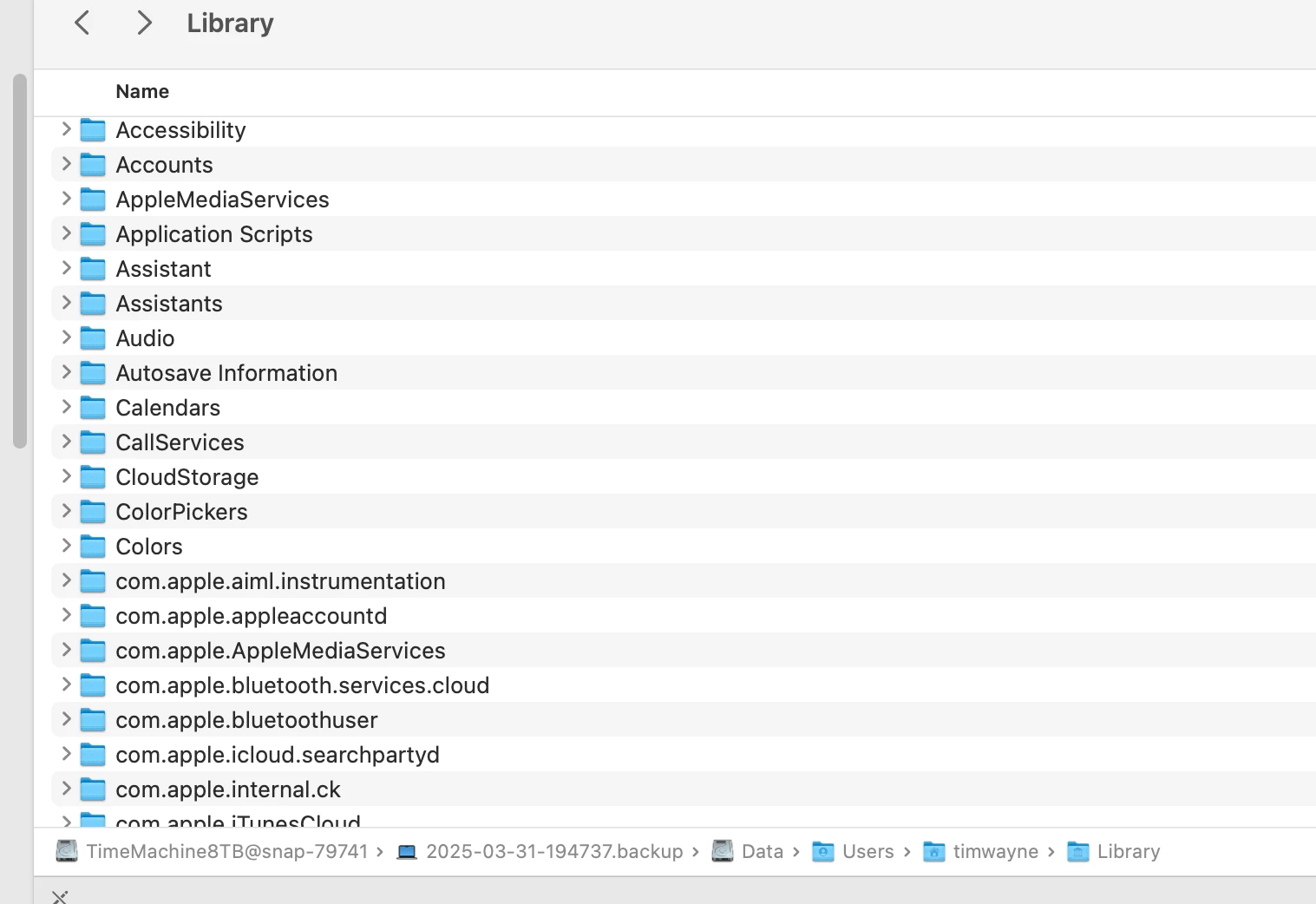
And also, there's nothing in the library from my Time Machine backup of two months ago. There's not even an Application Support folder:
The Adobe Tech Support staffer was completely baffled. He kept opening up the same folder and doing the same thing over and over.
 AdChoices