
Really stuck in a bind! Read further please..
Hello all,
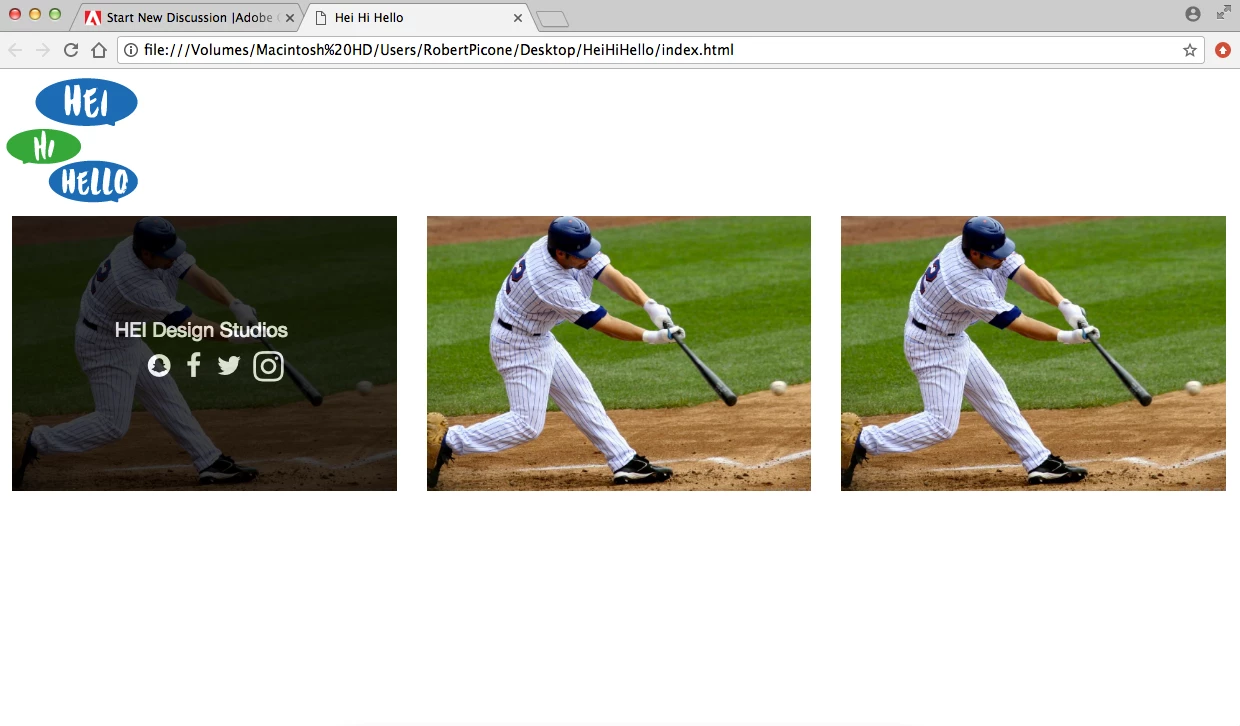
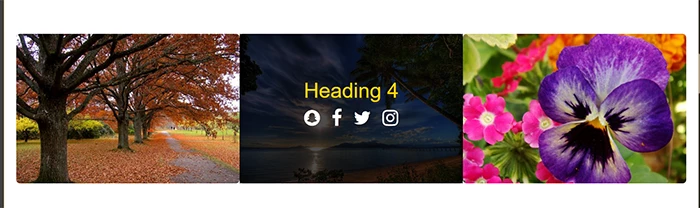
So followed a tutorial to create a hover effect over an image to show information and social medias that are hyperlinked to their respective pages. It is working perfectly fine, but in the code to create the hover it had me put the image and overlay hover effect inside a container. I don't want t have the look of a container and want it to spread the full width of the page and have no space in between the images so this is where i am stuck! If i change the container class to container fluid it messes with the main container-fluid class i have wrapped around everything, and also makes the images full screen when i want to keep them in their respective columns that i have coded. VIEW TUTORIAL FOLLOWED HERE: Tryit Editor v3.4
Here are some screenshots and some HTML and CSS! Any help is appreciated.
<body class="wrapper">
<div class="container-fluid">
<header>
<img src="images/HEI-HI-HELLO-Logo-small.png" class="img-responsive" alt="Placeholder image">
</header>
<div class="row-fluid">
<div class="col-xs-12 col-sm-6 col-md-6 col-lg-4">
<div class="container">
<img src="images/Screen Shot 2017-05-04 at 2.45.18 PM.png" alt="Avatar" class="image img-responsive imagefill">
<div class="overlay">
<div class="text">HEI Design Studios <br>
<i class="fa fa-snapchat fa-lg" style="color:white;"></i>
<a href="https://www.facebook.com/heidesignstudios/">
<i class="fa fa-facebook fa-lg" style="color:white;"></i></a>
<i class="fa fa-twitter fa-lg">
<i class="fa fa-instagram fa-lg"></i></i></div>
</div>
</div>
</div>
.container {
position: relative;
margin: 0px;
padding: 0px;
width: 100%;
}
.image {
display: block;
width: 100%;
height: auto;
}
.overlay {
position: absolute;
top: 0;
bottom: 0;
left: 0;
right: 0;
height: 100%;
width: 100%;
opacity: 0;
transition: .5s ease;
background-color: #000000;
}
.container:hover .overlay {
opacity: .75;
}
 AdChoices