
ashleighs112417
Known Participant
October 2, 2017
Answered

Why is my link broken??

  • October 2, 2017
  • 2 replies
  • 866 views

I have to make links to pictures "absolute" links for constant contact.
However, if you look down at the bottom of the page to the left, the little page is broken, however, the actual link i have is correct. Thats the link to the folder that every other picture on this email is in, so im confused on why the link is broken for just this specific picture?
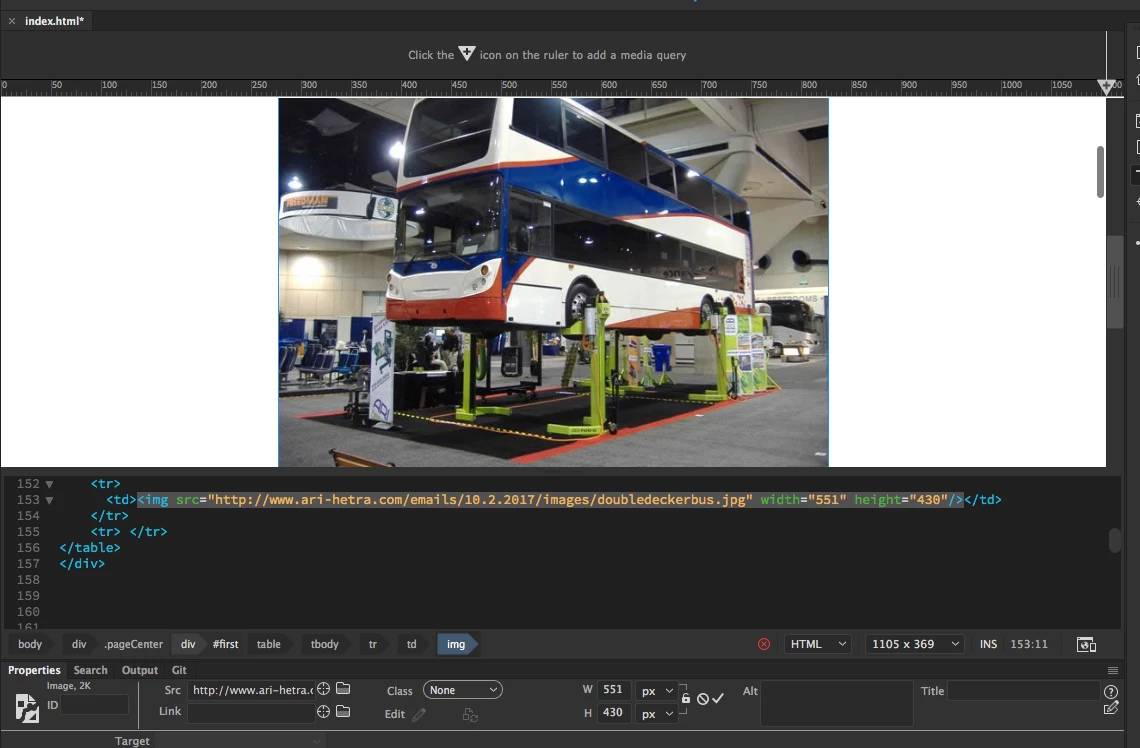
This topic has been closed for replies.
Correct answer Jon Fritz

I will double check to see if it is cmyk or rgb, i have not done that yet.
However, the first screen shot in my question has the image with a name with no spaces or hypens or anything like that. I just keep deleting and resaving it. but i will check the color mode !!! Havent thought of that yet.


The latest version, with the link from your screenshot, opens fine for me in W7 browsers.

2 replies

Jon Fritz
Community Expert
Community Expert
October 2, 2017

While Nancy makes a good point, and you should always try to work with valid code, I'm pretty sure DWCC2017 just "does that" with externally referenced files (shows the broken image icon in the Properties window). At least, it does on all of the files I've tested (CC 2017.5 under Windows 7).

As long as the image is showing in Live View, or more importantly, in a browser, the link is fine. I don't think the latest incarnation of DW knows how to handle the image thumbnail that normally appears there when you use local files.

ashleighs112417
Known Participant
October 2, 2017

The thing is, when i put the html into constant contact to send out as an email, the photos that do not have a preview of them in the properties section are the ones that come up as missing in the preview of the email.

Jon Fritz
Community Expert
Community Expert
October 2, 2017

And you're 100% sure you've uploaded the images to that folder (exact names, down to the case structure too)?

For what it's worth, the link from your screenshot gives me 404 File not found when I enter it in my browser.

EDIT: To build on the above...

When I go to the "images" folder shown in your link code, with a lower case i, I get 404 File not found, which is what I would expect if the folder didn't exist.

When I use an upper case i "Images", I get the "403 Forbidden" error I would expect if directory browsing were turned off on your server.

Nancy OShea
Community Expert
Community Expert
October 2, 2017

Your document contains code errors denoted by the red X in a circle.  Open your Output panel (Shift+F6) for details on what those might be.  Or, run your document through code validation.

Nancy O'Shea— Product User & Community Expert