
Community Expert
September 14, 2020
해결됨

Localhost problems with Safari

  • September 14, 2020
  • 2 답변들
  • 9617 조회

Updated to OSX 10.14.6 and Safari 13.1.2, and now when I turn on MAMP and try to go to http://localhost I get a cannot connect error. 
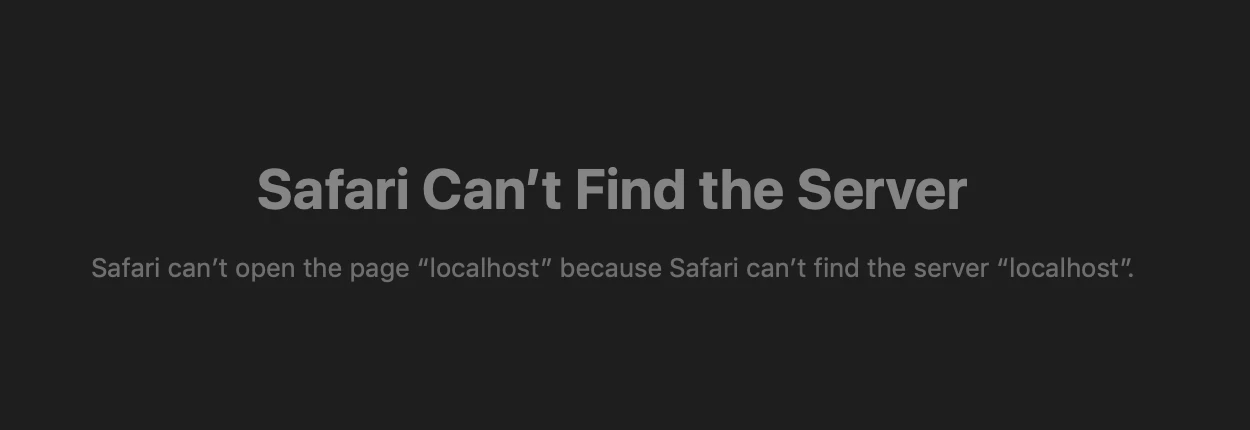
Chrome and Firefox work just fine. I've gone through a couple of dozen fixes suggested by various forums but the only thing that will work is to use http://127.0.0.1


I don't think I am the only one in the community that has run into this problem. Any ideas?

이 주제는 답변이 닫혔습니다.
최고의 답변: Rick Gerard

The problem can only be solved by changing the local host pointer in the site definitions to HTTP://127.0.0.1


Localhost is broken. 

2 답변

Rick GerardCommunity Expert작성자답변
Community Expert
September 21, 2020

The problem can only be solved by changing the local host pointer in the site definitions to HTTP://127.0.0.1


Localhost is broken. 

Nancy OShea
Community Expert
Community Expert
September 21, 2020

If this only happens in Safari, that means your version of Safari is broken; not DW and not MAMP localhost. 


Nancy O'Shea— Product User & Community Expert
Community Expert
September 14, 2020

What does your config of MAMP look like?  I just tested my local server and the localhost address works fine for me. MAMP 5.7, Apache, default ports, PHP 7.4.2.  I am also using OSX 10.15.6.  Could this be an OS specific issue with that version?

Rick GerardCommunity Expert작성자
Community Expert
September 14, 2020

Nothing changed. MAMP 5.7, 80 & 3306, PHP 7.,3.0, Apache. I have tried all settings, Safari is the only browser that won't work. I even rolled back a couple of versions of MAMP. Localhost will not work in Safari, I cannot 


I am not running Catalina because my primary job is video and motion picture production and visual effects and I still have software that I depend on that is not 100% compatible with Catalina. 


I found a workaround. I changed the testing server link to  http://127.0.0.1/myFolderPath in all of my site definitions. I have to use http://127.0.0.1/phpMyAdmin/?lang=en to get to phpMyAdmin in Safari. Apple screwed something up. I even tried a XAMPP. Localhost is just not working at all in Safari. 


I'm not happy with how Dreamweaver is working either. See this thread: PHP previews are a mess - What is going on


Rick GerardCommunity Expert작성자
Community Expert
September 14, 2020

I just found out that editing your post is broken in the forum on all browsers. This is all you get: