Copy link to clipboard
Copied
Hello,
I have two versions of Adobe InDesign installed on my computer (CC 2017 and CC2018).
I am creating an extension for both versions.
I use grunt-cep for building and launching my extension (in release or debug mode).
Debugger tools worked well on InDesign CC2017 when I had only this one installed.
Now that I have both, if I run in debug mode my extension on InDesign CC2018, debugger tools work as expected.
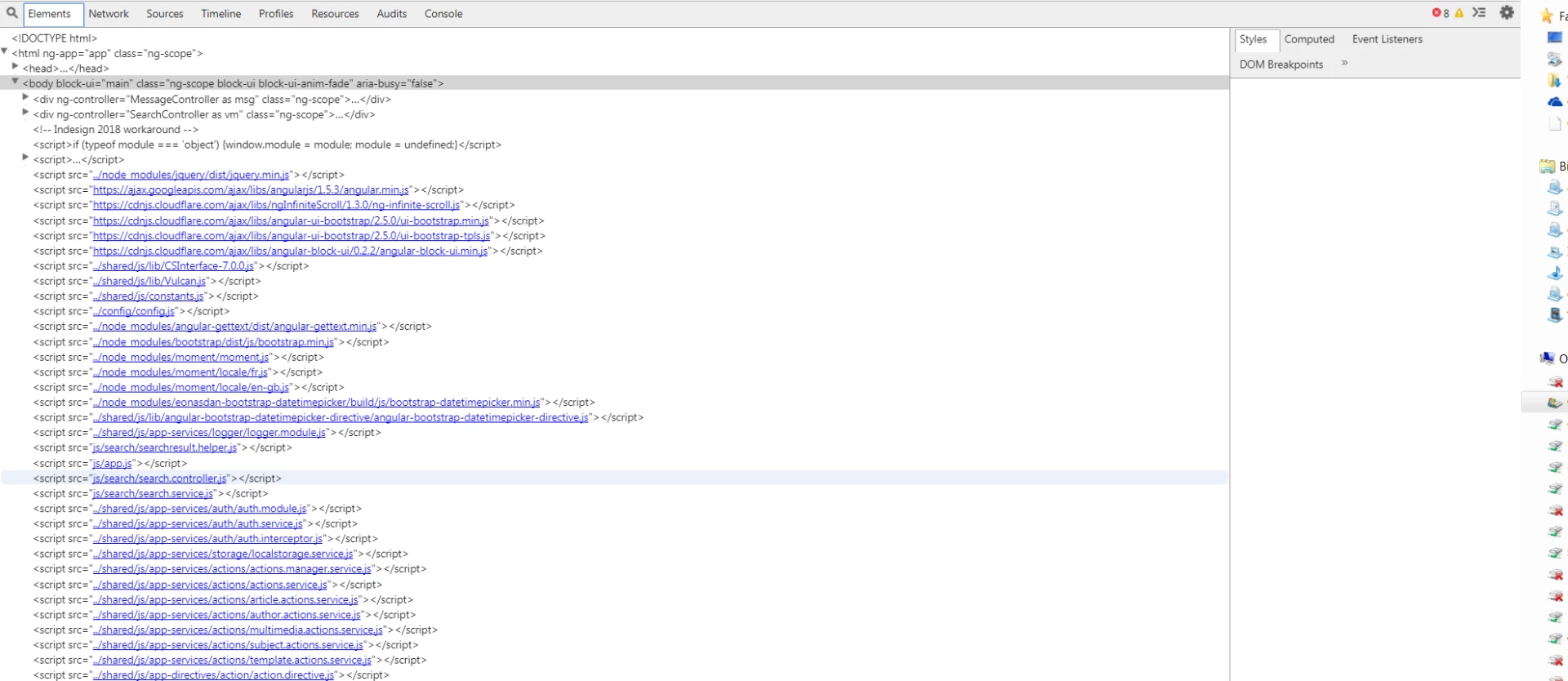
But if I run my extension in debug mode on CC2017, debugger tools doesn't work properly :

Don't know what I can do to solve that ... My register key for PlayerDebugMode seems Ok ...
Thanks in advance
Here are the most likely reasons for debug apps not working as the should.
1) You have 2 extensions using the same debug port.
This will happen for example if you have 2 versions of the same app open. Let's say InDesign 2017 1st and 2nd InDesign 2018. The debug application will catch onto 2017 and ignore 2018. To get it to recognize 2018, stop (not just close) the extension on 2017 and restart the debug app and your get 2018 (but not 2017 when you restart 2017). This is not a bug.
2) Your debug ap
...
Copy link to clipboard
Copied
Hello
We face the same issue.
Can anyone help us ?
Thanks
Copy link to clipboard
Copied
Here are the most likely reasons for debug apps not working as the should.
1) You have 2 extensions using the same debug port.
This will happen for example if you have 2 versions of the same app open. Let's say InDesign 2017 1st and 2nd InDesign 2018. The debug application will catch onto 2017 and ignore 2018. To get it to recognize 2018, stop (not just close) the extension on 2017 and restart the debug app and your get 2018 (but not 2017 when you restart 2017). This is not a bug.
2) Your debug app is not compatible with the cep version. You can get cefclient for the resources page (link on front page of this forum). Chrome is good for cep 8 for an earlier version you might need an earlier chrome version depending on which api's your using.
3) You are already debugging the port. The debugs apps don't like running multiple simultaneous instances. This can happen when you have 120 tabs open on Chrome and you forgot that one of them was a debug.
4) You have messed up on you debug port file or where unlucky enough that some other low life developer picked the same debug port as you! I could be you overrode the debug file port using a command switch but you would have to be very dumb to do that and not know about it.
HTH
Trevor
Copy link to clipboard
Copied
Thanks Trevor !
Your second point was the good one. My chrome browser seems to have been updated recently ..
I have downloaded an old version of chromium and it works well.
Copy link to clipboard
Copied
for those who still have issues. May this one helps:
Get ready! An upgraded Adobe Community experience is coming in January.
Learn more