Participant
September 30, 2022
Answered

purchase plugin not working properly.

  • September 30, 2022
  • 3 replies
  • 617 views

Hello, I bought a plugin. But it doesn't work as shown. What should I do? Can I return it? Thank you.

This topic has been closed for replies.
Correct answer jane-e

I bought it from Adobe Exchange. How do I provide a solution?


I think I found it on Adobe Exchange. It's from Picture Instuments.

https://exchange.adobe.com/apps/cc/881f1016


On the right-hand side are links to the website and support. 
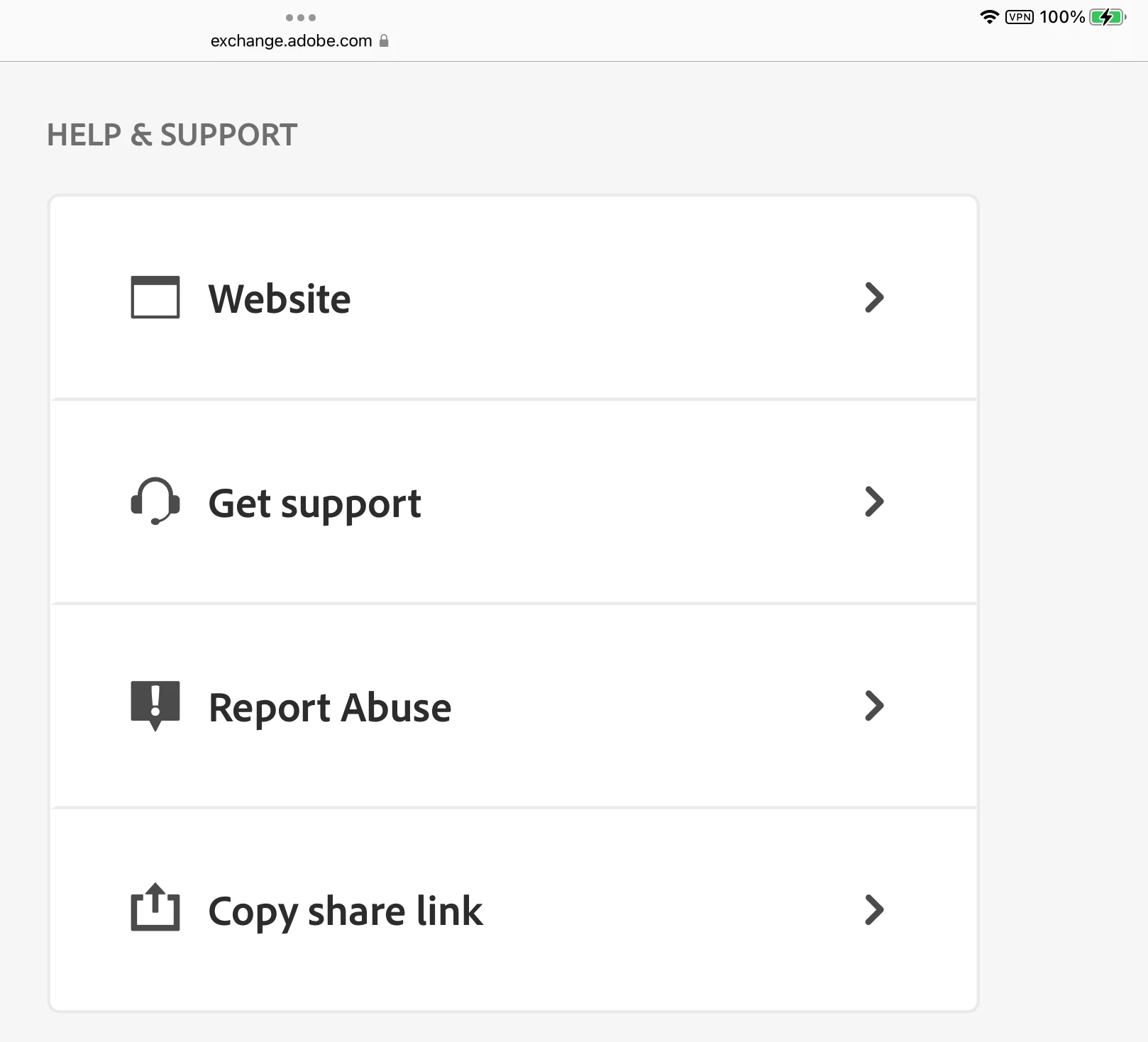
 

There is also a Contact Us form on their webpage:

https://picture-instruments.com/contact/


One of these should help.


Jane


3 replies

erinferinferinf
Adobe Employee
Adobe Employee
October 4, 2022

You can ask the developer for a refund (as specified above), or email asupport@adobe.com.

PECourtejoie
Community Expert
Community Expert
October 1, 2022

Moving to the Exchange forum.

Mylenium
Legend
September 30, 2022

Without knowing what plug-in you are referring to, from where it was purchased and why it doesn't work we honestly can't tell you what to do. Is a feature missing or does it not run because your system is not compatible? what version of PS do you use to test this. You realyl need to be more specific.


Mylenium

Participant
September 30, 2022

I'm so angry, sorry for skipping the details. The problem is not related to the installation of the plugin.
The problem is the examples they show when marketing the Plugin have a very clean background. it is decoupage very well.
Unfortunately, this is not the case when you buy and start using it.
I am trying to return it, I am very unhappy.
Plugin name : Docma Freistellen

Kevin Stohlmeyer
Community Expert
Community Expert
September 30, 2022

This is a third-party plugin, not produced or distributed by Adobe.

You'll have to contact the manufacturer directly for any issues or refunds, etc.