
July 17, 2017
Answered

Adobe Flash installed but cannot open PDFs

  • July 17, 2017
  • 3 replies
  • 1679 views

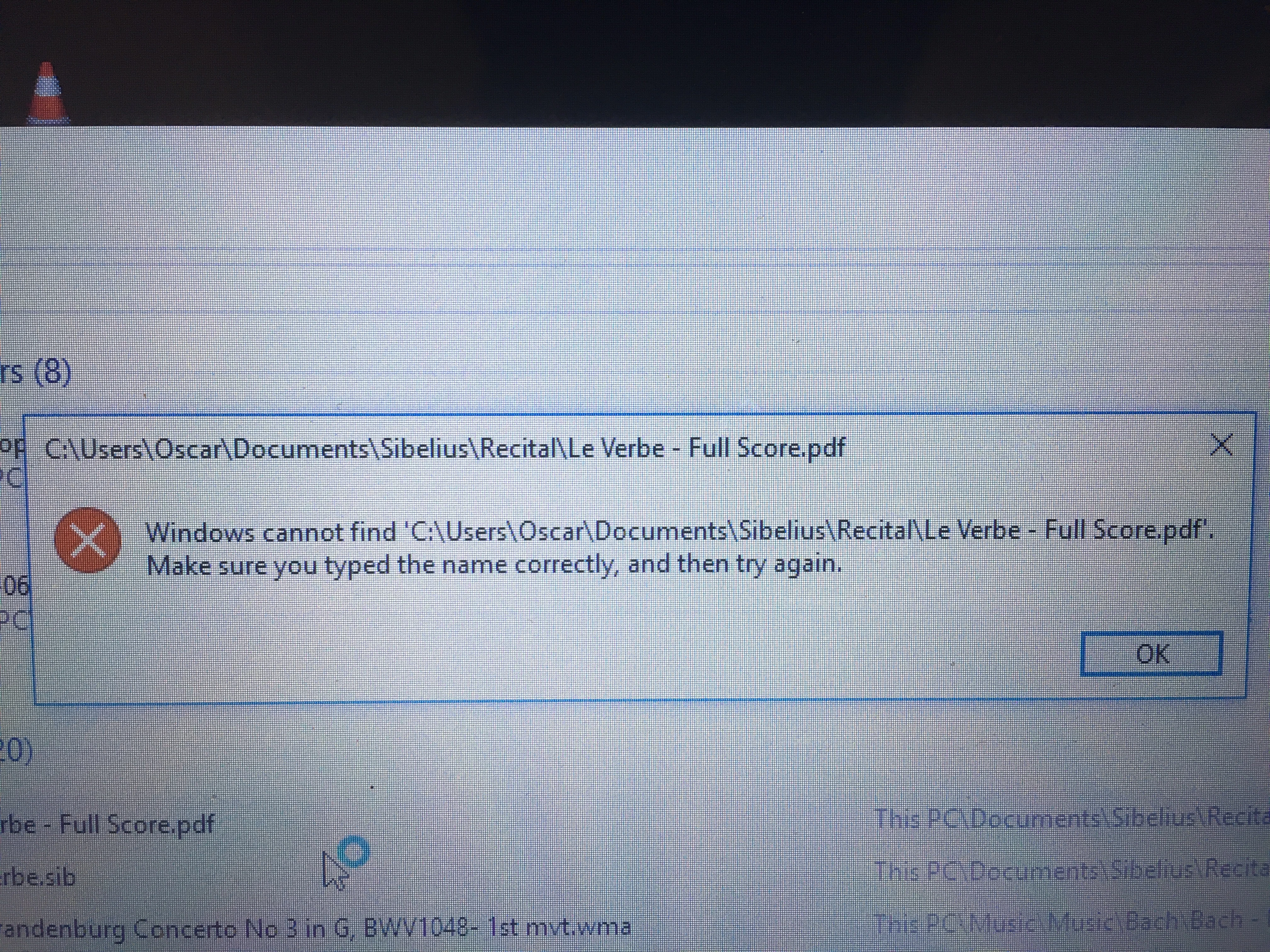
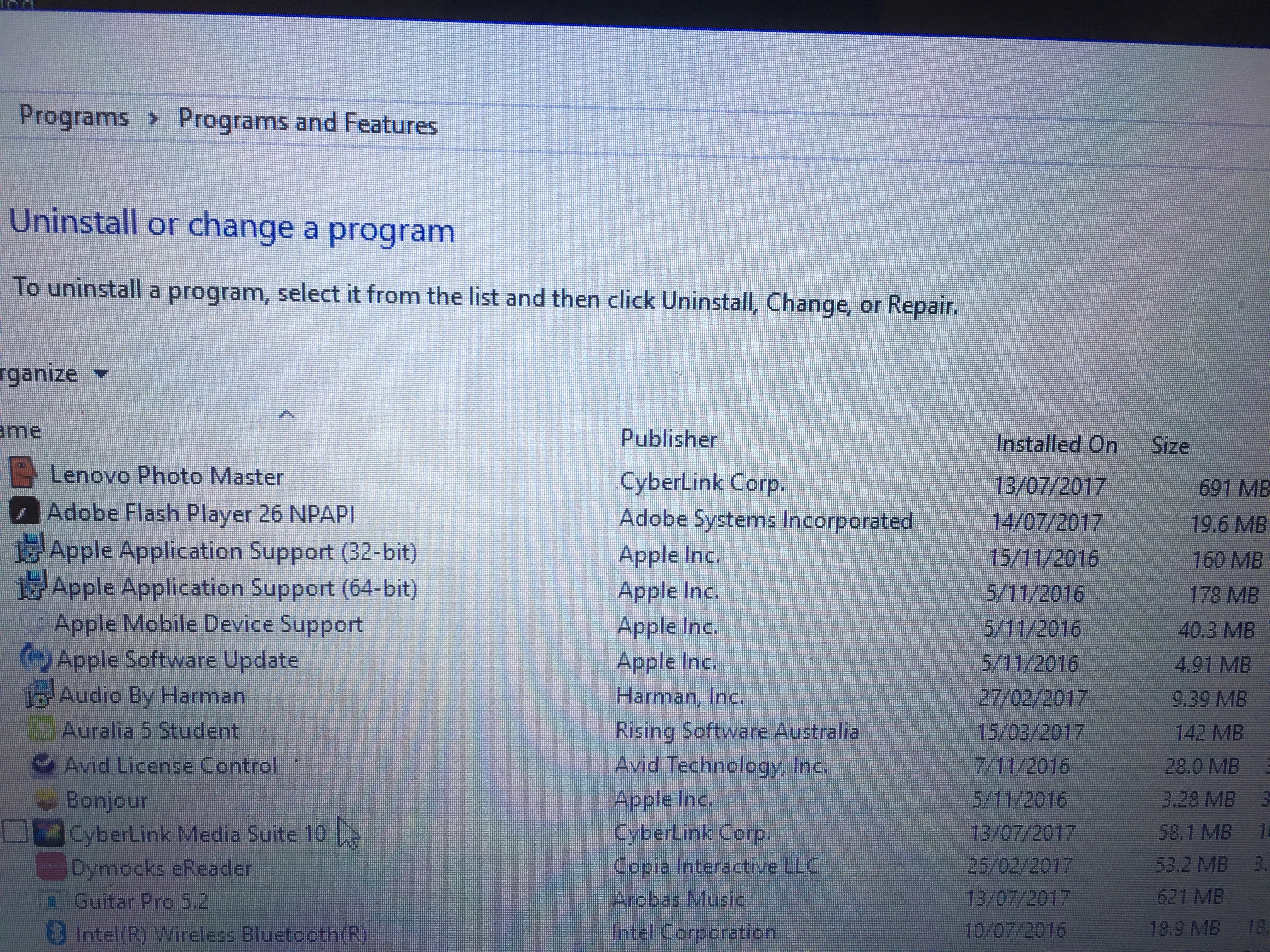
Hi, I got installed adobe flash player on my laptop as you can see on one of the images below. But every time I want to open one of my PDF files, I get the error message on the image just below. I have tried uninstalling and installing Adobe Flash player but it didn't work. I have a Lenovo Yoga 510 laptop and it has windows 10.
    This topic has been closed for replies.
    Correct answer _maria_

    Adobe Flash Player isn't used to open PDF files.  You'll need either Adobe Reader or Adobe Acrobat to open PDF files.  Based on your screenshot you do not have either installed.  To install Adobe Reader, go to Adobe Acrobat Reader DC Install for all versions

    3 replies

    July 18, 2017

    Hi m-vargas, I have been able to open PDFs fine until now. I noticed windows 10 did some updates last week and after that, that's when the problem started with my PDFs. Has there been any changes with Adobe?? Thanks for your reply, I'll download the Adobe Acrobat Reader

    July 17, 2017

    Hi divya-1993, yes, I cannot open my PDF files and I keep getting the same error message:( "Windows cannot find 'C:.....Make sure you typed the name correctly and try again"). As I said, Adobe flash player is installed on my laptop.

    _maria_
    Community Manager
    _maria_Community ManagerCorrect answer
    Community Manager
    July 17, 2017

    Adobe Flash Player isn't used to open PDF files.  You'll need either Adobe Reader or Adobe Acrobat to open PDF files.  Based on your screenshot you do not have either installed.  To install Adobe Reader, go to Adobe Acrobat Reader DC Install for all versions

    divya010193
    Adobe Employee
    Adobe Employee
    July 17, 2017

    Hi,

    What exactly is the problem you are facing? Trying to open a .pdf file?

    Thanks!