
Participant
April 11, 2019
Question

'Application initialization error' installing Adobe Flash Player on MacOS 10.14

  • April 11, 2019
  • 1 reply
  • 3153 views

Hi everyone!

  • macOS Mojave 10.14.2
  • Google Chrome Version 73.0.3683.103 (Official Build) (64-bit)
  • Flash Player 32.0.0.171
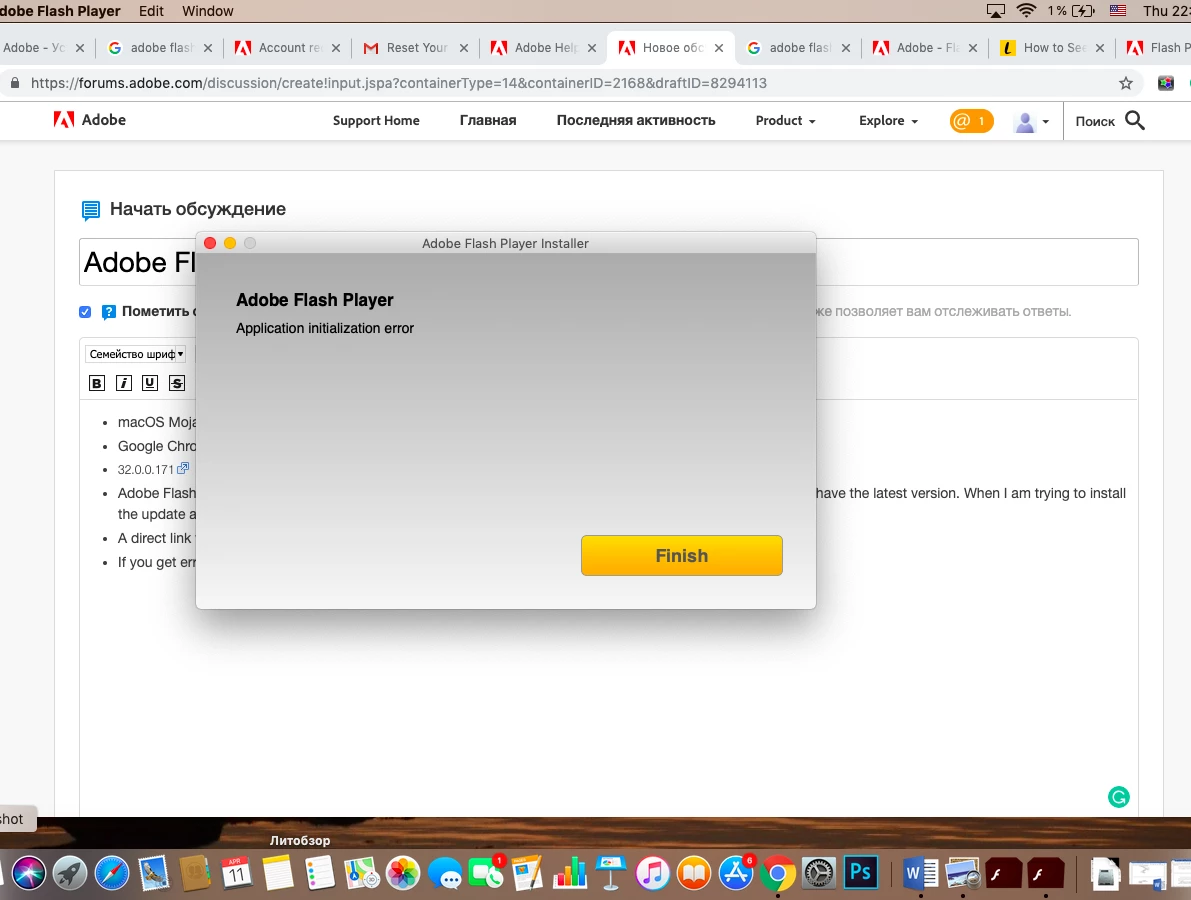
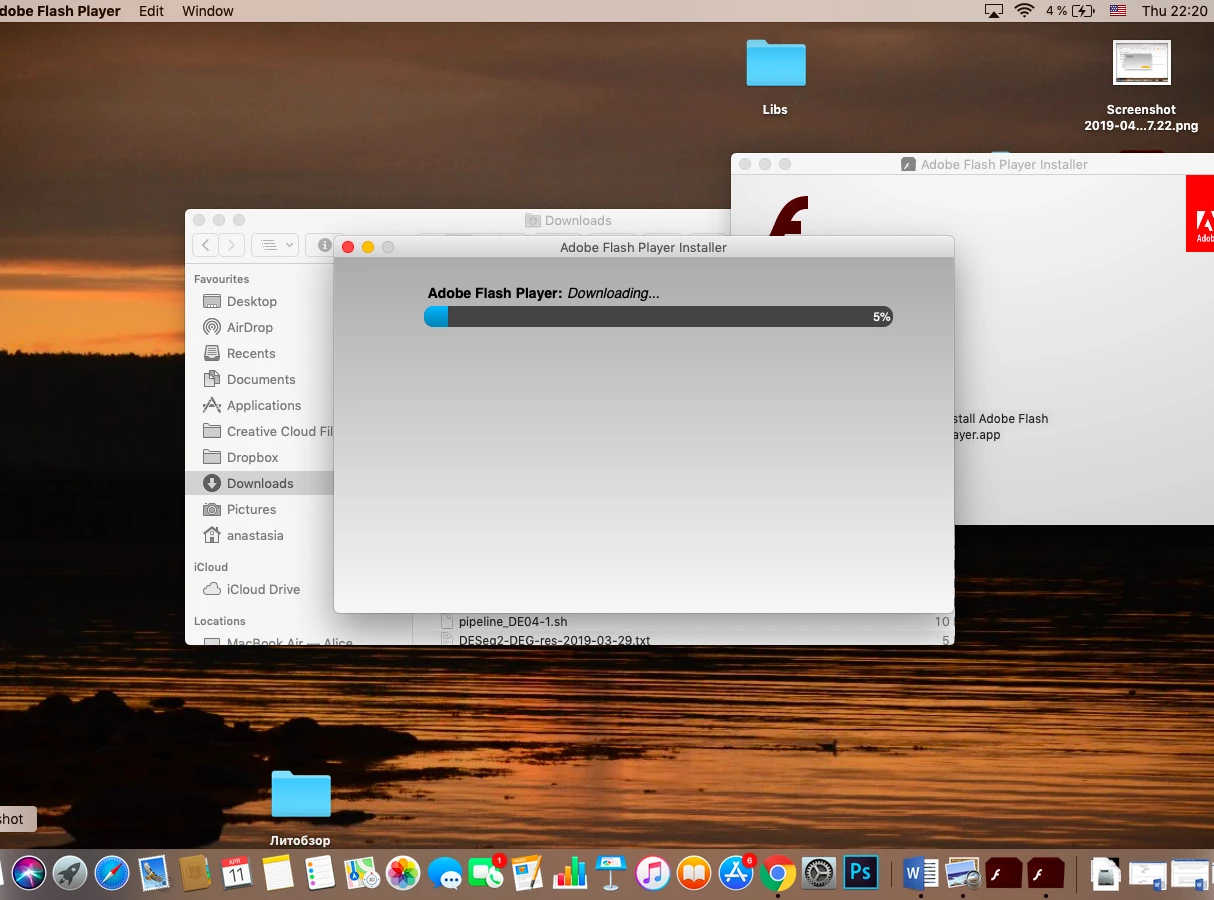
  • Adobe Flash Player Install Manager keeps popping up and suggesting me to update Flash Player, despite that I have the latest version. When I am trying to install the update again, either an initialization problem occurs or the downloading after initialization gets stuck on 5%. What should I do?
[moderator: edited title for clarity]

This topic has been closed for replies.

1 reply

_maria_
Community Manager
Community Manager
April 11, 2019

Thank you for the detailed information and screenshots.  It's been very helpful.


On Mac, the 'Initialization' error usually occurs when the installer APP is extracted from the DMG image.  Based on what I can see in the screenshots, it's not clear if this is the case or not.


If you did extract the installer App from the DMG, please retry without extracting it.  Just double-click the downloaded DMG file, then when the contents of the DMG file display, double-click on the installer APP

If you didn't extract the App file from the DMG, I'd like to review the installation log files saved at ~/Library/Logs/Adobe_ADMLogs.  Upload the 2 files (Adobe_ADM.log and Adobe_GDE.log) to Document Cloud (How to share a file using Adobe Document Cloud ) and post the link to the uploaded file in your reply.

With that said, it appears you're attempting to install Flash Player PPAPI plugin for Chrome.  There is no need to install Flash Player for Chrome, as Google embeds Flash Player in Chrome and all updates are released by Google.  Google does block Flash by default, forcing users to allow it for each site. When the user exits out of Chrome, the list of previously allowed sites is deleting.  If you're having difficulty allowing Flash in Chrome, see Use or fix Flash audio & video - Computer - Google Chrome Help for assistance.

Participant
April 11, 2019

Thanks for the quick reply!
Here is the link:

https://documentcloud.adobe.com/link/track?uri=urn%3Aaaid%3Ascds%3AUS%3A9cc36add-4f0a-4d78-88e2-8c831a3527fb

The main problem is that the window with Install Manager keeps popping up again and again, very often, even if the previous window with installation process is still open. It irritates a little. Here it is again:

_maria_
Community Manager
Community Manager
April 11, 2019

Unfortunately, the log file doesn't report any errors.  Are you extracting the APP installer file from the mounted DMG image file?

Adobe Flash Player Install Manager keeps popping up and suggesting me to update Flash Player, despite that I have the latest version.

I totally skipped over this sentence.  On Mac, there are 2 types of plugins:  Flash Player NPAPI for Firefox/Safari and PPAPI for Chromium-based browsers.  If you keep getting a notification to install Flash Player, then one of those plugins is outdated.


Please go to System Preferences > Flash Player > Updates tab.  Post a screenshot of the Updates tab.