
Flash player blank screen when trying to install
I've been getting messages from Firefox to update Adobe Flash Player on my Windows 7 laptop. However, when I try it never succeeds.
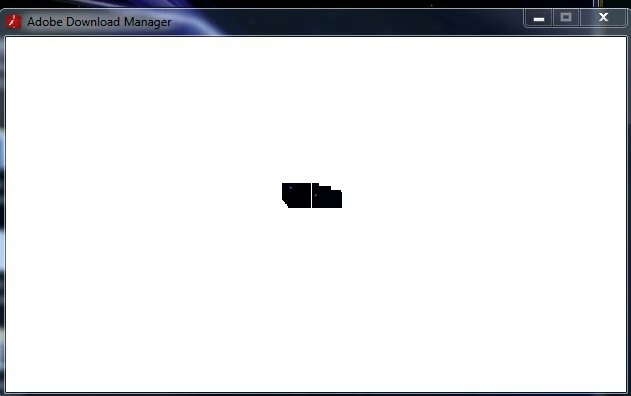
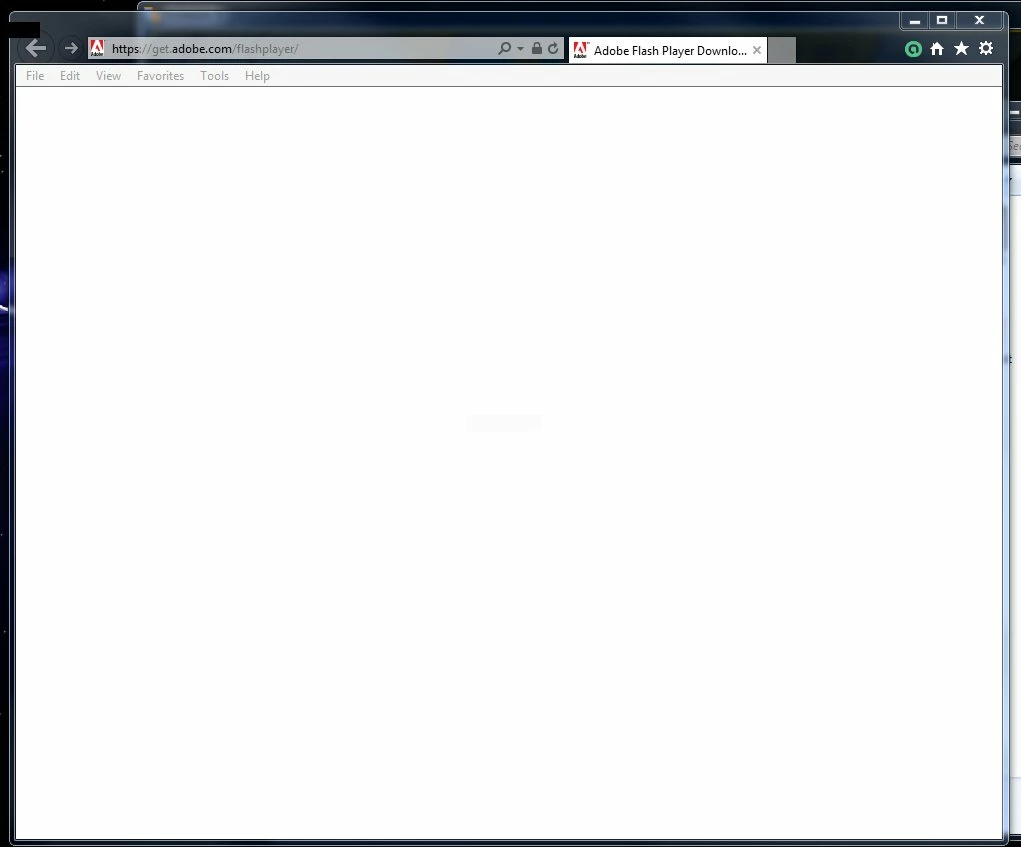
I've shut down my popup blocker, downloaded the file from Adobe site, double clicked to Run, and said yes to allow the changes. I then get a small white empty window labeled "Adobe Download Manager." Even after 3 hours, nothing changed. If I close that window, IE opens to the Adobe Flash Player Download Page which again is a blank white page. When I close that window, the downloaded file for install has disappeared. (Screenshots below.)
I've uninstalled the old version of Flash (17....) and tried again. Same thing.
Restarted the PC several times. It's been almost 24 hours of trying and nothing. Aggravated.
I've attempted to download from IE but it just gives me that 2nd blank window and never moves.
I notice the Chrome has a flash player already installed and it works fine. Time to give up Firefox as well as IE?
I like Firefox. Can anyone help?
 AdChoices