
Question
Flash Player installed but Youtube prompts to upgrade Flash Player
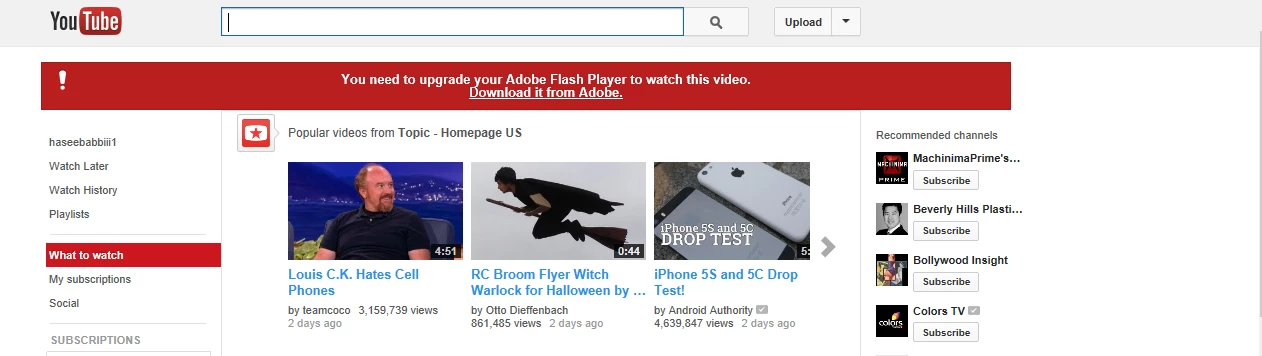
I'm using windows 7. I have just installed Adobe Flash Player (latest available version on this site) but when I open Youtube.com, a message shown "You need to upgrade your Adobe Flayer Player to watch this video":
When I go to Control Panel --> Programs and Features, I can only see below items of Adobe company in the list:
- Adobe Flash Player 11 Plugin
- Adobe Reader XI(11.0.3)
- Adobe Shockwave Player12.0
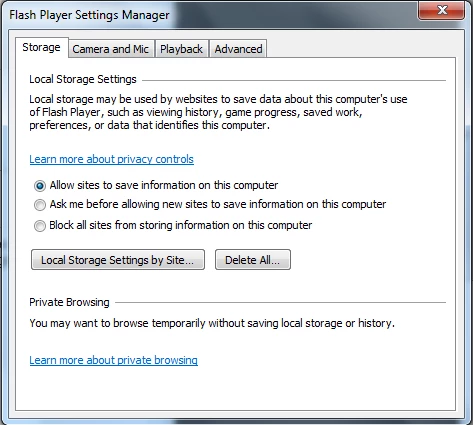
Though I have installed Adobe Flash Player but it is not shown in the list. When I go to Start --> search bar (type Flash Player), I can see a Flash Player item in the list which is a "Flash Player Settings Manager" dialogue box:
Please tell me why Youtube keep asking to upgrade Flash Player and why I don't see Flash Player in "Program and Features" list?
Regards,
Haseeb Aslam
 AdChoices