
jasimtp
Participant
October 12, 2017
Question

I cant play any videos from website - Win10/IE

  • October 12, 2017
  • 2 replies
  • 343 views

Dear Adobe Support

I can't play following videos from below website  in Windows 10 enterprise desktop.  Because of Flash player issue.

Example:    http://help.autodesk.com/view/RVT/2017/ENU/?guid=GUID-ED2BAEF0-990A-4F42-A089-E083229B6FC7

Flash player version is 27.0.0.130.     Internet explore 11 shows  following error
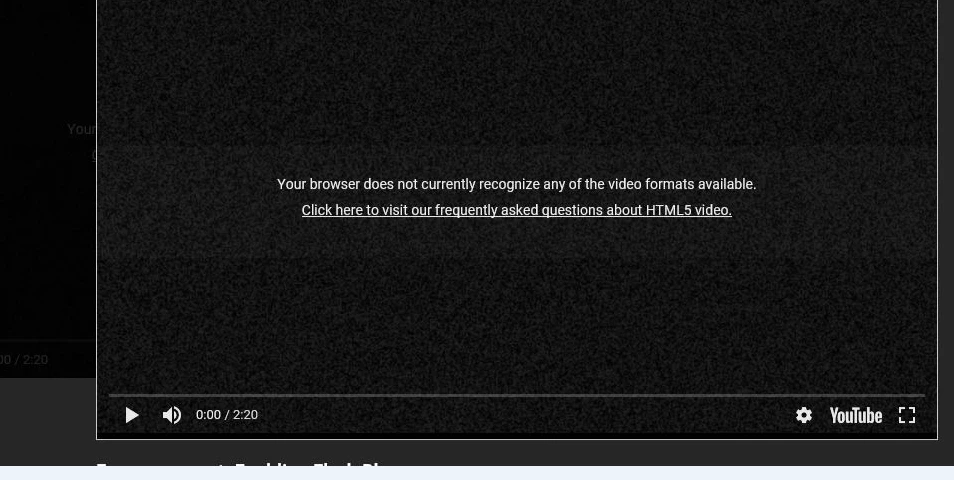
I  enabled following  troubleshoot steps,  Not resolved the issue

Flash Player Issues | Windows 10 | Internet Explorer

How do I resolve this issues.

Thanks

Jasim

Message was edited by: jasim ali

[moderator: for readability, deleted link from title and added OS/browser to title]

    This topic has been closed for replies.

    2 replies

    jeromiec83223024
    Community Manager
    Community Manager
    October 13, 2017

    The AutoDesk videos are definitely Flash, but Flash Player is not getting invoked.  As the message above says, YouTube is an HTML5-based video player.  Either your local network administrators have pushed out strict security controls that are interfering with IE's normal ability to operate, or something is wrong on YouTube's end.  Google Chrome is always a good bet when using Google's services, if you're able to install another browser on your work machine.

    All of the major US browsers are taking steps to make Flash Player click-to-play by default.  Each browser has their implementation, and all are imperfect.  The goal is to increase friction for users encountering Flash Player, so that you'll contact the content provider and encourage them to migrate to an HTML and JavaScript-based solution.

    In this instance, AutoDesk is making assumptions about that fact that Flash Player will be available when installed, and while those assumptions help up a year ago, they are no longer true.

    I'm able to get this working in Firefox (IMO, they have the most user-friendly implementation of click-to-play for Flash at this point) by clicking the plug-in icon in the address bar and choosing Allow and Remember for Flash Player.

    I'll be more than happy to pass the autodesk links along to the Google and IE teams as examples of sites that are broken by their click-to-play implementations.

    _maria_
    Community Manager
    Community Manager
    October 13, 2017

    YouTube uses HTML5 video, not Flash, by default.  The message "Click here to visit our frequently asked questions about HTML5 video' further indicate the video you are attempting to view is HTML5 video, not Flash