
Question
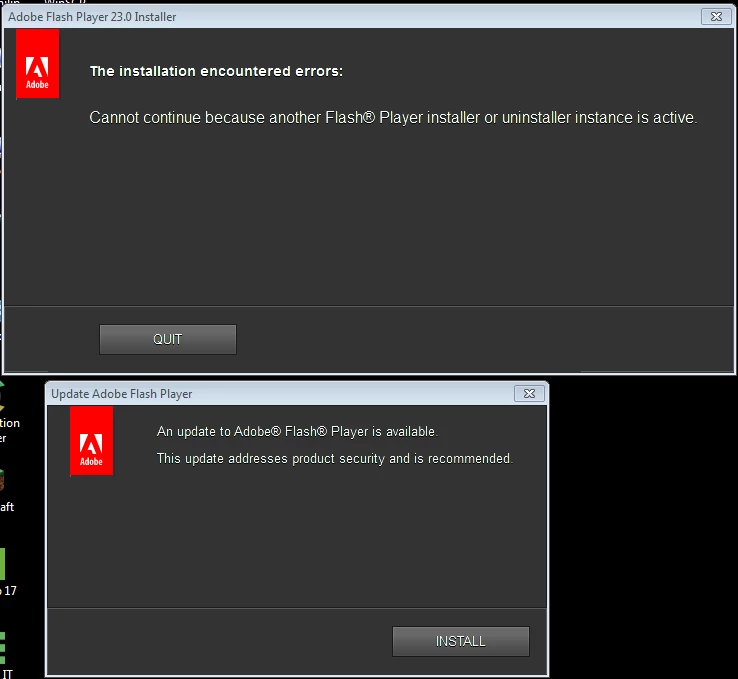
Keep getting "Update Adobe Flash Player" popup even when have newest version
This question was already asked and answered but the answer does not work for me.
I have Windows 7 Pro. I have been getting this pop-up constantly since version 22. I have used the Adobe uninstaller from this article; Uninstall Flash Player for Windows and removed all the folders as instructed. I currently have Flashplayer 23,0,0,162 re-installed in Firefox 48.02 and IE 11.0.9600.18230.
If I ignore the UPDATE prompt, another pop-up will show up with title of Adobe-Flashplayer 23.0 Installer saying unable to launch because another one is running. How can I get rid of this prompt. A lot of my work applications use Flash so I don't have the option to just not use it.
 AdChoices