
msg: FlashPlayerPlugin_11_7_700_169.exe - Bad Image
I am running on MS VISTA OS and whenever I now open Firefox I get a variant of this message: "Msg: FlashPlayerPlugin_11_7_700_169.exe - Bad Image" The 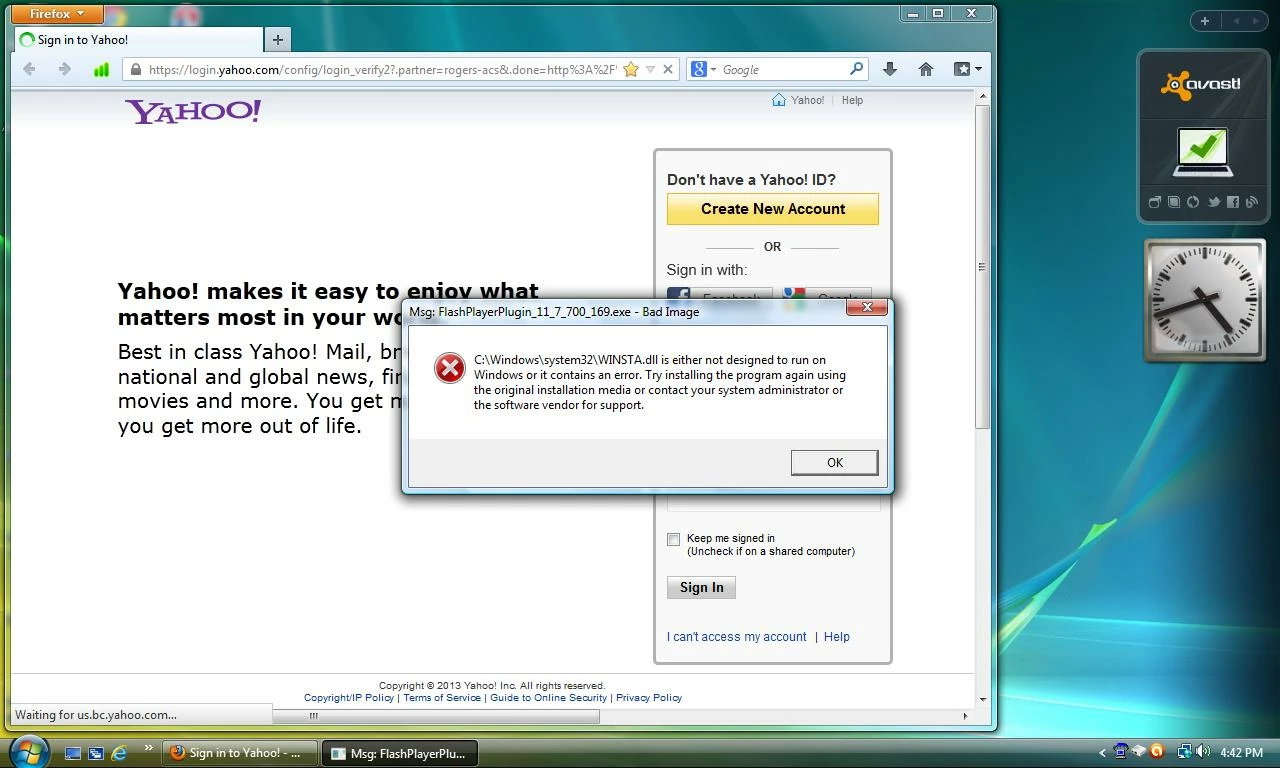 description goes on to say:
C:\Windows\System32\WINSTA.dll is either not designed to run on Windows or it contains an error. Try Installing the program again using the original media or contact your system administratoror the software vendor for support"
I have uninstalled and reinstalled Flash. I have uninstalled and reinstalled Firefox (maintaining my personalizations, i.e.bookmarks...). The message continues to appear.
Having tried to Re & Re the obvious appplication I don't know how to further identify and remedy the root cause of this message. Can anyone give me directions on what to do next?
 AdChoices