
Mysterious Flash Installer
When I woke up my computer this morning I had two Flash Player installer icons that overnight had appeared on the desktop of my iMac. ( see pic Flash icons)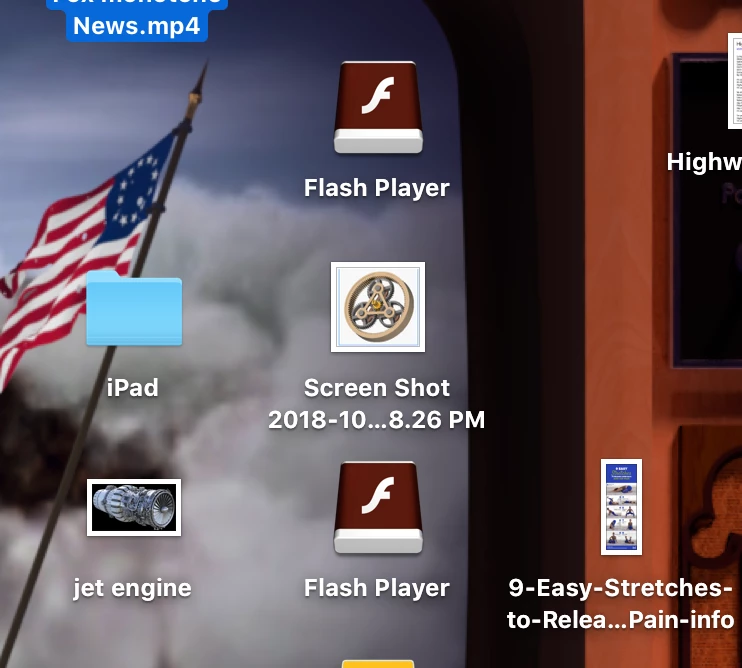 . I highlighted and did a Get Info ( Command+I ) on the icons ( see pic Info Flash Player, Info Flash Player 1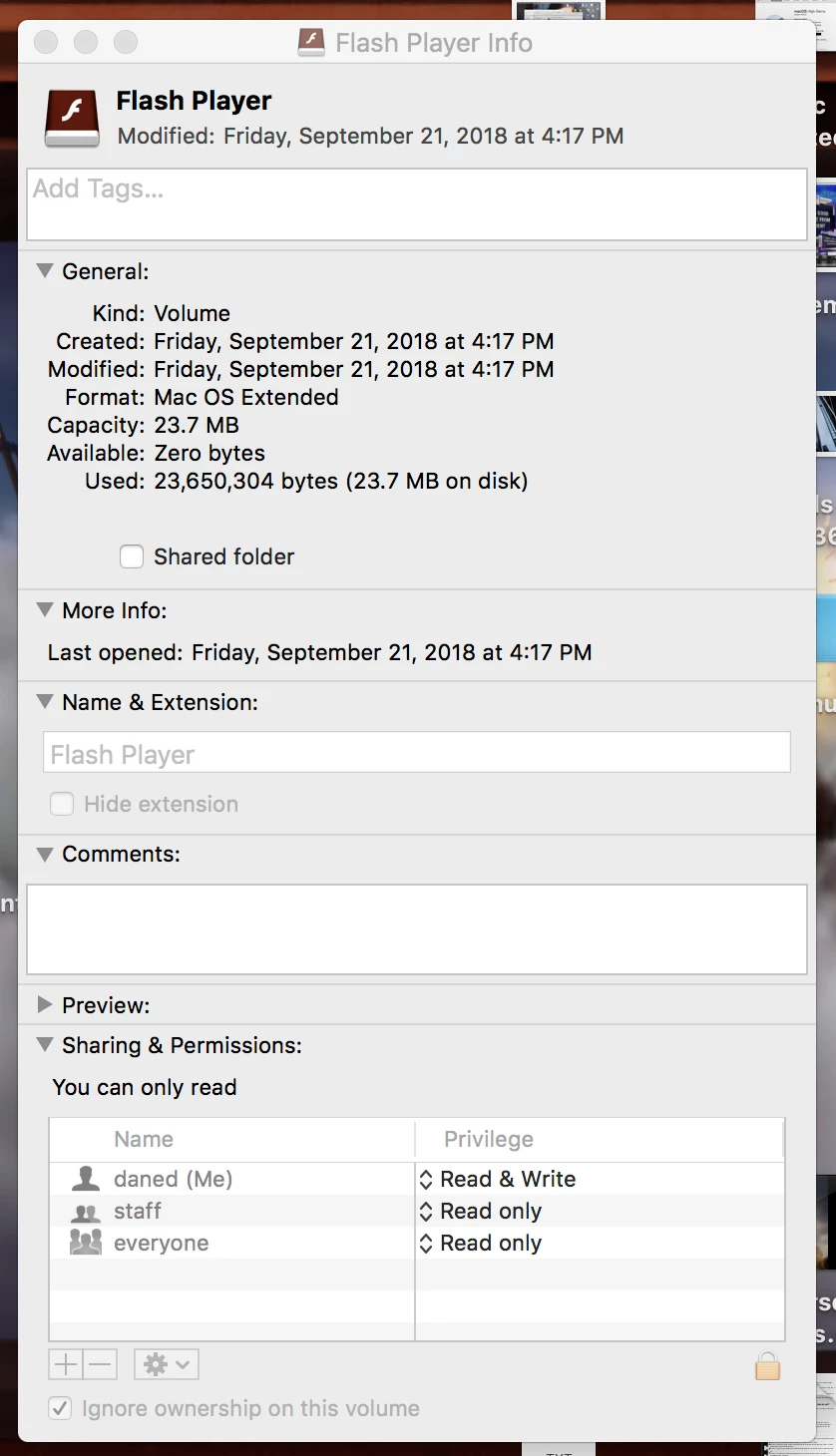
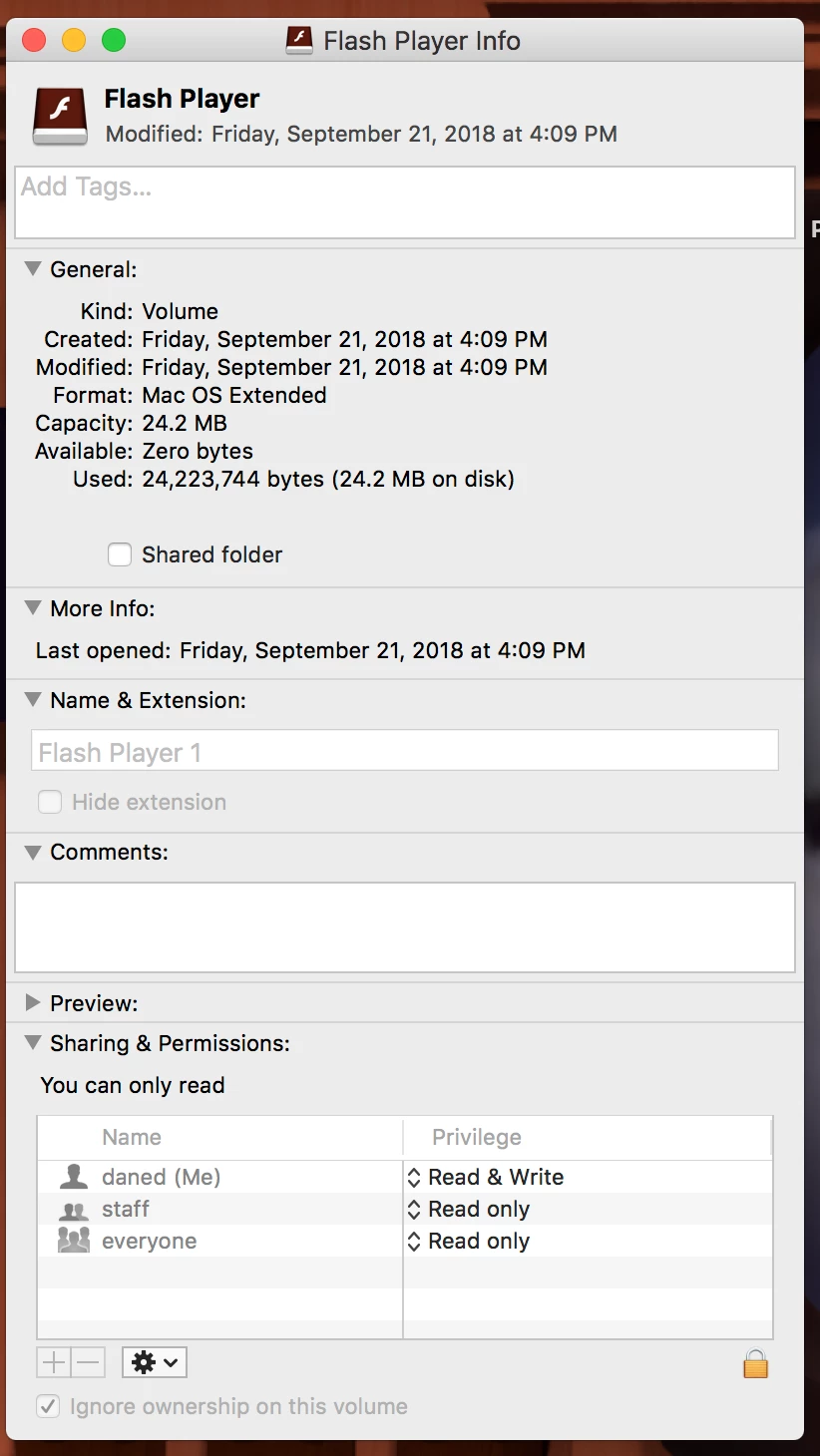 ) One of the icons was named Flash Player Pepper, not knowing what is was I did a Google search, which lead me to a page (see pic Adobe Directions)
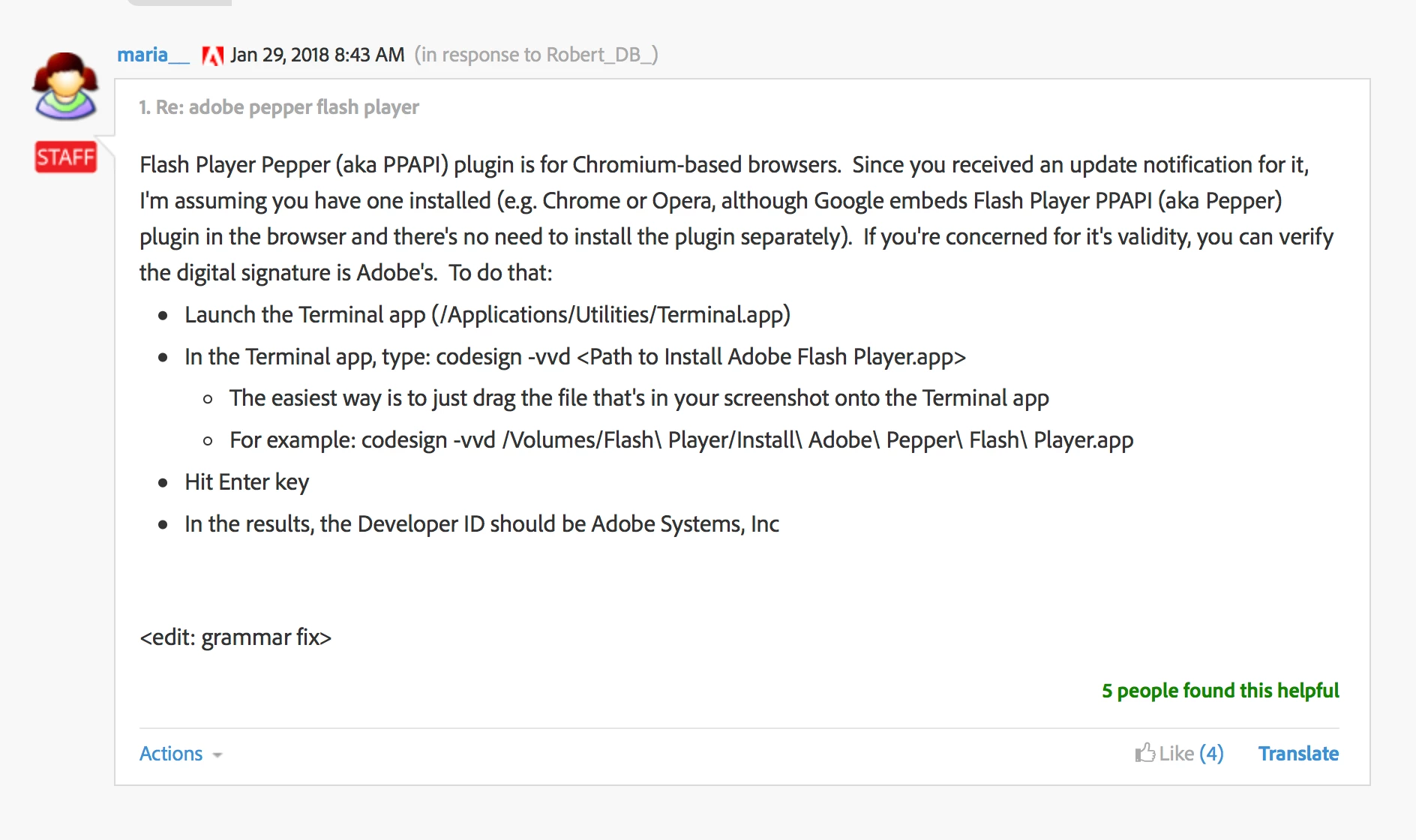 . I followed the directions and got the Terminal response"bundle format unrecognized, invalid, or unsuitable". (see pic Flash Terminal Response)
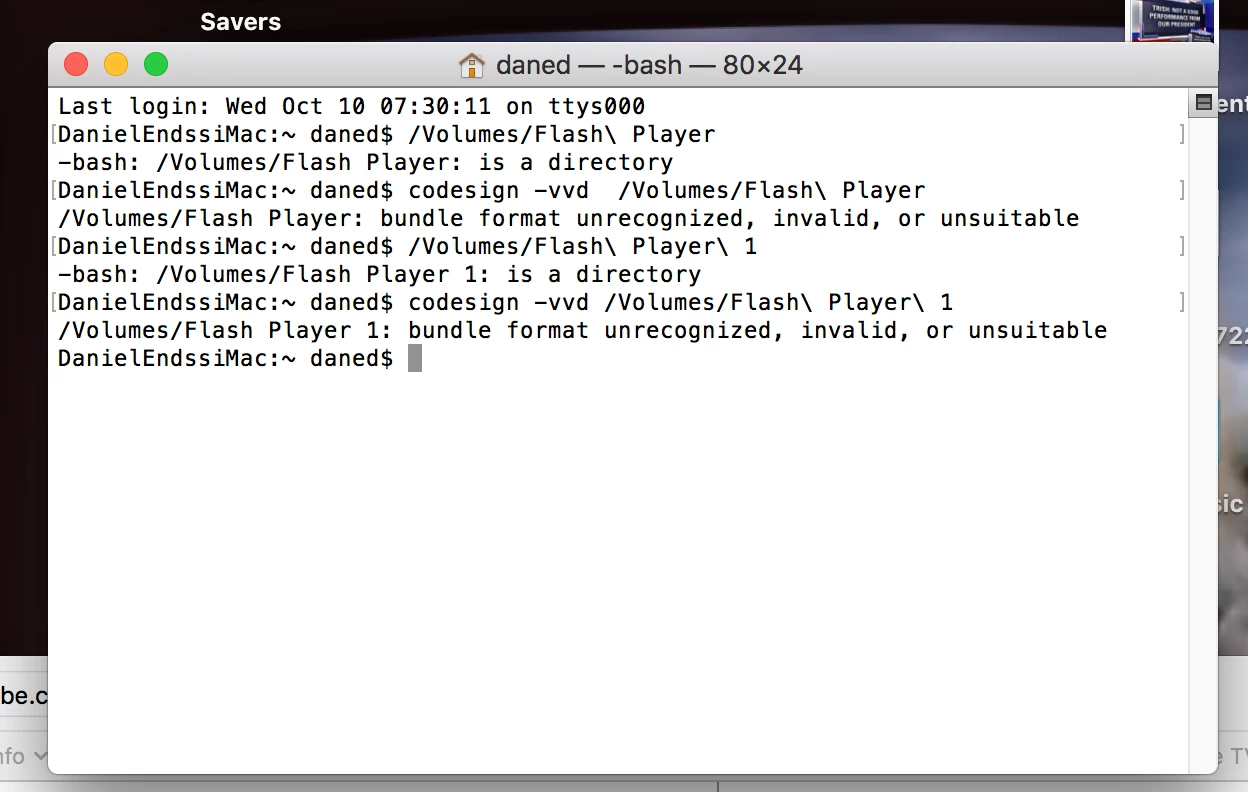 . Now I never clicked/opened the installer, and always use a Standard Account rather than an Administrator Account, and never used my Administrator password like I do when installing software. But in the process of taking the screen shots and such my Desktop Settings got messed up and I restarted my computer and the icons are gone. Have I been "Hacked"? How can I tell if their is malicious software on my computer?
 AdChoices