Answered
Script error during install
On installing Flash Player (n.n.n.179) on Windows XP, I got the following error twice during the install: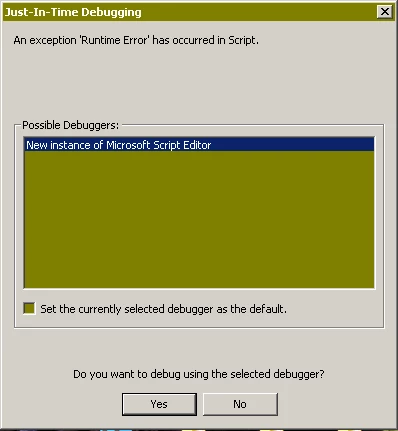
The install did actually finish, but I had different version numbers for the ActiveX and the browser plugin versions. I uninstalled both of the Flash Player versions, and tried to re-install it. However, the script error comes up again, even when cleanly installing it (and it didn't re-install the ActiveX version at all). I'm wondering if it properly installed the plugin version, and I know it didn't install the ActiveX version - I looked in Control Panel to verify this. What's going on, and how do I fix it?
 AdChoices