

unable to delete flashplyer24_xa_install.exe from desktop
Hello Maria,
I down loaded from my Adobe.com account the following file: flashplyer24_xa_install.exe on 02/28/17.
Without incident, I installed the file and went on my merry way. I download all my temp install files directly to my desktop so I can quickly delete them after a successful installation. When I tried to delete this file, I got an error code:
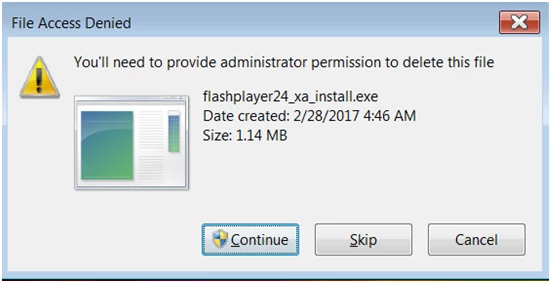
As I had installed the Adobe file on my personal Dell Win 7 laptop, and being the administrator for said laptop, I selected Continue.
Only to be surprised by this window:
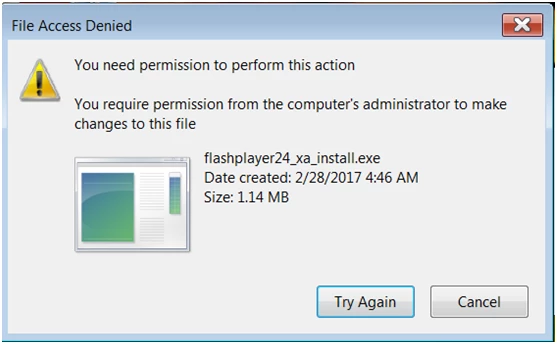
Ok. So now I have a file telling me that my computer's administrator (me) needs to make changes to this file. Poof. Nothing
So I tried to run the file again and got this screen:
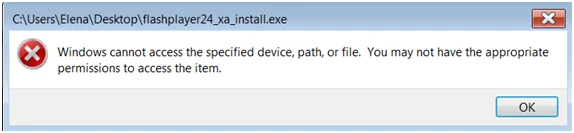
I am permission-less. Woe is me.
Any advise or solution would be greatly appreciated. Any additional screenshots needed could also be sent.
elena
 AdChoices