
Participant
December 7, 2016
Answered

Unable to install Adobe Flash Player ActiveX 23.0.0.207...

  • December 7, 2016
  • 1 reply
  • 1523 views

Operating System Version:  Windows 8.1 Enterprise (AMD64)

Web Browser and Version:   Internet Explorer 11, Chrome 54, Firefox 50

Flash Player Version:            Flash Player ActiveX 23.0.0.207

Problem Encountered:          Unable to install Flash Player ActiveX 23.0.0.207 due to an apparent error in the MSI.

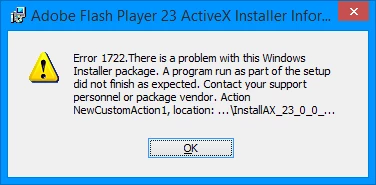
Error Message Received:      1722. There is a problem with this Windows Installer package.

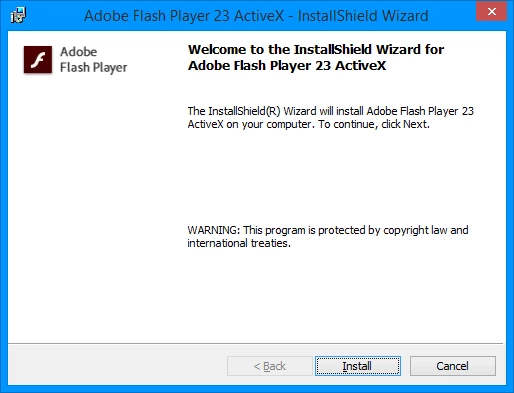
MSI installation...
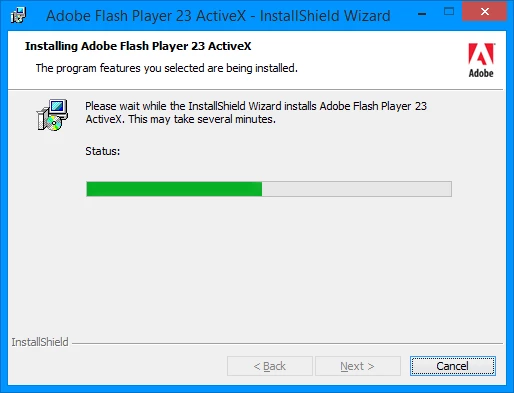
Installation progress...
Error encountered...
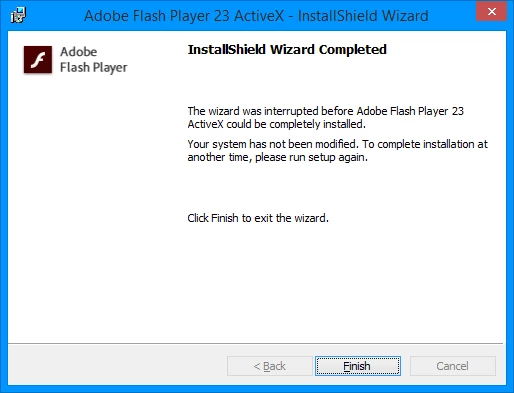
Installation fails...
I can also provide the MSI verbose install log if necessary.

Thanx.

This topic has been closed for replies.
Correct answer _maria_

Hi,

As of Windows 8 Microsoft embeds Flash Player in IE and all Flash Player for IE updates are released by Microsoft, not Adobe.  You'll need to run Windows Update to update Flash Player for IE on Windows 8.1

The Flash Player distribution page, where the MSIs are posted to includes the following comment:

Note: As of Windows 8, Microsoft embeds Flash Player in Internet Explorer, and Edge browser in Windows 10. Flash Player ActiveX installers are for Windows 7 and below.

--

Maria

1 reply

_maria_
Community Manager
_maria_Community ManagerCorrect answer
Community Manager
December 7, 2016

Hi,

As of Windows 8 Microsoft embeds Flash Player in IE and all Flash Player for IE updates are released by Microsoft, not Adobe.  You'll need to run Windows Update to update Flash Player for IE on Windows 8.1

The Flash Player distribution page, where the MSIs are posted to includes the following comment:

Note: As of Windows 8, Microsoft embeds Flash Player in Internet Explorer, and Edge browser in Windows 10. Flash Player ActiveX installers are for Windows 7 and below.

--

Maria