Exit
  • Global community
    • Language:
      • Deutsch
      • English
      • Español
      • Français
      • Português
  • 日本語コミュニティ
  • 한국 커뮤니티
Locked
0

Updating Flash Player ActiveX to version 13.0.0.182 cause it to stop working

New Here ,
Apr 10, 2014 Apr 10, 2014

After we updated Flash to version 13.0.0.182 with SCUP/SCCM it stopped working on ~5% of the computers, reinstalling it fixes the problem but a new version of Flash which doesn't cause the same problem would be the prefered solution.

Opening https://www.adobe.com/software/flash/about with IE gives the following screen:
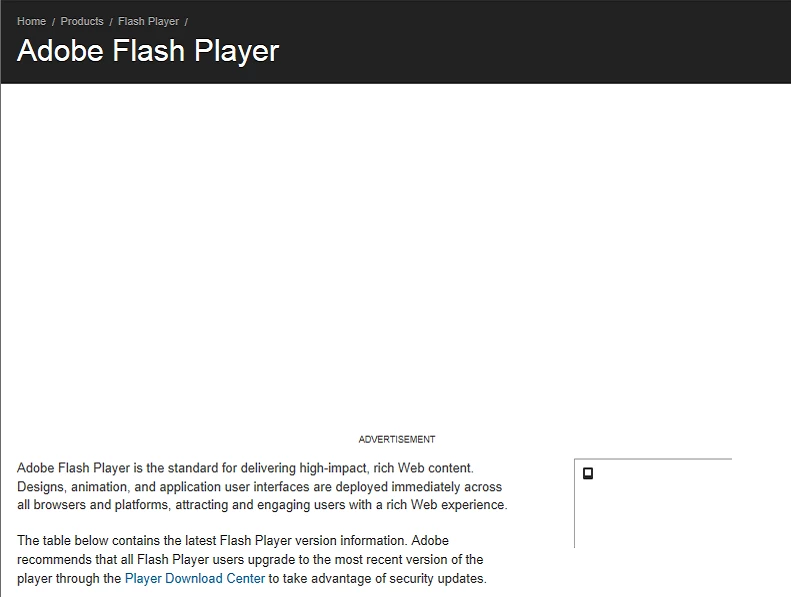
Flash.png

Installation log from an affected machine:

=X====== M/13.0.0.182 2014-04-09+08-54-14.392 ========

=O====== M/12.0.0.77 2014-04-09+08-54-16.454 ========

0000 00000010 C:\WINDOWS\system32\Macromed\Flash\FlashUtil32_12_0_0_77_ActiveX.exe -uninstall activex -msi

0001 00001037 SOFTWARE\Microsoft\Windows\CurrentVersion\Uninstall\Adobe Flash Player ActiveX/ 2

0002 00001037 Software\Microsoft\Windows\CurrentVersion\RunOnce/FlashPlayerUpdate 2

0003 00001037 Software\Macromedia\FlashPlayerActiveX/ 2

0004 00001037 Software\Macromedia\FlashPlayer/SwfInstall 2

0005 00001037 Software\Microsoft\Code Store Database\Distribution Units\{D27CDB6E-AE6D-11CF-96B8-444553540000}/ 2

0006 00001021

0007 00001036 Software\Macromedia\FlashPlayerActiveX/PlayerPath 2

0008 00001036 Software\Macromedia\FlashPlayerPlugin/PlayerPath 2

0009 00001036 Software\Macromedia\FlashPlayerActiveX/PlayerPath 2

0010 00001036 Software\Macromedia\FlashPlayerPlugin/PlayerPath 2

0011 00001037 Software\Microsoft\Windows\CurrentVersion\Control Panel\Extended Properties\System.ControlPanel.Category/C:\WINDOWS\system32\FlashPlayerCPLApp.cpl 2

0012 00001036 Software\Macromedia\FlashPlayerActiveX/PlayerPath 2

0013 00001036 Software\Macromedia\FlashPlayerPlugin/PlayerPath 2

0014 00000012

=X====== M/12.0.0.77 2014-04-09+08-54-17.164 ========

3.8K
Translate
Report
Community guidelines
Be kind and respectful, give credit to the original source of content, and search for duplicates before posting. Learn more
community guidelines
Guest
Apr 10, 2014 Apr 10, 2014

Exactly the same issue here (see http://forums.adobe.com/message/6285043#6285043). We have stopped the deployment of that package since nearly every second client is affected by this. It seems that the installation package does uninstall the flash player ocx (both 32-bit and 64-bit), but does not install the new version.

I remember there was a bug at the beginning of this year, where the install package did install the new version, but marked it as "failed" in SCCM software center.. Just a few days later there was a new package in SCUP with the same version number...

Translate
Report
Community guidelines
Be kind and respectful, give credit to the original source of content, and search for duplicates before posting. Learn more
community guidelines
Guest
Apr 14, 2014 Apr 14, 2014

Same problem here, now looking for a decent solution.  I can remove it and reinstall via SCCM but would love to know why it is actually failing...

Translate
Report
Community guidelines
Be kind and respectful, give credit to the original source of content, and search for duplicates before posting. Learn more
community guidelines
New Here ,
May 16, 2014 May 16, 2014
LATEST

im having the same issue, sucks enough having to push out adobe stuff every week without having the msi being broken...

Translate
Report
Community guidelines
Be kind and respectful, give credit to the original source of content, and search for duplicates before posting. Learn more
community guidelines