



2018 windows 10 chrome adobe flash player not working
Windows 10 Home
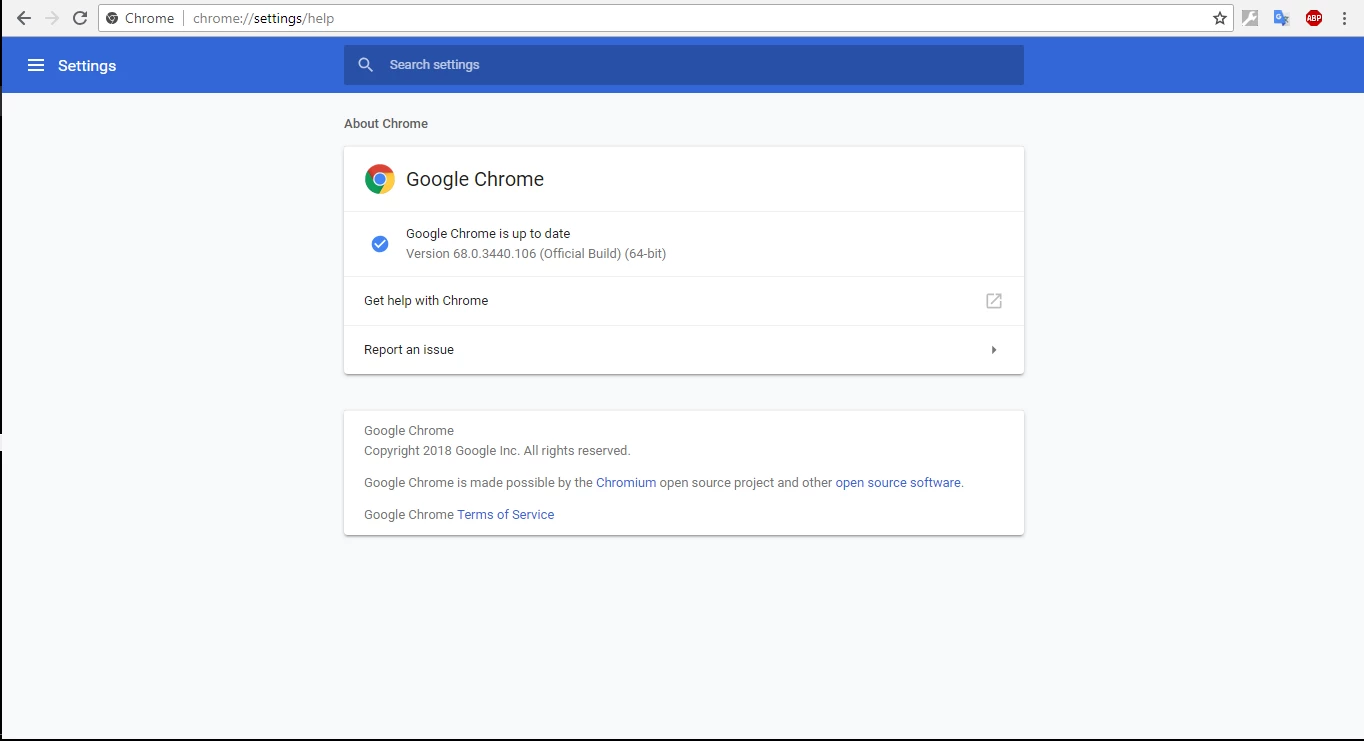
Google Chrome Version 68.0.3440.106 (Official Build) (64-bit)
Flash Player is pre-installed in Google Chrome and updates automatically!
YOUR SYSTEM INFORMATION
Your Flash Version 30.0.0
Your browser name Google Chrome (PPAPI)
Your Operating System (OS) Windows (Window 10)
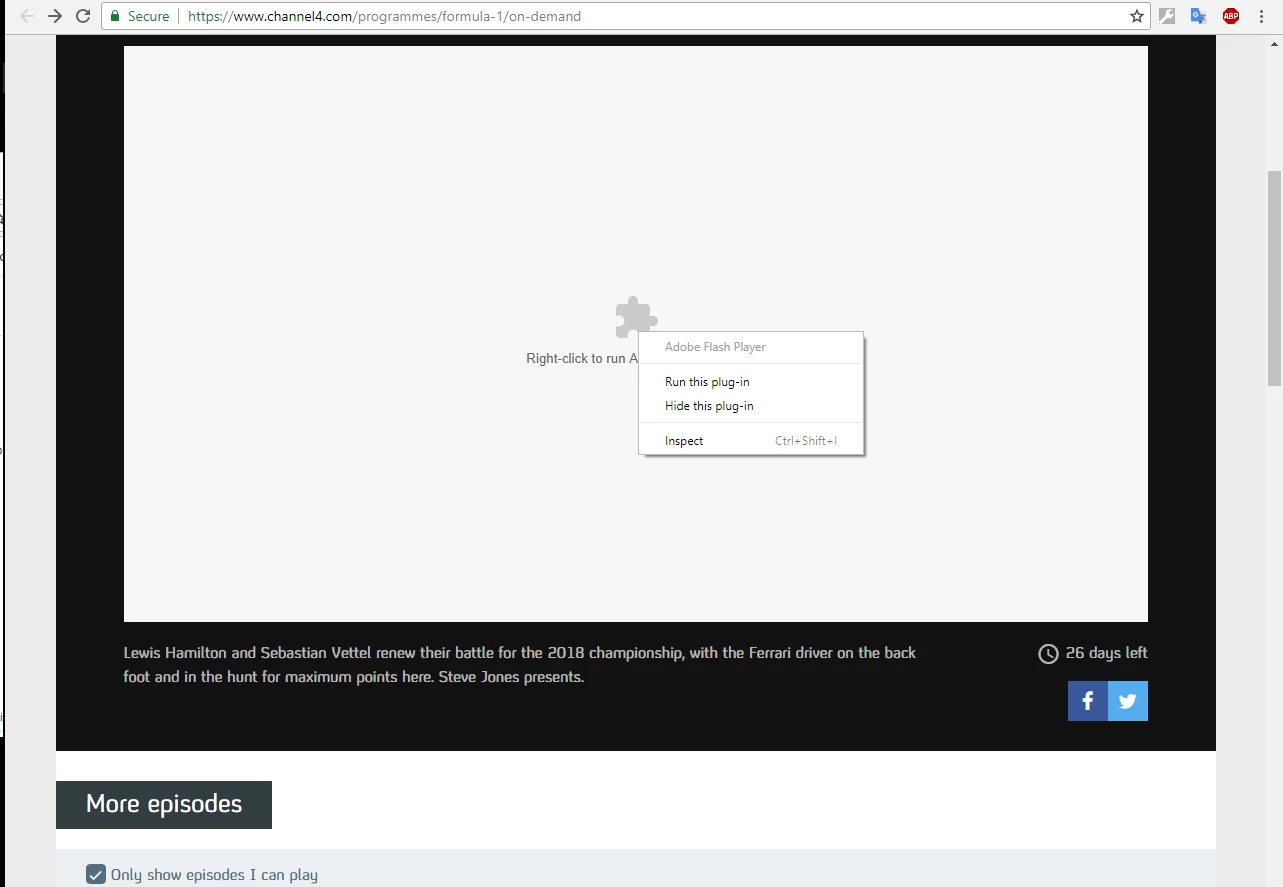
When trying to access three websites part of the window does not render, a white screen is displayed with the text "Right click to run Adobe Flash Player" under a logo like a piece from a jigsaw
A drop down menu appears comprising four items
Adobe Flash Player (greyed out)
Run plug-in (ineffective)
Hide plug-in (untried)
Inspect - (shortcut Ctrl+Shift+I greyed out)
On multiple advice pages there are several steps to try
1: Check for Google Update
2: Enable to Run Flash
3: Disable Flag
4: Reinstall Adobe Flash Player
5: Clear Cached Data
My results for each of these tests are shown below
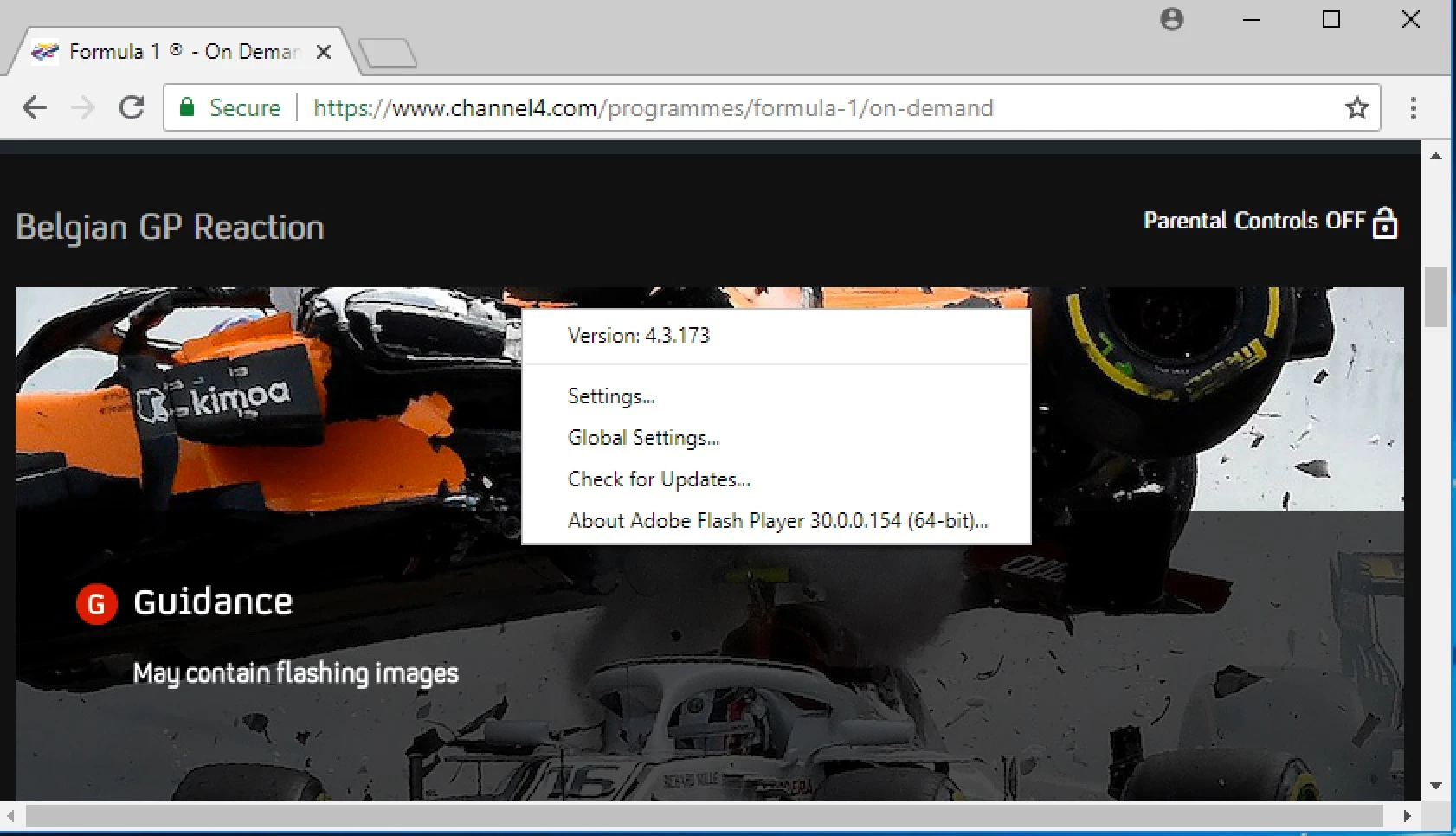
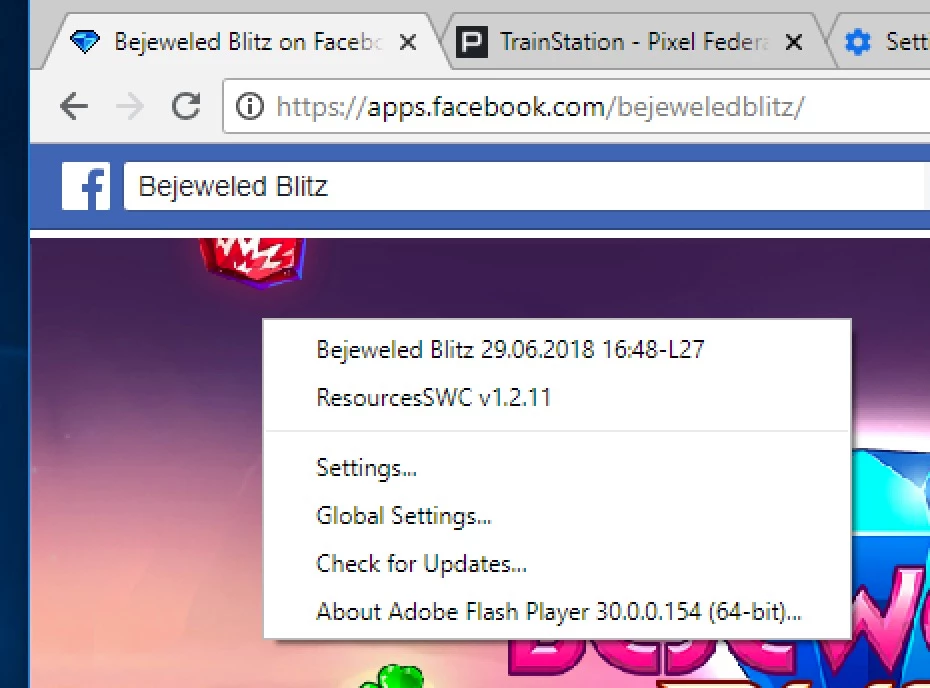
1: Check for Google Update
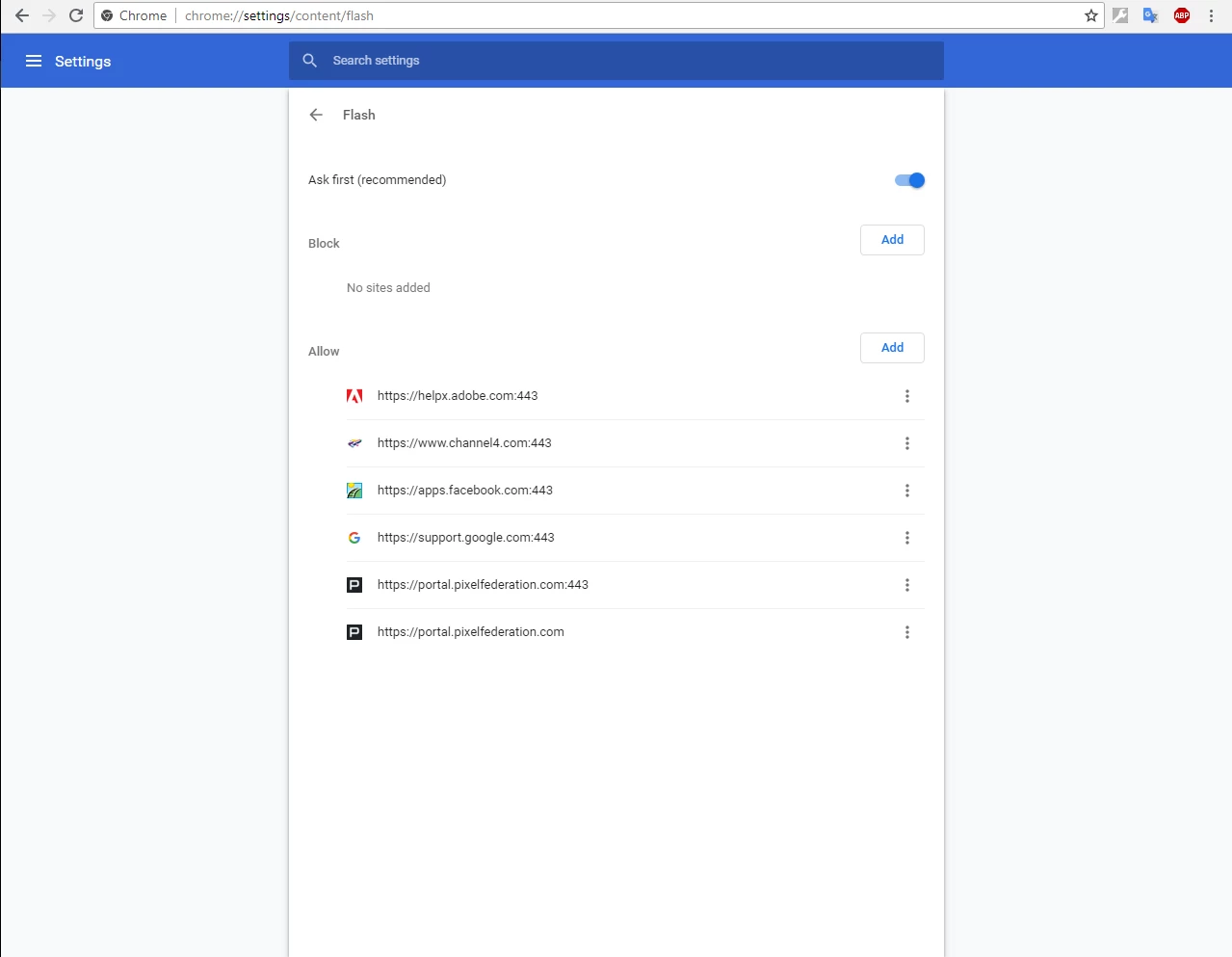
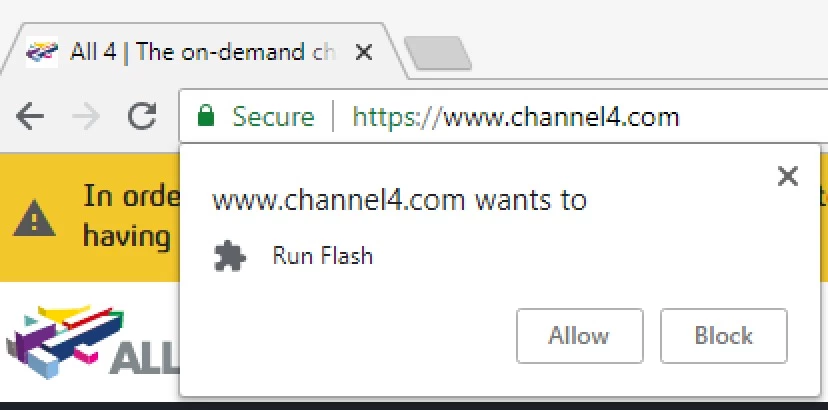
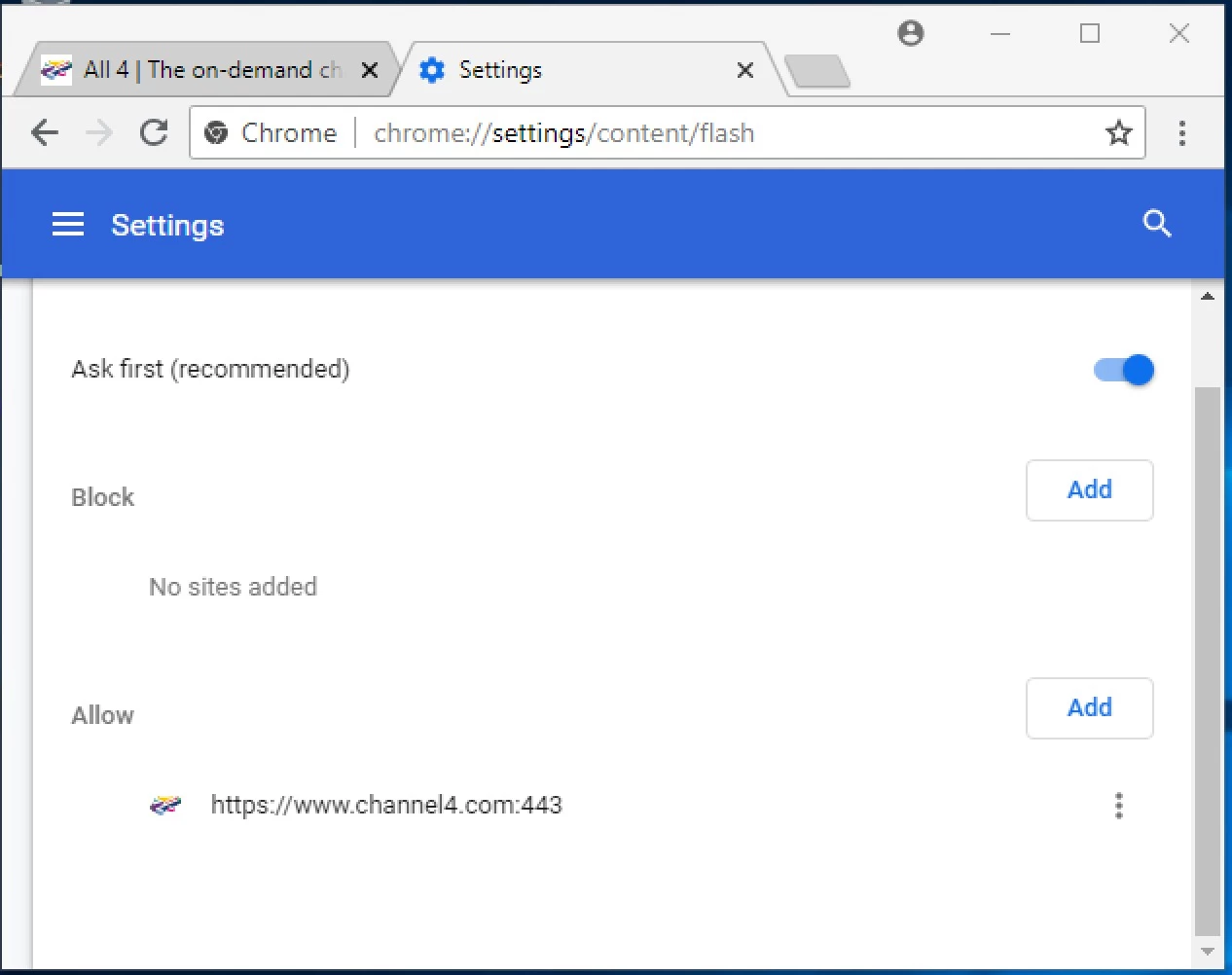
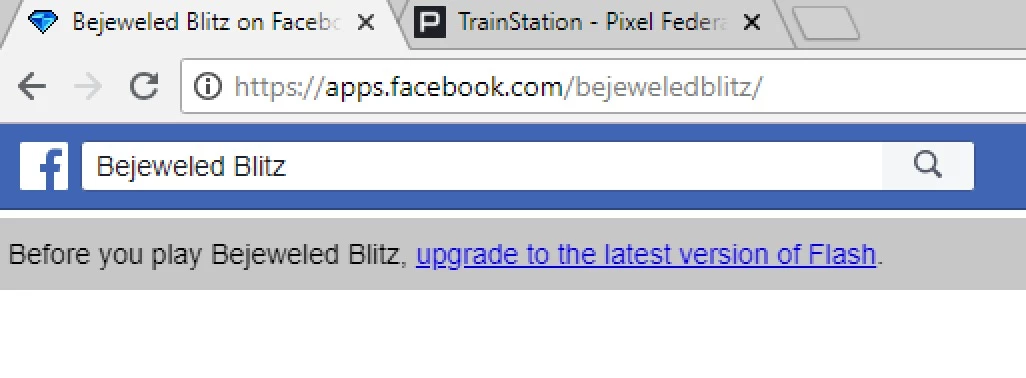
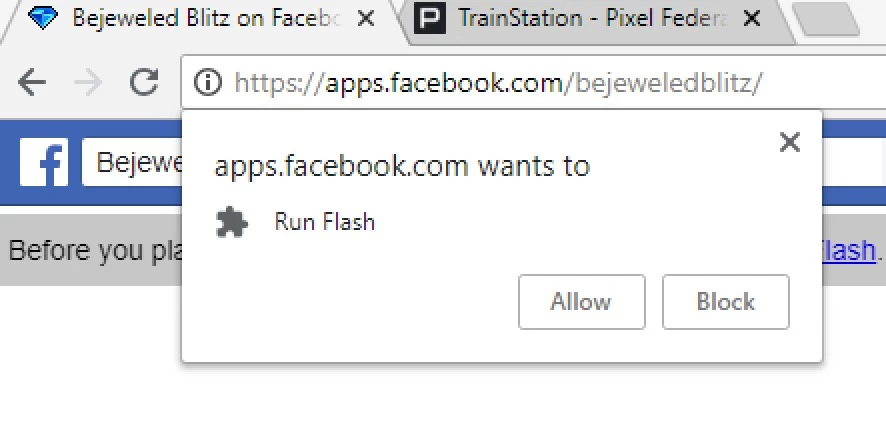
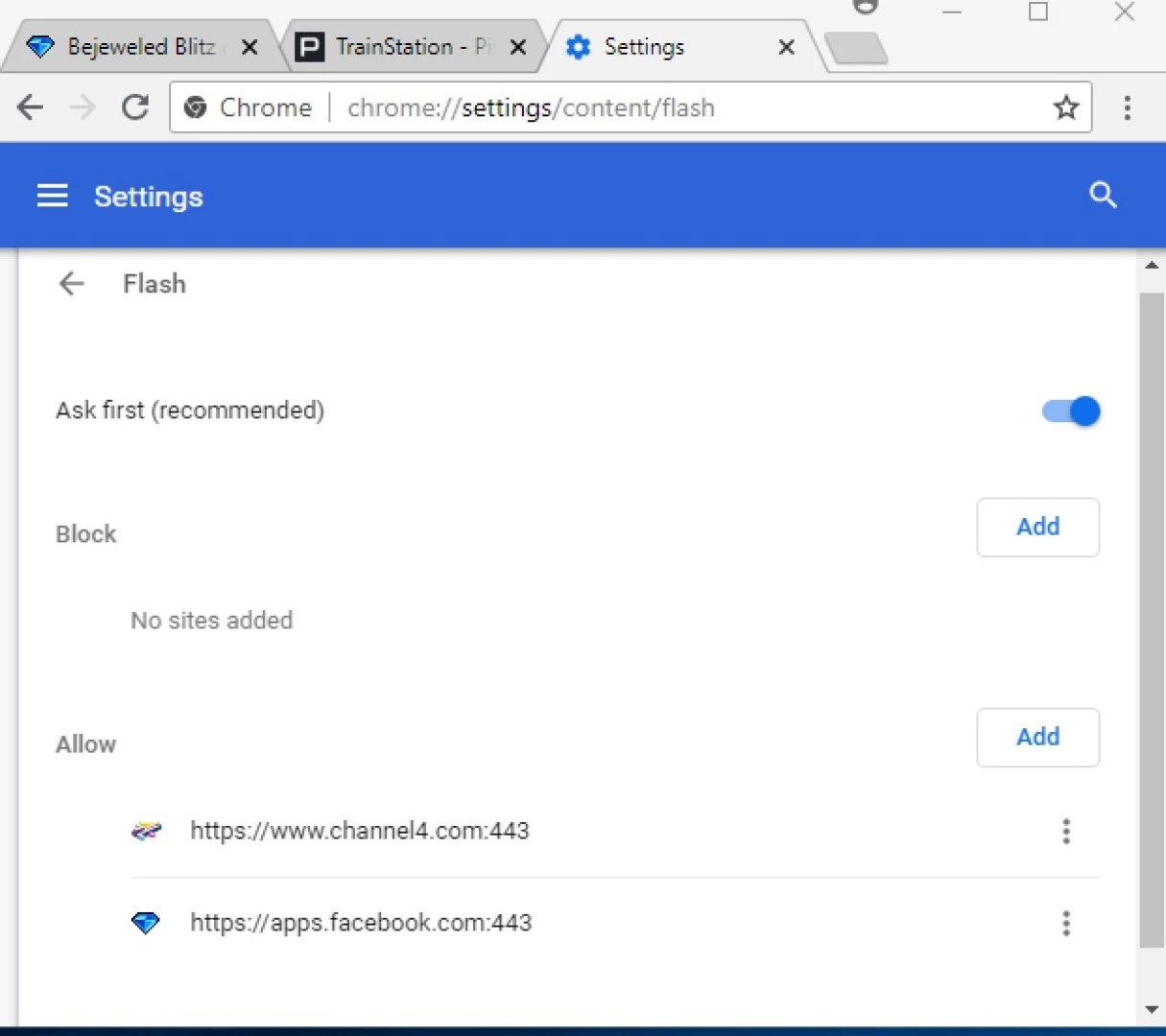
2: Enable to Run Flash
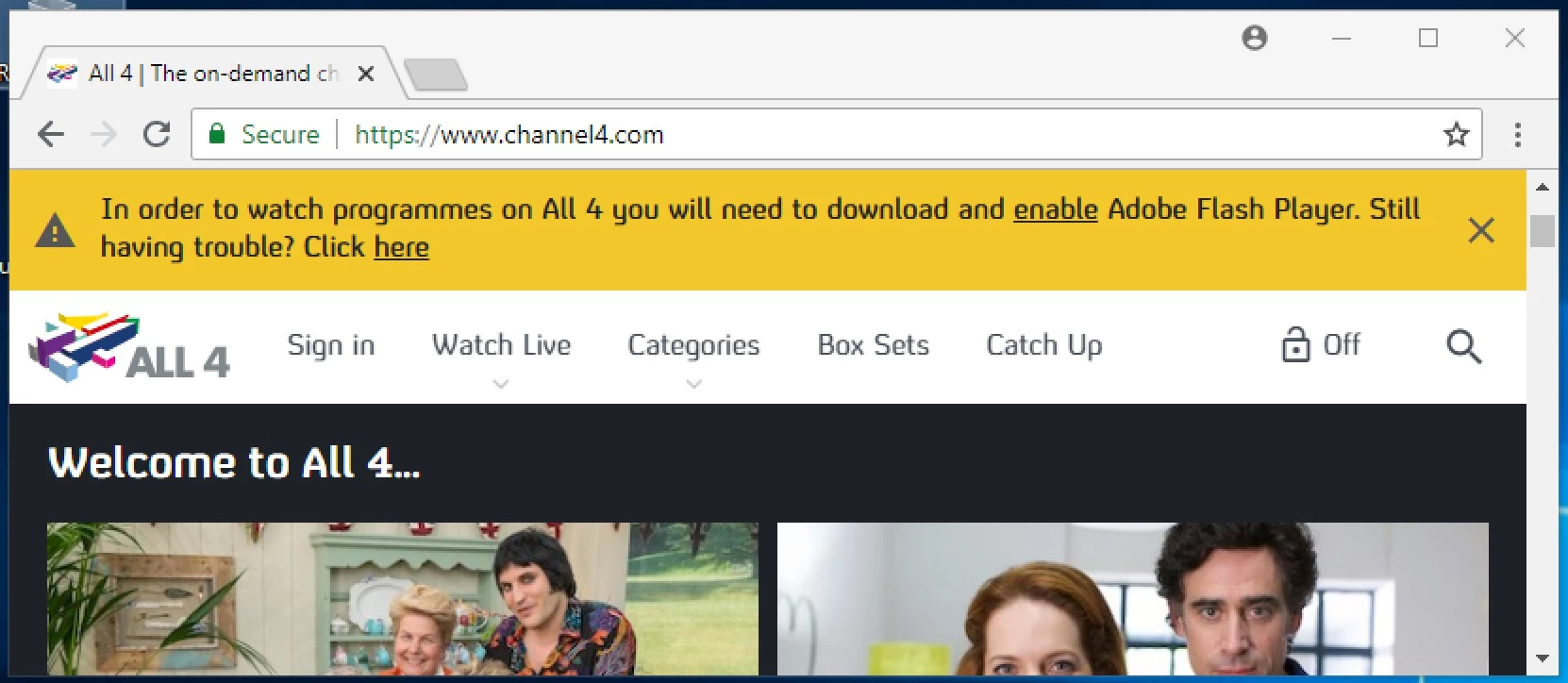
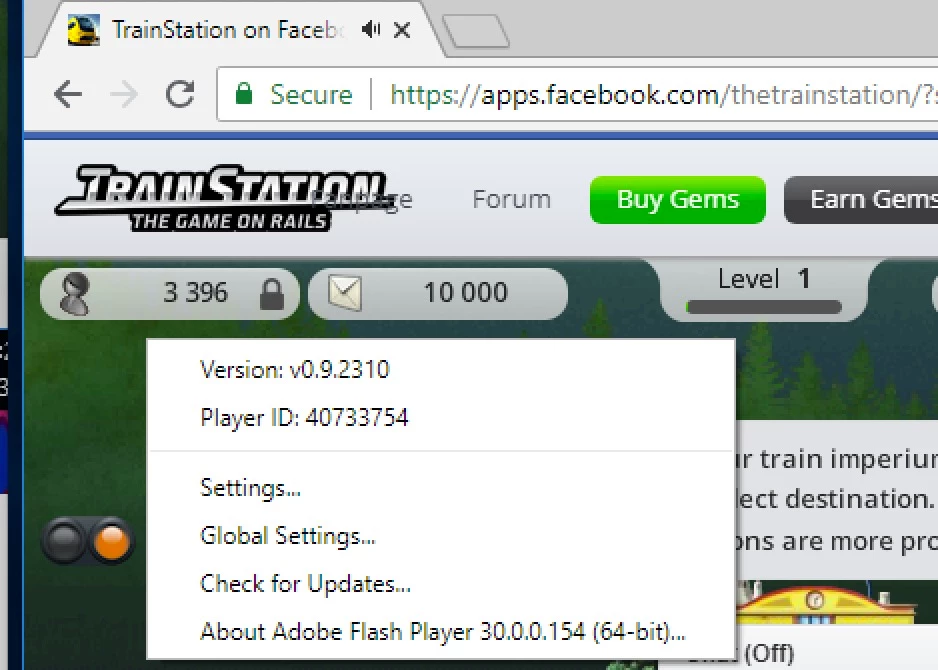
The three sites currently giving problems are channel4, bejewelled blitz (a FaceBook game) and TrainStation (a Pixel Federation game)
3: Disable Flag
When using chrome://flags the data produced has been rendered into a pdf file which is held at Dropbox - flags.pdf
4: Reinstall Adobe Flash Player
This was not tried as Flash Player is pre-installed in Google Chrome
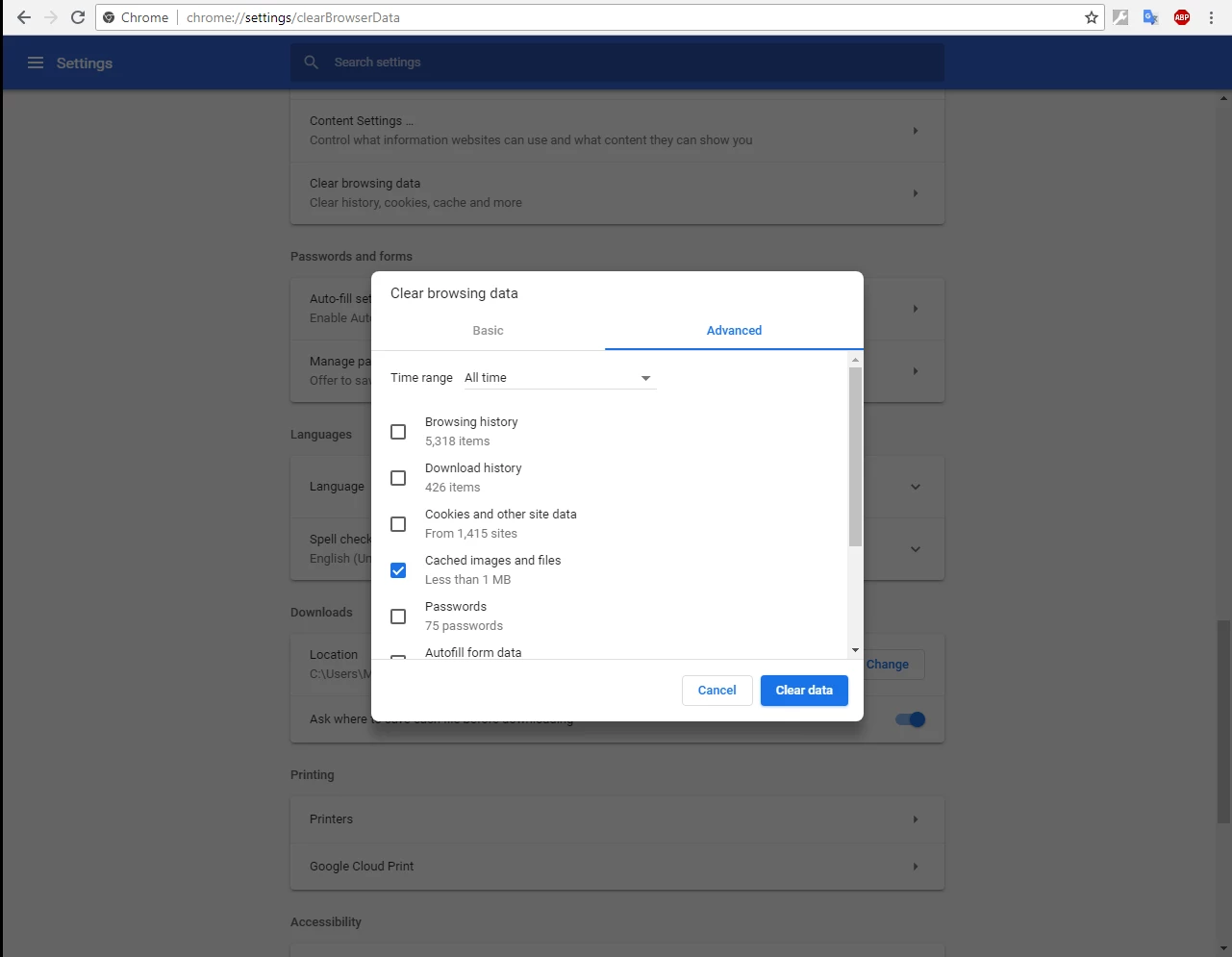
5: Clear Cached Data
Please advise what needs to be changed which is preventing these three websites from running correctly

 AdChoices