
Answered
"connection error" for Flash Player (Firefox v52) install on Windows 10
I've run out of ideas on this. Trying to install the latest version of Flash Player, since Firefox has disabled the version I had (24 something). I've uninstalled that version hoping that might help. But it did not.
I have Windows 10 (upgraded from Win 7 Home Premium), and the very latest Firefox (52.0.1, a totally fresh, clean install by the way)
I go to the install page, deselect the option offers, click the "Install Now" button, save the download, exit Firefox, and then run the downloaded installer.
I see this:
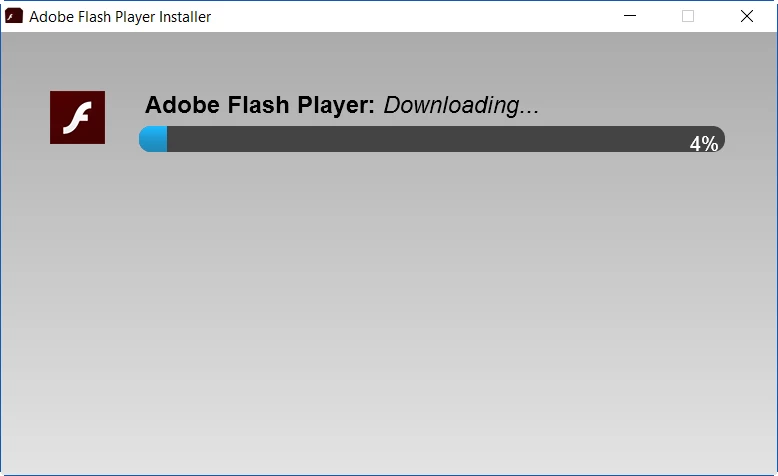
It hangs at 4%, then in about 30 seconds, I get this:
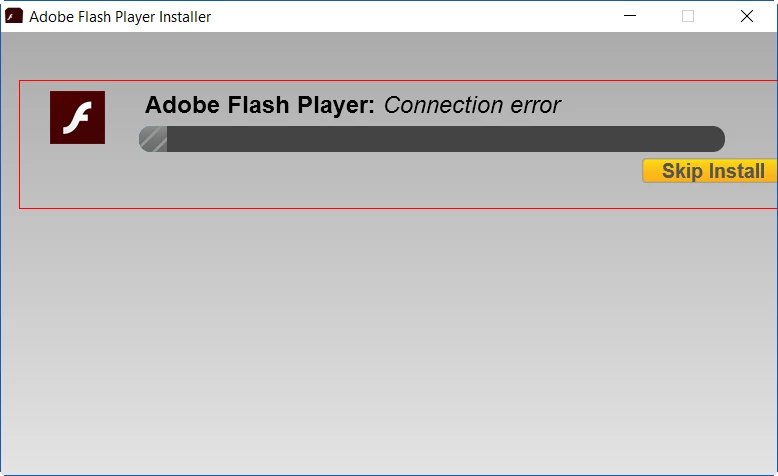
Same result before and after I uninstalled Flash 24.


 AdChoices