Dear friends,
My script to expand all nodes works fine. The contrary function to collapse all nodes, does not behave:
- This is the starting point, the tree is generated an the top nodes are closed
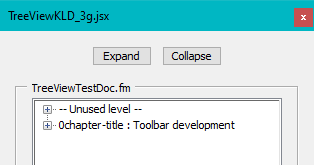
- Using button Expand makes the whole tree visible
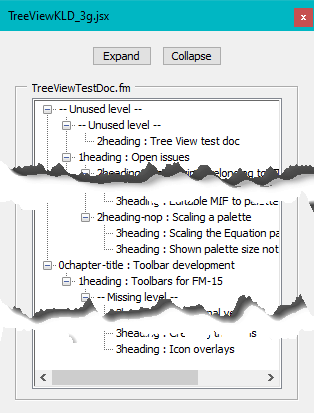
- As long as the whole tree is visible, using Collapse works correctly
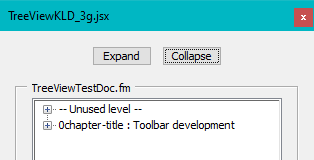
- If only part of the tree is visible and Collapse is used, nothing happens:

→ What could be wrong with FunCollapseAll?
function FunExpandAll(oTree) { // --- recursively used
// Reference    Peter Kahrel
var j, branches;
  oTree.expanded = true;
  branches = oTree.items;
  for (var j = 0; j < branches.length; j++) {
    if (branches[j].type == 'node') {
      FunExpandAll (branches[j]);
    }
  }
} // end of FunExpandAll

function FunCollapseAll(oTree) { // --- recursively used
var j, branches;
  oTree.expanded = false;
  branches = oTree.items;
  for (var j = 0; j < branches.length; j++) {
    if (branches[j].type == 'node') {
      FunCollapseAll (branches[j]);
    }
  }
} // end of FunCollapseAll






 2
Replies
2
Replies


 AdChoices