Participating Frequently
October 6, 2023
Question

Create PDF 2 time larger

  • October 6, 2023
  • 2 replies
  • 224 views

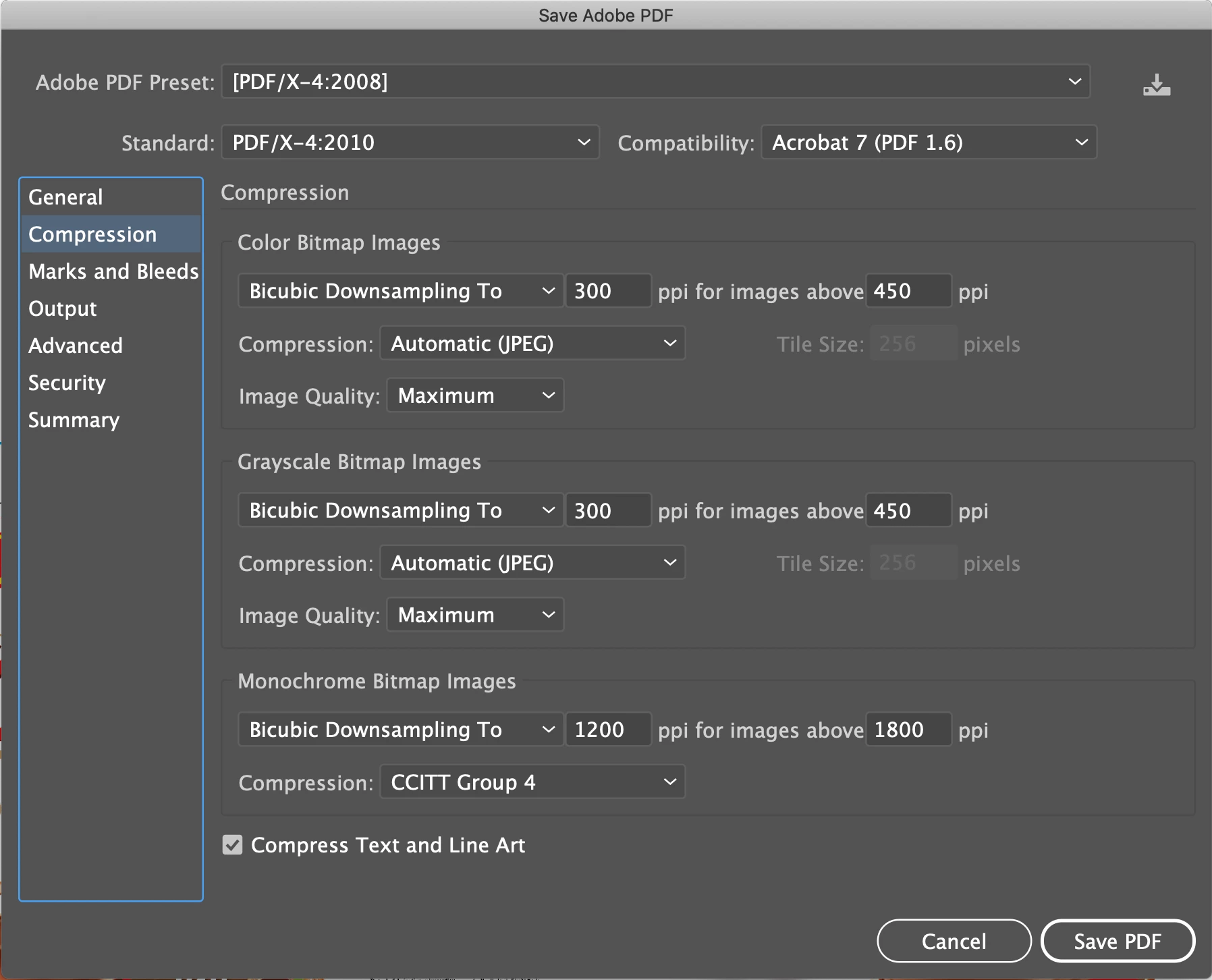
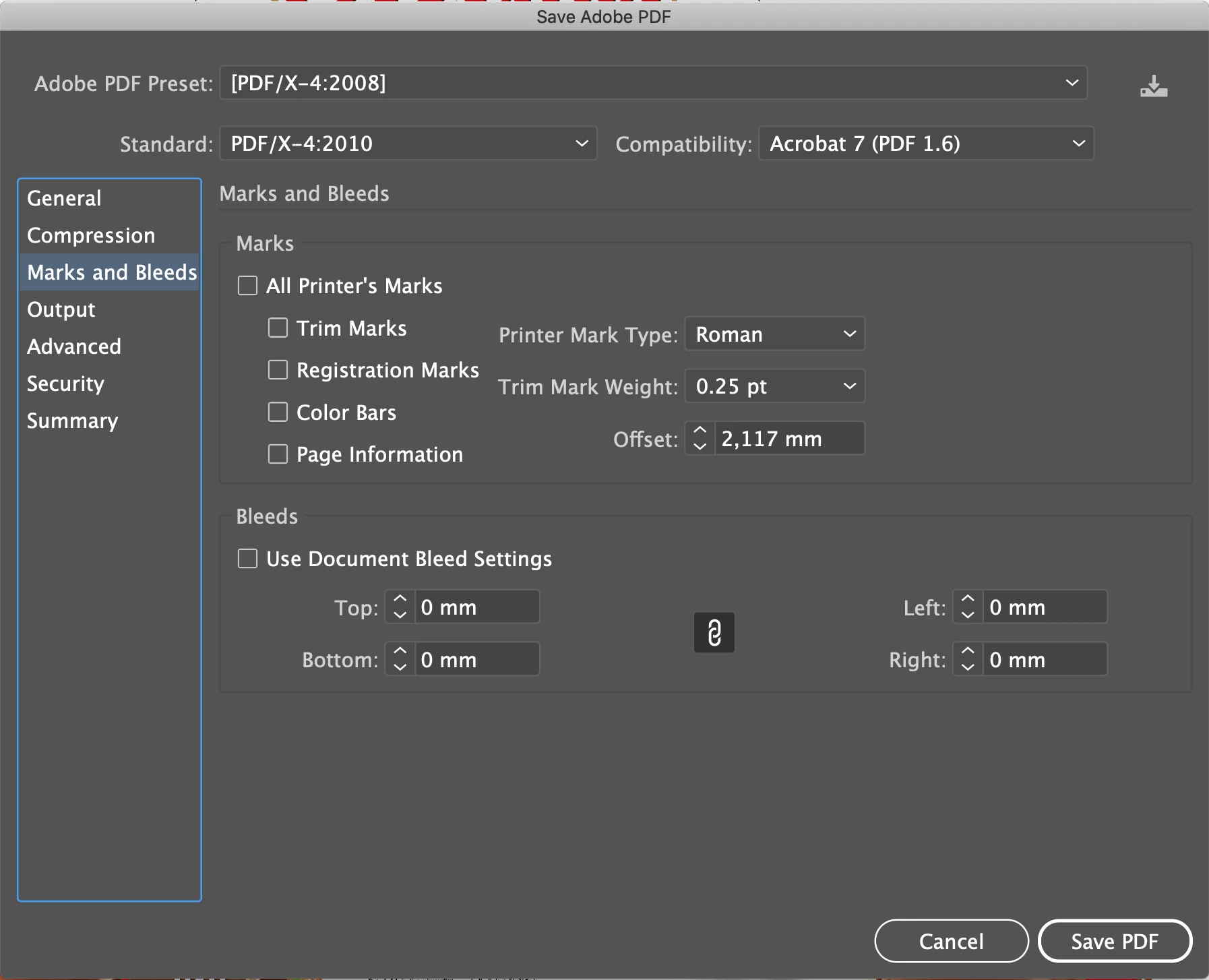
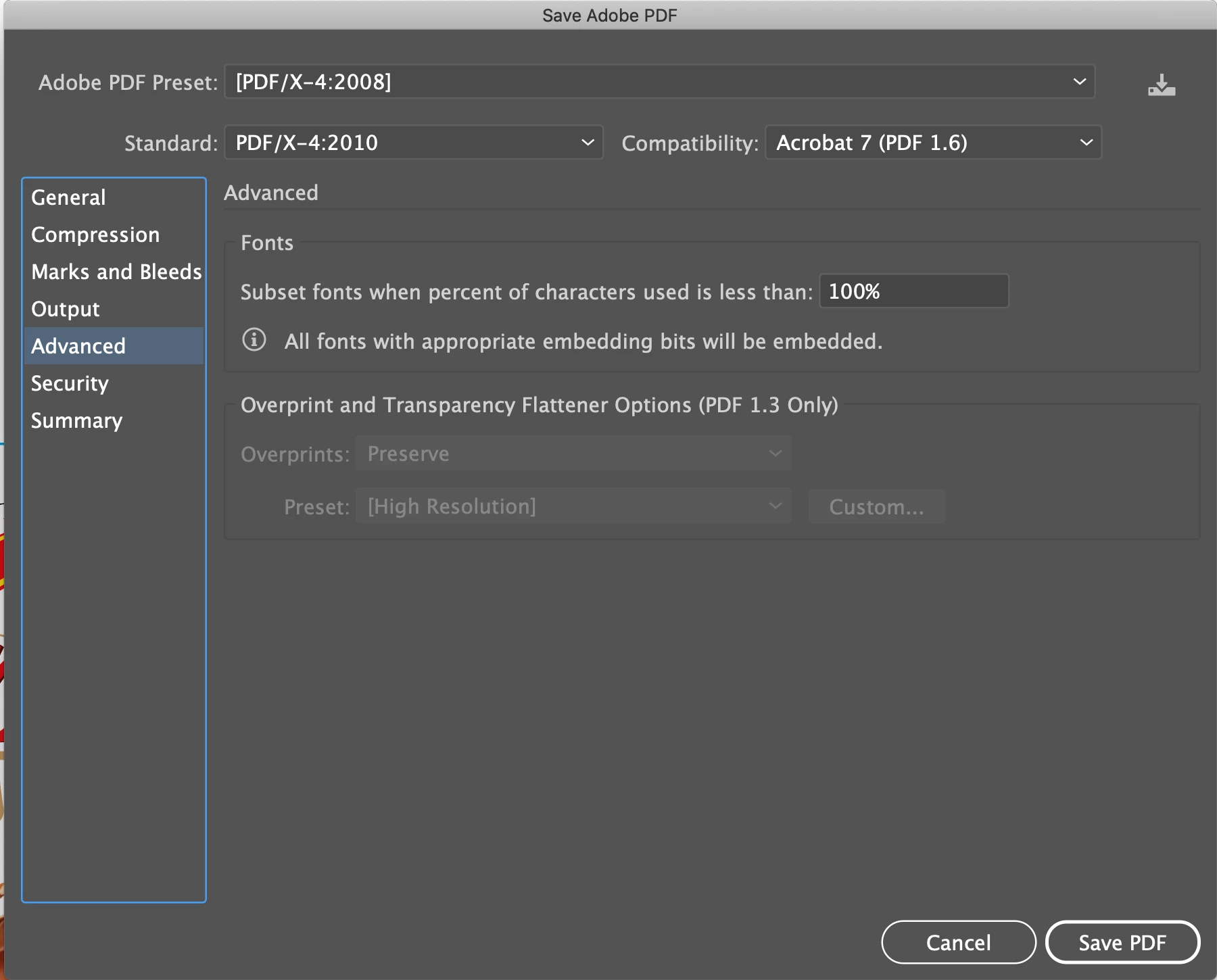
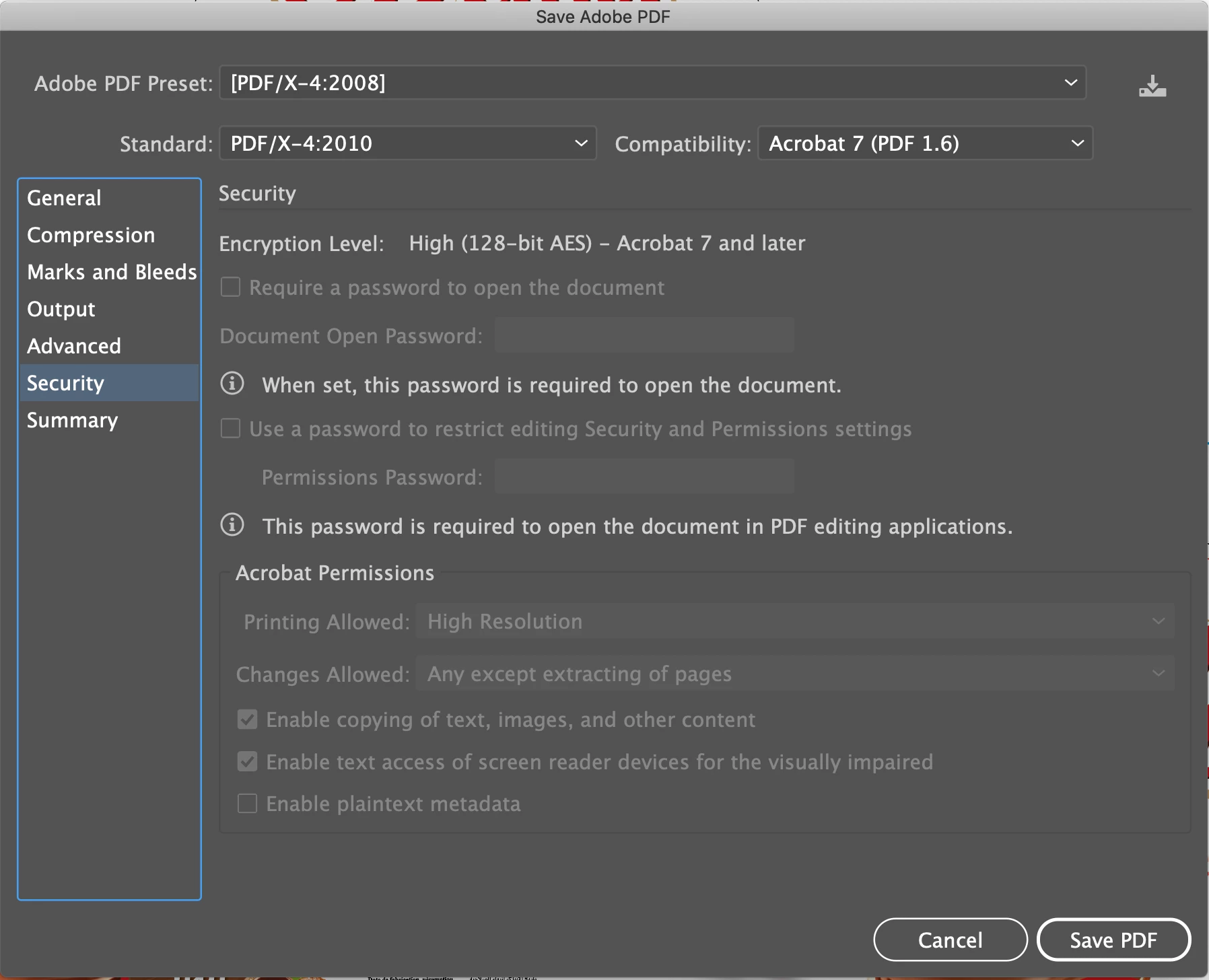
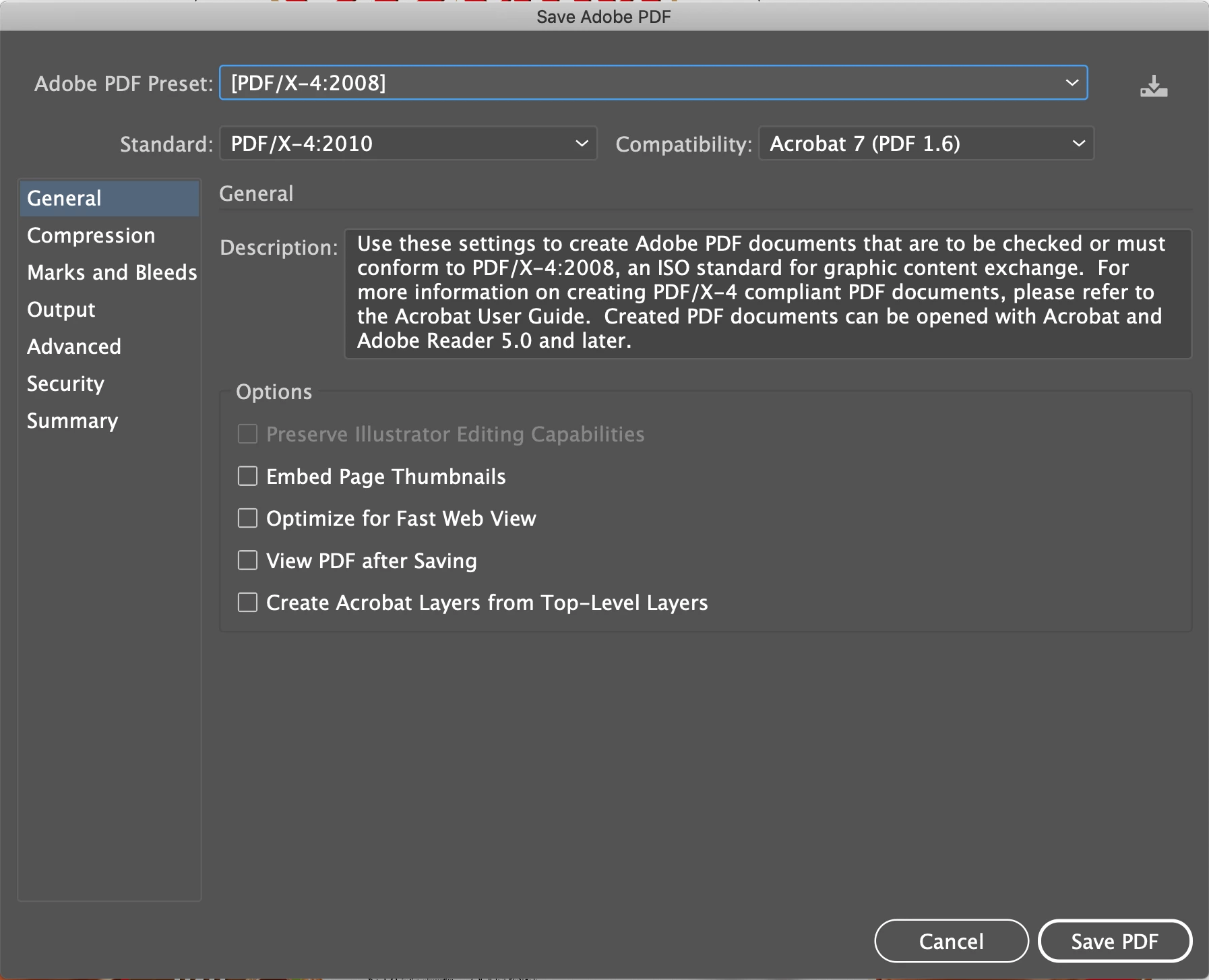
After I write codes then I create PDF file , PDF file that is created almost 2 times larger than then PDF I created manually. You can find below details of PDF I created manually. How can I create the PDF like manually created size ? Thank you


var doc = app.activeDocument;
function pdfExport() {
    if (app.documents.length > 0) {
        var newName = doc.name.replace(/\.[a-zA-Z]{2,3}$/, ".pdf");
        var newNameWithHyphens = newName.replace(/\s/g, "-");
        var saveName = new File(doc.path + "/" + newNameWithHyphens);
        var saveOpts = new PDFSaveOptions();
        saveOpts.pDFPreset = "[PDF/X-4:2008]";
        saveOpts.standard = "[PDF/X-4:2010]";
        saveOpts.compartibility = "[Acrobat 7 (PDF 1.6)]";
        doc.saveAs(saveName, saveOpts);
    }
}


Features of manually made pdf
This topic has been closed for replies.

2 replies

Legend
October 6, 2023

Hello @Goldberg_1453,


Take a look here at the correct property listinngs...https://www.indesignjs.de/extendscriptAPI/illustrator-latest/#PDFSaveOptions.html#d1e42610__iProps


you can give this a try.

var doc = app.activeDocument;
function pdfExport() {
    if (app.documents.length > 0) {
        var newName = doc.name.replace(/\.[a-zA-Z]{2,3}$/, ".pdf");
        var newNameWithHyphens = newName.replace(/\s/g, "-");
        var saveName = new File(doc.path + "/" + newNameWithHyphens);
        var saveOpts = new PDFSaveOptions();
        saveOpts.pDFPreset = "[PDF/X-4:2008]";
        saveOpts.pDFXStandard = PDFXStandard.PDFX42007;
        saveOpts.compartibility = PDFCompatibility.ACROBAT7;
        doc.saveAs(saveName, saveOpts);
    }
}

or just create/save a custom pdf preset with the options you need..

var doc = app.activeDocument;
function pdfExport() {
    if (app.documents.length > 0) {
        var newName = doc.name.replace(/\.[a-zA-Z]{2,3}$/, ".pdf");
        var newNameWithHyphens = newName.replace(/\s/g, "-");
        var saveName = new File(doc.path + "/" + newNameWithHyphens);
        var saveOpts = new PDFSaveOptions();
        saveOpts.pDFPreset = "your custom pdf preset name";
        doc.saveAs(saveName, saveOpts);
    }
}

Regards,

Mike

CarlosCanto
Community Expert
Community Expert
October 6, 2023

try commenting out these two lines


        // saveOpts.standard = "[PDF/X-4:2010]";
        // saveOpts.compartibility = "[Acrobat 7 (PDF 1.6)]";