Based on my scientist wife's explanation about what you might mean in regards to a DNA drawing I came up with the process below:
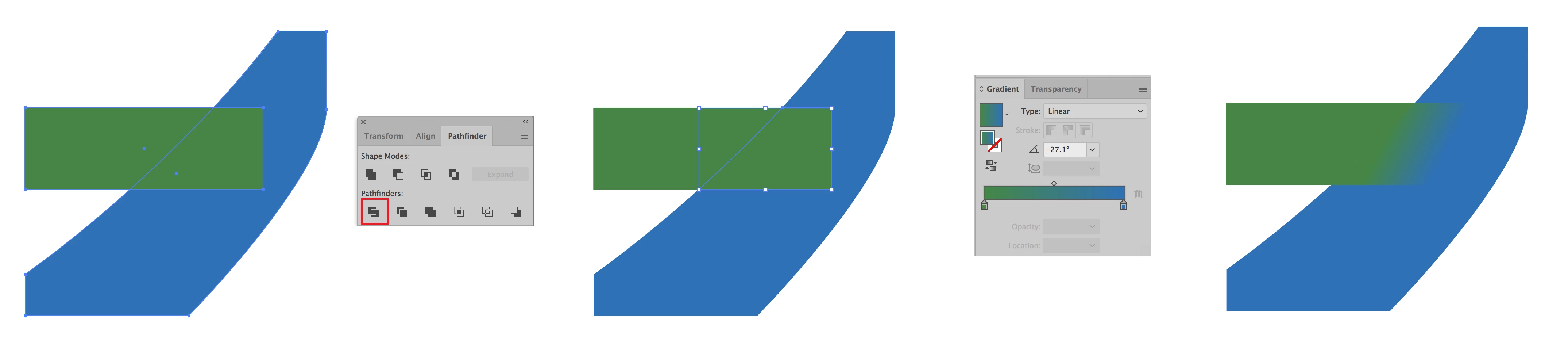
I recreated your image as live art. Then I used the Pathfinder Divide function to make the overlap into a separate shape. Then I created a gradient with the two colors that you used (sampling them with the eyedropper). Then I applied the gradient to the overlap area and using the gradient tool I finessed the gradient as shown. If this is what you're looking for great. If not please provide a sketch as to what you need.






 AdChoices