Participant
October 22, 2018
Answered

Illustrator Alignement Problem

  • October 22, 2018
  • 1 reply
  • 348 views

Hello, i have a problem when i need to vectorise precisely on Illustrator, i can try every parameter, the most precise i can get is that :
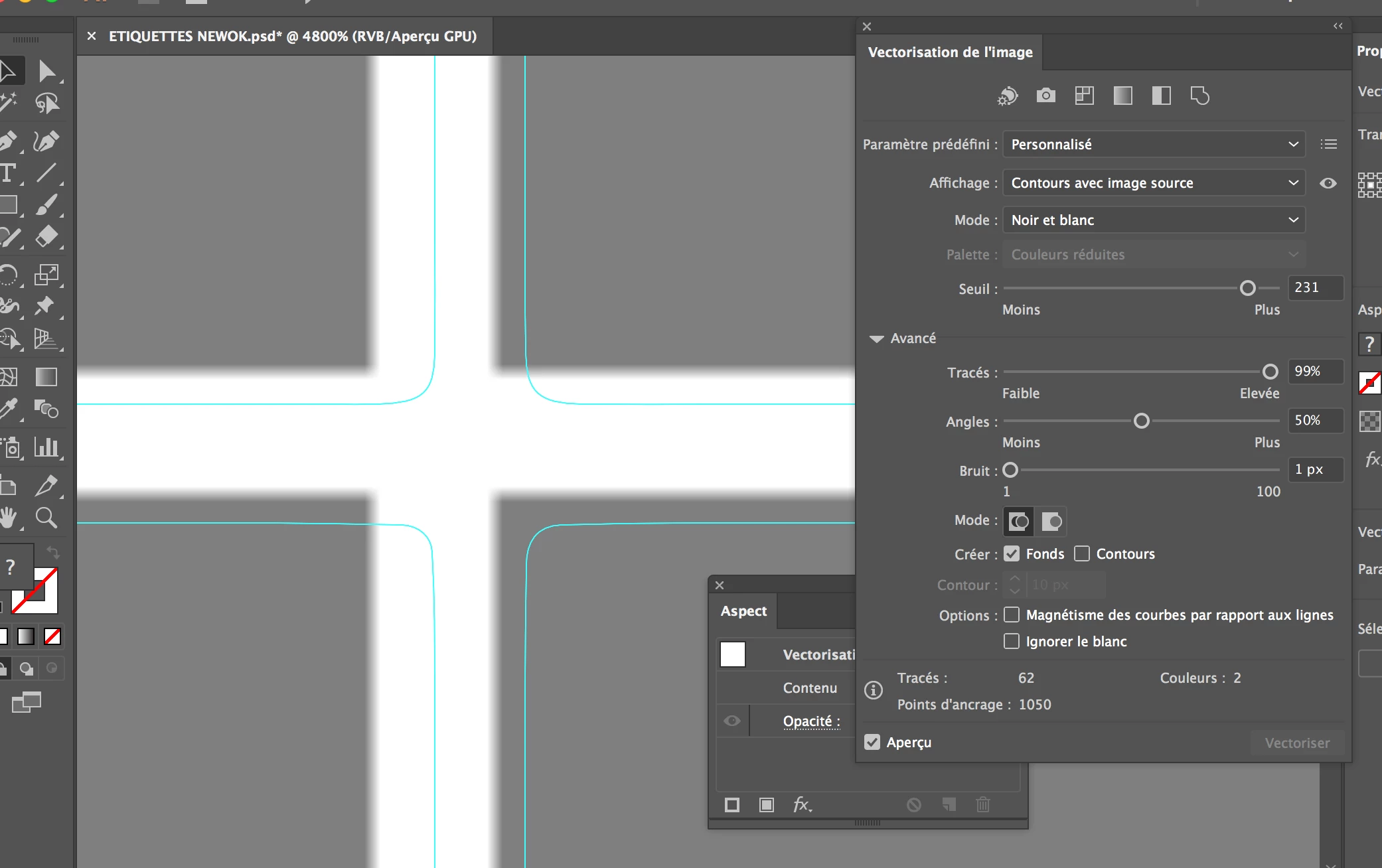
I tough it's a pixel or grid alignement problem, but i check/uncheck all alignement option i can found on Illustrator, it's every time the same problem when i want precision. I try also to double/triple DPI on photoshop before import (600 / 1200dpi), but it don't change anything.

How can i desactivate all pixel/grid alignement ??

I can after vectorisation, move every vectorised line where i want, but i have some time more than 1000 square / round to vectorise precisely in order to make a cut with cue. Please help me

Julien.

    This topic has been closed for replies.
    Correct answer ZoOoOoP972

    I can confirm, with CS5 it work like a charm

    Impossible to do this with CC201X, i lost days to find a solution.

    Precisions options totally removed

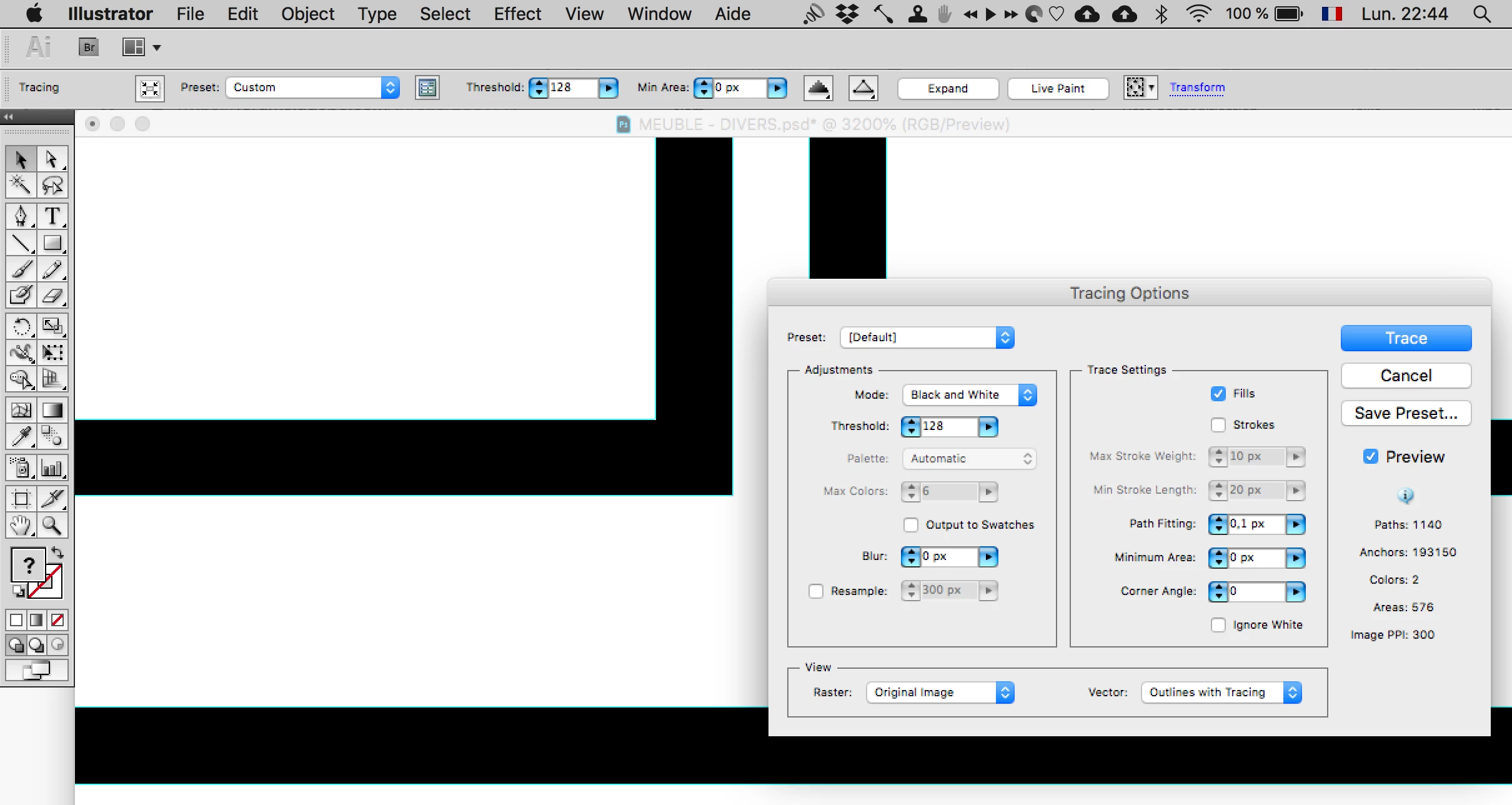
    With CS5 lines are perfectly ajusted :

    1 reply

    Participant
    October 23, 2018

    After some search i found that since the passage between CS5 and CS6, the live trace option become very bad for black & white precision, for example every one who want to do precise black & white QR code tracing has to use old CS5 version.

    Some body can confirm me that ?

    ZoOoOoP972AuthorCorrect answer
    Participant
    October 23, 2018

    I can confirm, with CS5 it work like a charm

    Impossible to do this with CC201X, i lost days to find a solution.

    Precisions options totally removed

    With CS5 lines are perfectly ajusted :