 Adobe Community

- Home
- Illustrator
- Discussions
- Opacity Mask Won't Export with Artboard
- Opacity Mask Won't Export with Artboard

Copy link to clipboard
Copied
I have an opacity mask applied for a distressed look. Whenever I "Export As" a png and select the Artboard checkbox, it ignores the opacity mask and exports without that layer at all (see image 1).
However, if I don't select the Artboard checkbox and just the effect of the opacity mask is maintained in export (see image 2).
How can I maintain the opacity mask and export the entire artboard?



 1 Correct answer


I found the issue, here's a video showing you how to fix it:
Thanks for sending over a screenshot with the arrow. Without that, I don't think I would have found the problem. Hope this helps! Let us know how it goes.

Explore related tutorials & articles
 8
Replies
8
8
Replies
8

Copy link to clipboard
Copied
I haven't been able to recreate this problem on my end. Can you share the file with us?
Copy link to clipboard
Copied
Here is the file: https://drive.google.com/open?id=12QyUUqMtR-dCWWHpkaZYXeccVoBi_e0m

Copy link to clipboard
Copied
How did you do the «distressed look»? – can't see any of these vector/pixel images inside the file or opacity masks!
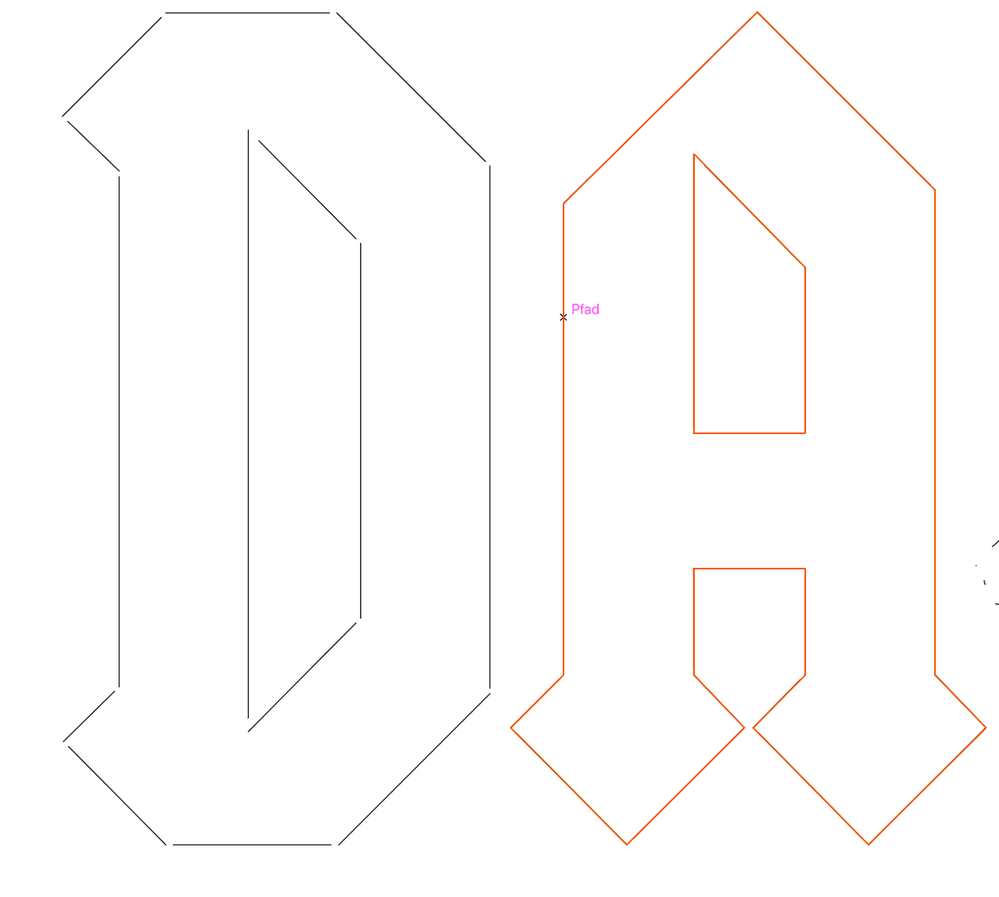
-> first of all – the Font/Shapes are not shapes, only single strokes – that could B one of the 100 reasons.
Works fine here with regular/correct Shapes/Mask to export.
Copy link to clipboard
Copied
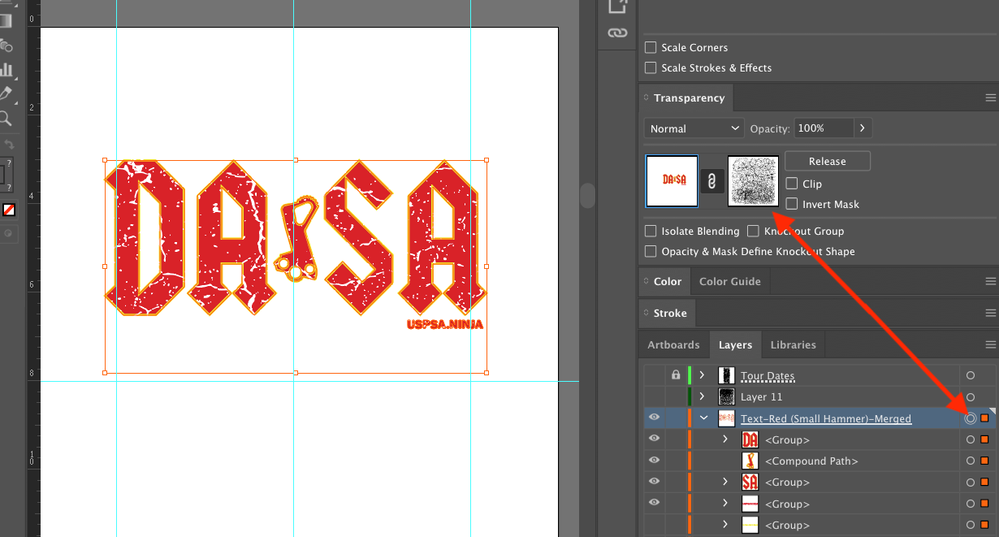
Intersting. You don't see the transparency mask when you click on the top layer?
Copy link to clipboard
Copied
I found the issue, here's a video showing you how to fix it:
Thanks for sending over a screenshot with the arrow. Without that, I don't think I would have found the problem. Hope this helps! Let us know how it goes.

Copy link to clipboard
Copied
It's a lot easier to solve this.
1. Use Save for Web (Legacy) instead of Export as
or
2. Create a new layer and move the existing layer inside of it as a sublayer

Copy link to clipboard
Copied
Creating a new layer and putting it inside another worked!
Why this even is an issue beats me.. I mean, working with AI is 20% stumbling over a problem or a missing feature, 50% looking for workarounds and 30% actual creating..
Copy link to clipboard
Copied
Thank you @Sebastian_Black! That fixed it exactly!!


 AdChoices