

ltoronto
Participant
February 19, 2019
Question

Opening a file

  • February 19, 2019
  • 2 replies
  • 261 views

Hi when I try to open an AI file with the Adobe Illustrator and I get the following error message:
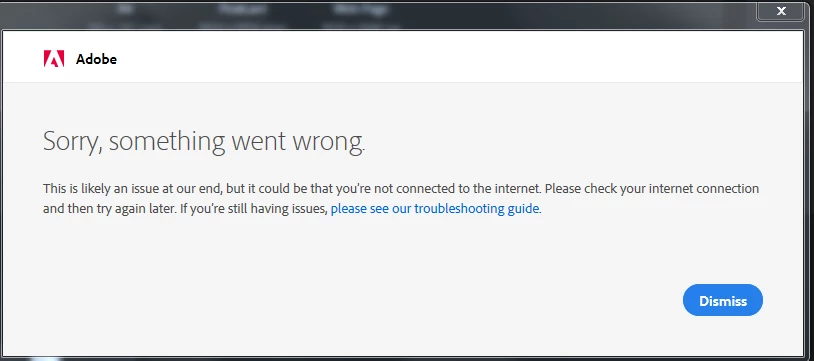
And I got a internet connection, otherwise i was not able to come here and post this question

Thanks

    This topic has been closed for replies.

    2 replies

    Legend
    February 20, 2019

    Are you using a firewall that blocks specific websites, or a VPN? Adobe's license-checking system pings a bunch of different servers (on *.adobe.com and *.adobe.io) and some of their servers have blacklisted connections from VPNs.

    If you have a firewall/AV application that keeps logs of blocked connections, check out what it's saying when Illustrator opens. Illustrator itself won't tell you what server it's trying to reach, but if you're on the trial (or, frankly, on the paid version now Adobe has gone uber-aggressive about checking subscriptions at every launch) then it will just refuse to open if it can't talk to Mom.

    Inspiring
    February 19, 2019

    Where is the file you want to open?  Your copy of Illustrator is legit, right?  See no reason for an error.

    ltoronto
    ltorontoAuthor
    Participant
    February 20, 2019

    I think it is legit, it is the 7-day trial. How can I attach the file in order for you to try opening it?