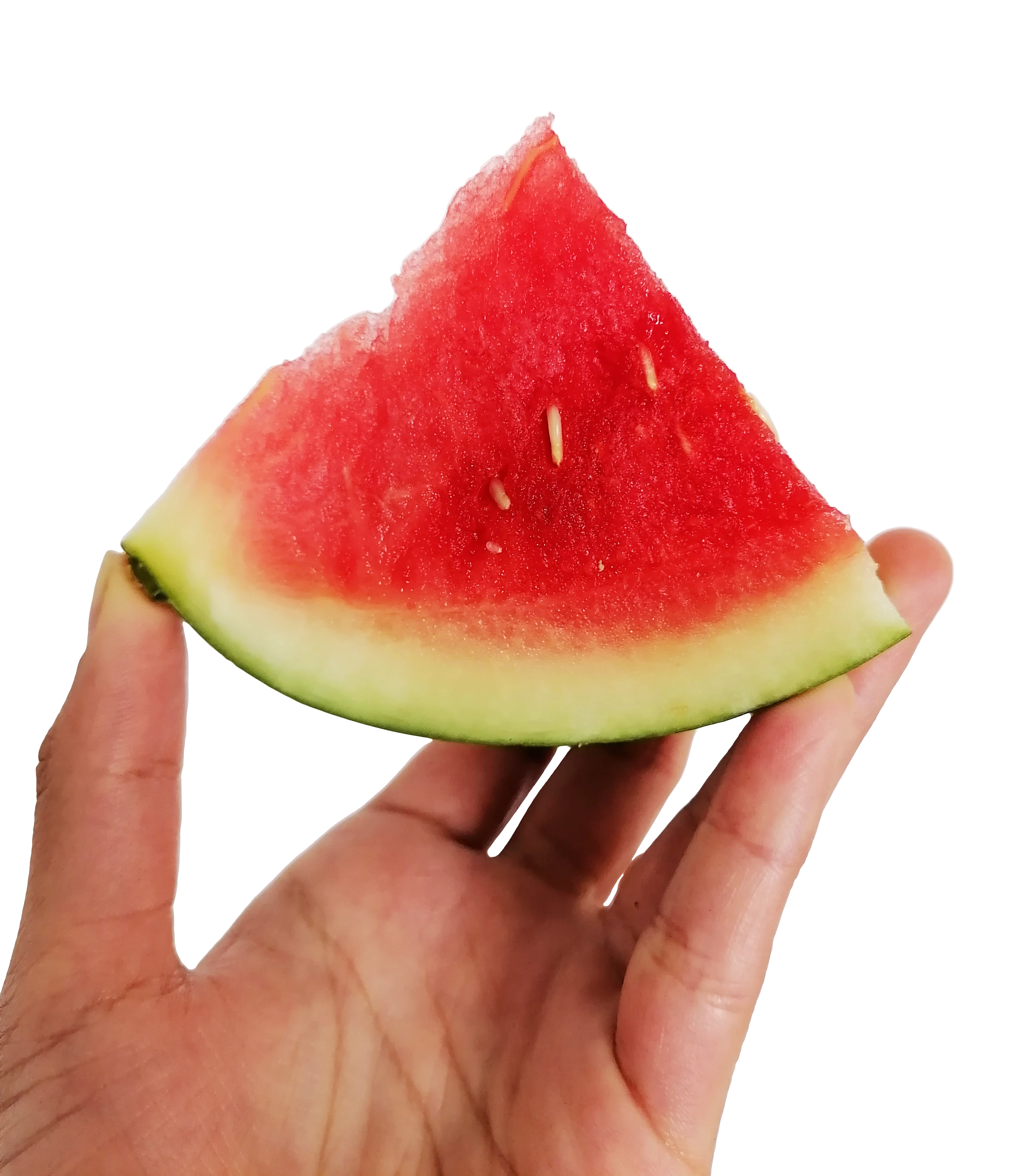
You made a rather clean cutout job, despite the errors reported by @Jill_C and @George_F .
May I add to the report:
Thumb: you have to follow the natural shape of the finger. You cannot simply crop in a straight line.
If you come to corners, like here:
You cannot leave a round corner. I remove the part, and then re-create what I removed over the background.
Demonstration:
This corner:
Looks like this, magnified:
You see that the corner is not correct, and there is some background left.
I delete more than needed, so I need to reconstruct.
Mission done, I have a sharp angle.
But even with correcting the cutout, I fear that you still earn a rejection because the picture itself also exposes artefacts. The EXIF data has been removed, but I bet this picture has been taken by a small camera sensor, like you find them in the phones.
If you look at the shadows area, you see this painterly look, and you see clipping.
And you also see other artefacts, like here:
ABAMBO | Hard- and Software Engineer | Photographer
The cutouts aren't jagged, but they aren't very smooth in some areas and could use some refining. There is also an odd white halo on the skin between the pointer finger and thumb. The hand also seems out of focus to me.



 AdChoices