
Hardware encoding unavailable Premiere Pro CC 2019
When I try to render footage from my PC I am unable to use hardware encoding. The encoding menu looks like this in the export media menu:
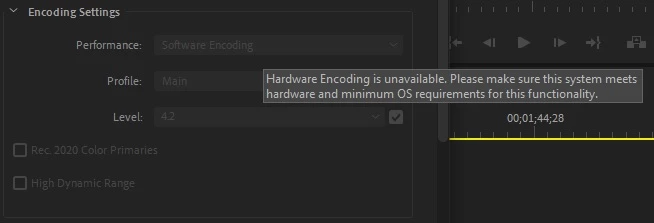
This has been a persistent issue on this computer. I tried reinstalling adobe, installing older versions of adobe, and installing older graphics drivers, and last but not least completely wiping the computer and reinstalling windows. So far nothing has re-enabled hardware encoding.
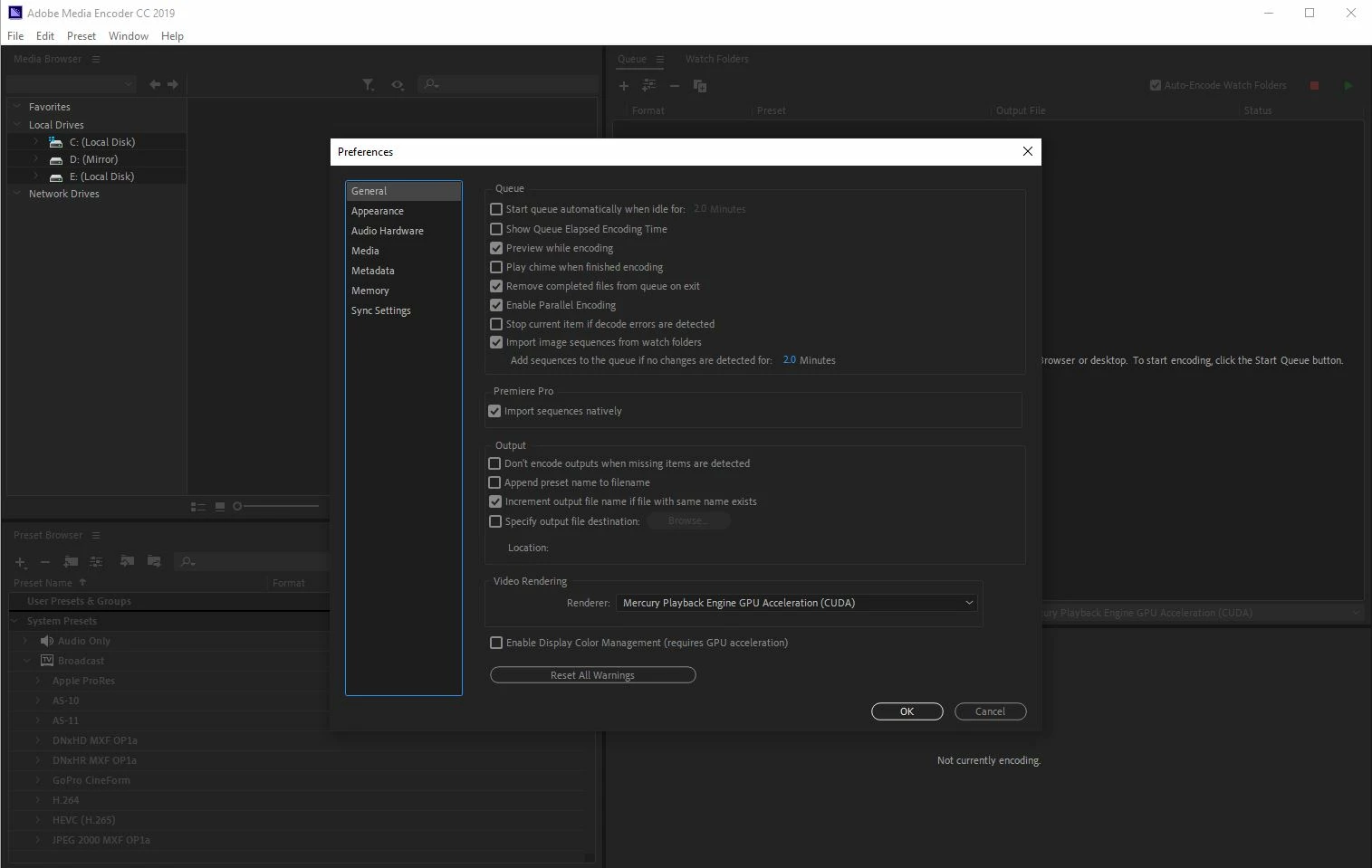
This issue does not appear present in Adobe Media Encoder CC 2019:
My configuration:
Windows 10 Pro build 1809
Nvidia graphics driver 417.35
ASUS X99-E-10G
Intel i7-6950x
EVGA GTX 1080Ti
64GB RAM
I'm really not sure what's going on here. I'm running a perfect clean install with just the system's necessary drivers, google chrome, and adobe installed. When I render with software encoding, whatever that means, it is slow and unstable, and I get rendered files that are full of artifacts. Using software encoding Premiere will frequently crash and sometimes it takes the whole system with it.
 AdChoices