
Participant
May 21, 2019 1:27 AM UTC
Question

IllustratorCC2019 23.0.3でファイルを開けない(Windows10)

先週あたりからファイルを開くことができなくなりました。

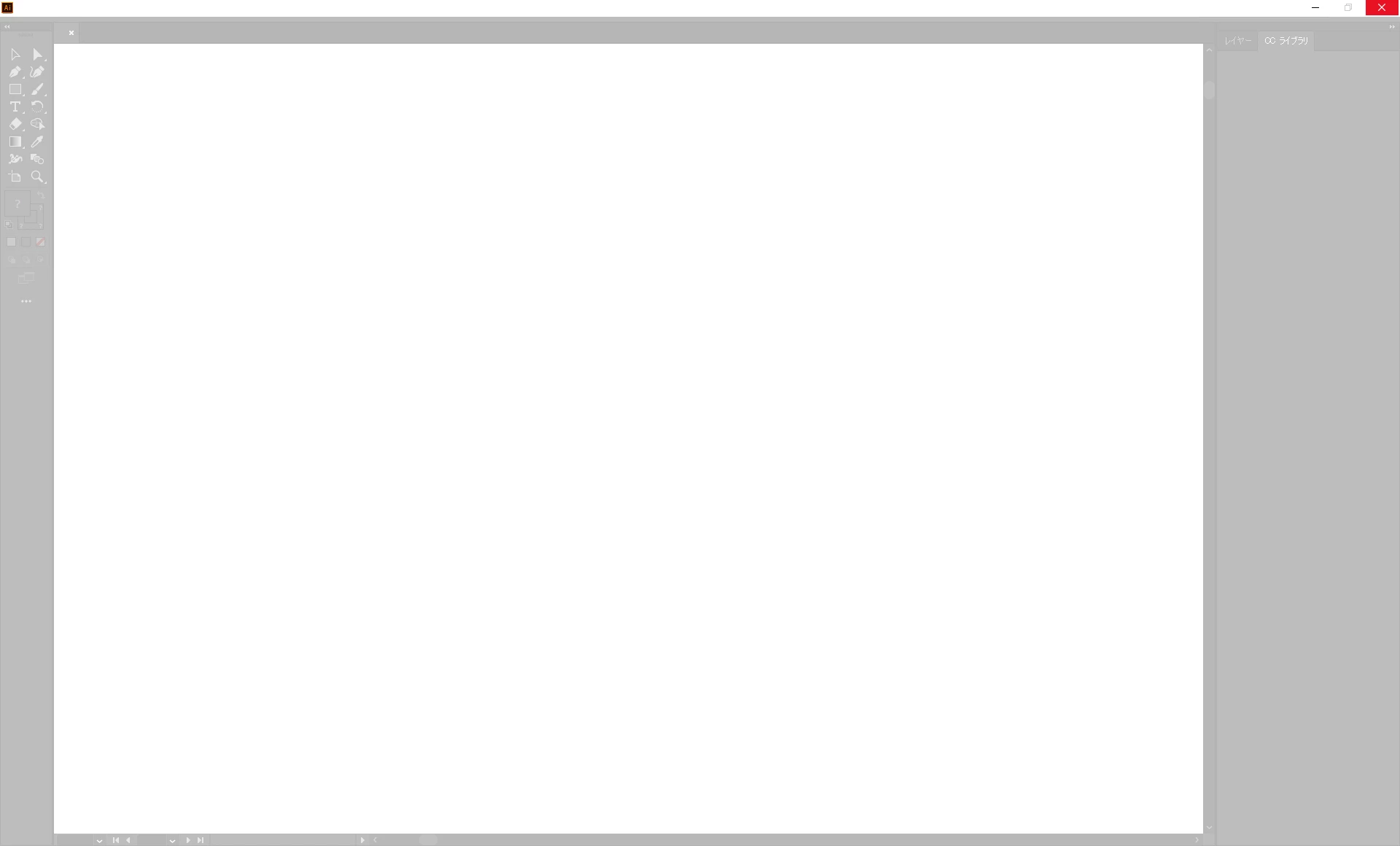
ファイルの直接ダブルクリック、「ファイル」タブ→開く、ウィンドウへのファイルのドラッグ&ドロップもすべてダメで、以下の画面で固まります。

非常に困っています。誰か解決策などありましたらご教示いただけますと幸いです。

当方PCの環境は以下です。

Windows 10Home

Core i7 8550U

RAM 16GB

GPU: Intel UHD Graphics 620

          GeForce GTX1050 Max-Q

今まで試した解決策は以下ですがすべてダメでした。

・「環境設定」→「一般」→「ドキュメントを開いていないときにホーム画面を表示」のチェックを外す

・Illustratorの再インストール(環境設定もすべて消去)

・グラフィックドライバの再インストール

・起動時に使用するグラフィックチップの変更(GeForce → Intel, Intel →GeForce, GeForce →自動選択)

・管理者権限で起動
This topic is closed to new replies. Start a new post to keep the conversation going.

4 replies

assause
Community Expert
Community Expert
May 27, 2019 4:20 AM UTC

該当環境であればノートPCのOptimusだと思うのですが、

「起動時に使用するグラフィックチップの変更」は、NVIDIAのコントロールパネルの設定でしょうか。

そちらで自動になっている場合は、GeForce側を優先等に変更することで安定するとは思うのですが、

できればそのあたり、具体的な設定内容を明示してみましょう。

またはデバイスドライバーで、Intel HD側を利用停止してしまう方法もありはします。

動作的に両方を利用してしまうことでの不安定動作に結び付いている場合はあるためです。

シングルディスプレイで動作するとしたらそのあたりの可能性は出てきます。

なおIllustrator (us) から Illustratorコミュニティフォーラム (Japan) に移動しました。

Translate
italosan
Community Expert
Community Expert
May 21, 2019 10:38 AM UTC

Hi, I suggest you try uninstalling Adobe Illustrator again, using the Creative Cloud Cleaner Tool. Try and keep us updated

Translate
Participant
May 24, 2019 1:15 AM UTC

Thanks for your comment! But unfortunately, it didn't work.
It turns out that by disconnecting secondary display, I can open files normally.

Translate
italosan
Community Expert
Community Expert
May 24, 2019 10:05 AM UTC

Perfect, I'm glad you managed to solve the problem

Translate