

Participant
May 19, 2022
Answered

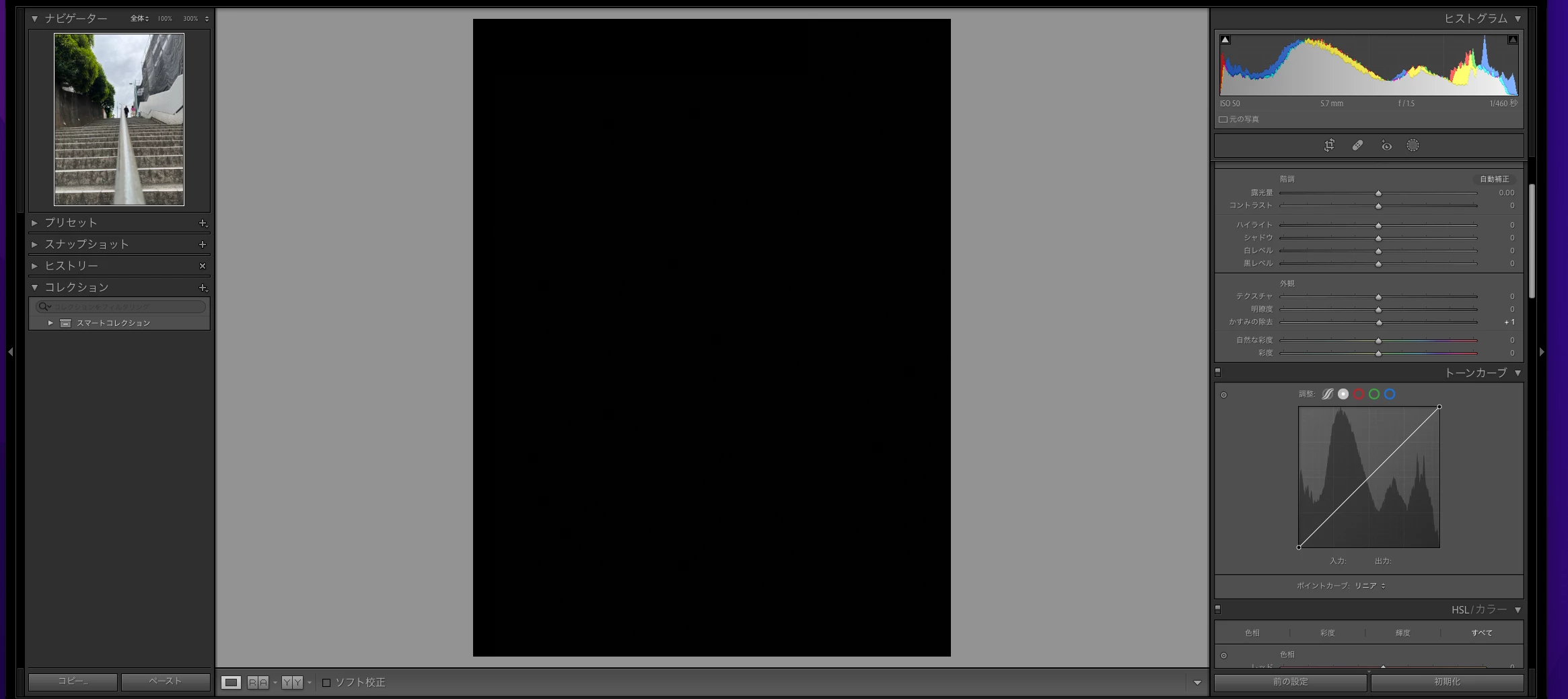
かすみの除去を操作すると画面が真っ黒になってしまう

  • May 19, 2022
  • 2 replies
  • 1103 views

かすみの除去を少しでも+側に動かすと、添付の写真のように真っ黒になってしまう

モニター画面では、かすみの除去の確認はできます。
This topic has been closed for replies.
Correct answer かすみの除去

 [カタログ名] Previews.lrdataを消去し、再インストールを行った結果

解消されました!お騒がせしました。

2 replies

yamato713108855
Community Expert
Community Expert
May 19, 2022

OS側のアップデートがあるなら入れてみる。

環境設定ファイルのリセット。

https://helpx.adobe.com/jp/lightroom-classic/kb/preference-file-and-other-file-locations.html

グラフィックドライバーの更新。


この辺を試してみてダメなら、古いバージョンのLightroomを入れてみてはどうでしょう。

11系は不具合が多いです。

Participant
May 22, 2022

ありがとうございます。

今のところ調子良いですが、また、おかしくなったら試してみます。

Participant
May 19, 2022

再インストールをしてみましたが効果なしでした。

かすみの除去AuthorCorrect answer
Participant
May 19, 2022

 [カタログ名] Previews.lrdataを消去し、再インストールを行った結果

解消されました!お騒がせしました。
