Answered
Adobe Acrobatの保存画面が真っ白
MacPro OS: 10.11.6でAcrobat Pro を使って保存すると、真っ白です。
どうしたらよいのでしょうか?
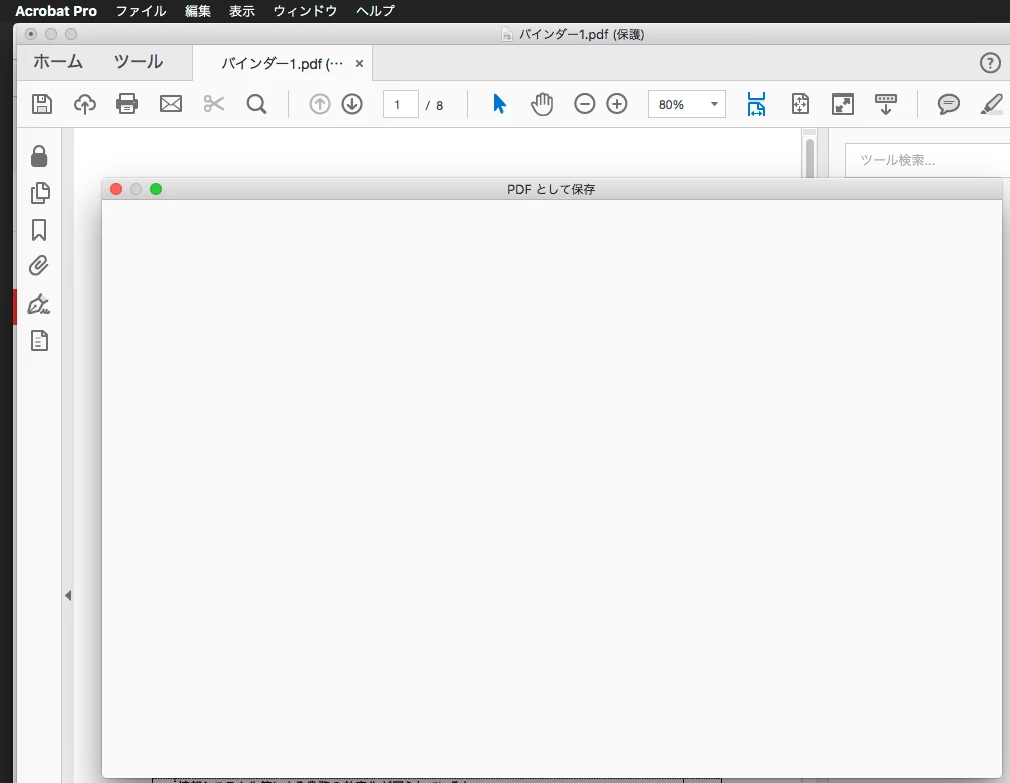

MacPro OS: 10.11.6でAcrobat Pro を使って保存すると、真っ白です。
どうしたらよいのでしょうか?
Hi Shivam,
Thanks for the info.
But, I solve the problem by myself the other days.
When I uninstall the Acrobat.
Adobe Acrobat has the newer update.
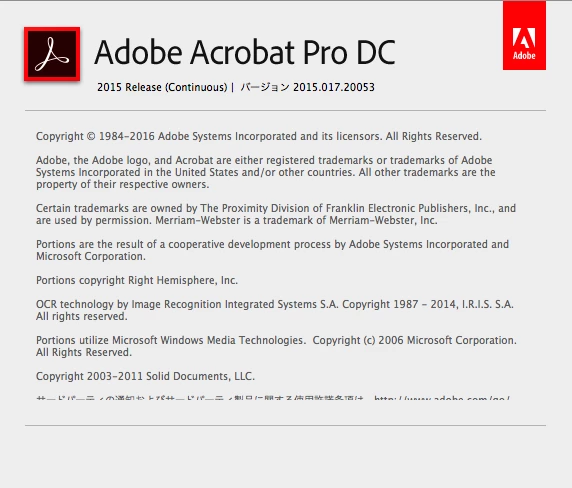
After I uninstall the Adobe Acrobat on my Mac Pro 10.11.6
I try to install it again. Now just working fine.
Thank you anyway.
Terry Lee
Already have an account? Login
No account yet? Create an account
Enter your E-mail address. We'll send you an e-mail with instructions to reset your password.


 AdChoices