


youokyes
Participant
April 29, 2019
Question

在InDesign中文中,怎么才能实现:逆向竖排→正向竖排?

  • April 29, 2019
  • 2 replies
  • 1619 views

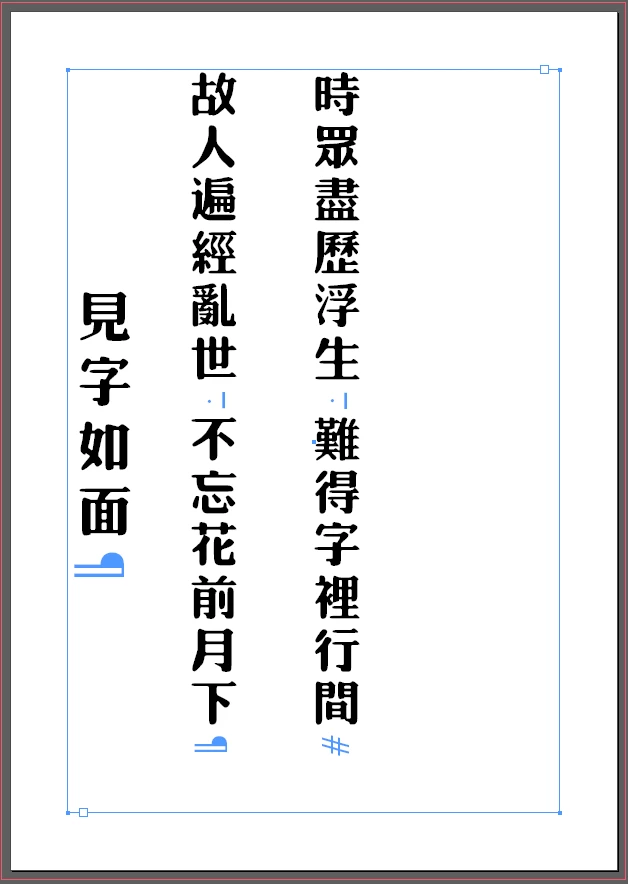
在InDesign中文中,竖排都是:逆向(右侧排版)的竖排,我想让它变成 正(左侧排版)向”的竖排,怎么样才能实现呢?

比如:图1→图2。

图1:
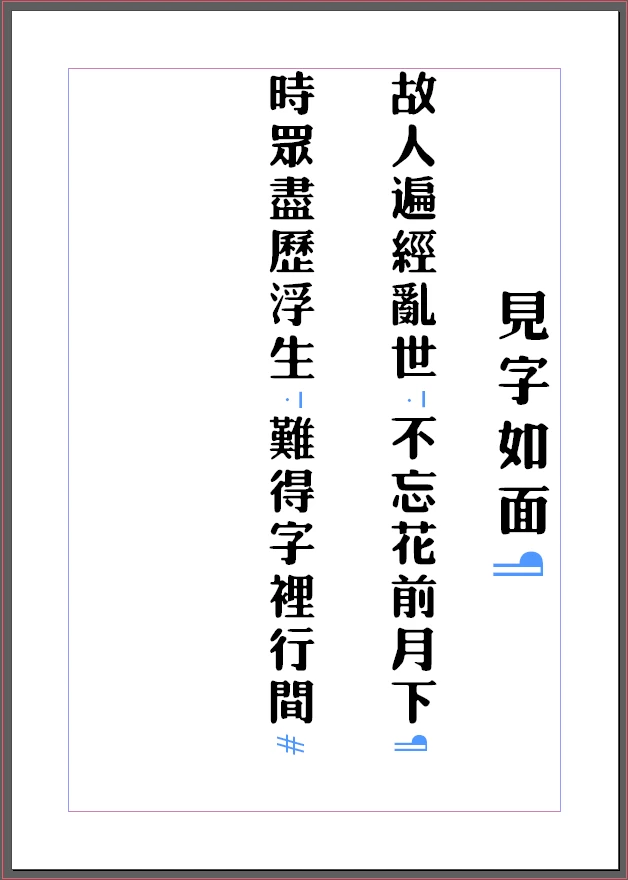
图2:

This topic has been closed for replies.

2 replies

youokyes
youokyesAuthor
Participant
April 30, 2019

Vertical on the right, it becomes vertical on the left.

My English is not good, with the translation software to write this paragraph, may be illogical, I am very sorry!

Thank you very much for your answer!

Community Expert
April 29, 2019

Hi youokyes ,

unfortunately the forum software cannot translate your question to English:

"Could not determine original language of the text to be translated."

Can you rephrase your question in English?

Thanks,
Uwe

youokyes
youokyesAuthor
Participant
April 30, 2019

Vertical on the right, it becomes vertical on the left.

My English is not good, with the translation software to write this paragraph, may be illogical, I am very sorry!

Thank you very much for your answer!

Community Expert
April 30, 2019

Hi,

I really don't know that version of InDesign.

However, from your screenshots it seems that some formatting is going on like "Align Towards Spine" or "Align Away From Spine".

Regards,
Uwe