Participant
August 12, 2021
Question

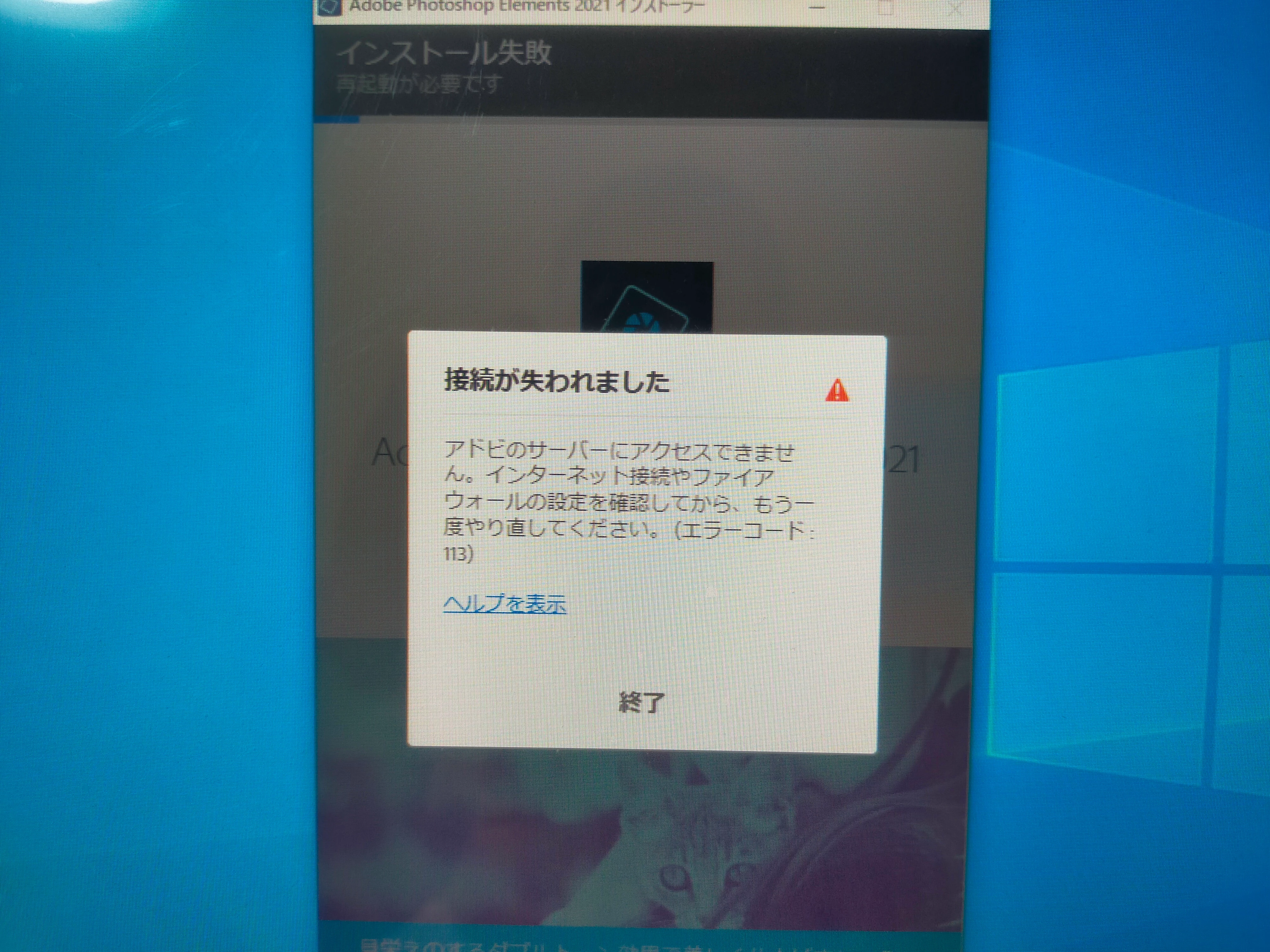
インストールできません

  • August 12, 2021
  • 2 replies
  • 234 views

フォトショップエレメンツ2021をインストールしているのですが、何度やってもエラー113が出てストップしてしまいます。

ファイアウォールをオフにしてもインストールできません。

3つのファイアウォール(ドメイン、プライベート、パブリック)をオフにしてもインストールできません。

ブラウザはMicrosoft edgeです。

どなたか詳しい方、教えてください。

よろしくお願いいたします。
This topic has been closed for replies.

2 replies

assause
Community Expert
Community Expert
August 12, 2021

今一度エラーメッセージにまつわるチェック部分を確認されたほうがいいでしょう。

https://helpx.adobe.com/jp/creative-cloud/kb/troubleshoot-download-install-logs.html#error113


あと、Windows Defenderではない、外部のセキュリティソフトの利用をしていないでしょうか。

その影響を受ける場合はあります。

Participant
August 12, 2021

フォトショップエレメンツ2021をインストールできません。ファイヤーウォールをオフにしろとあったので、3つのファイアウォールをオフにしましたが、何度やってもインストールできません。どうしたら良いですか?

AxelMatt
Community Expert
Community Expert
August 12, 2021

Please give us more informations including the following : 

Adobe product and version number 

Operating system and version number 

The full text of any error message (s) 

What you were doing when the problem occurred 

Screenshots of the problem and/or error messages 

Computer hardware, such as CPU; GPU; the amount of RAM; etc 

My System: Intel i7-8700K - 64GB RAM - NVidia Geforce RTX 3060 - Windows 11 Pro 25H2 -- LR-Classic 15 - Photoshop 27 - Nik Collection 8 - PureRAW 5 - Topaz Photo
