Participant
May 2, 2021 3:57 AM UTC
Answered

作業用アイコンのサイズ変更

大画面のモニターを購入しました。
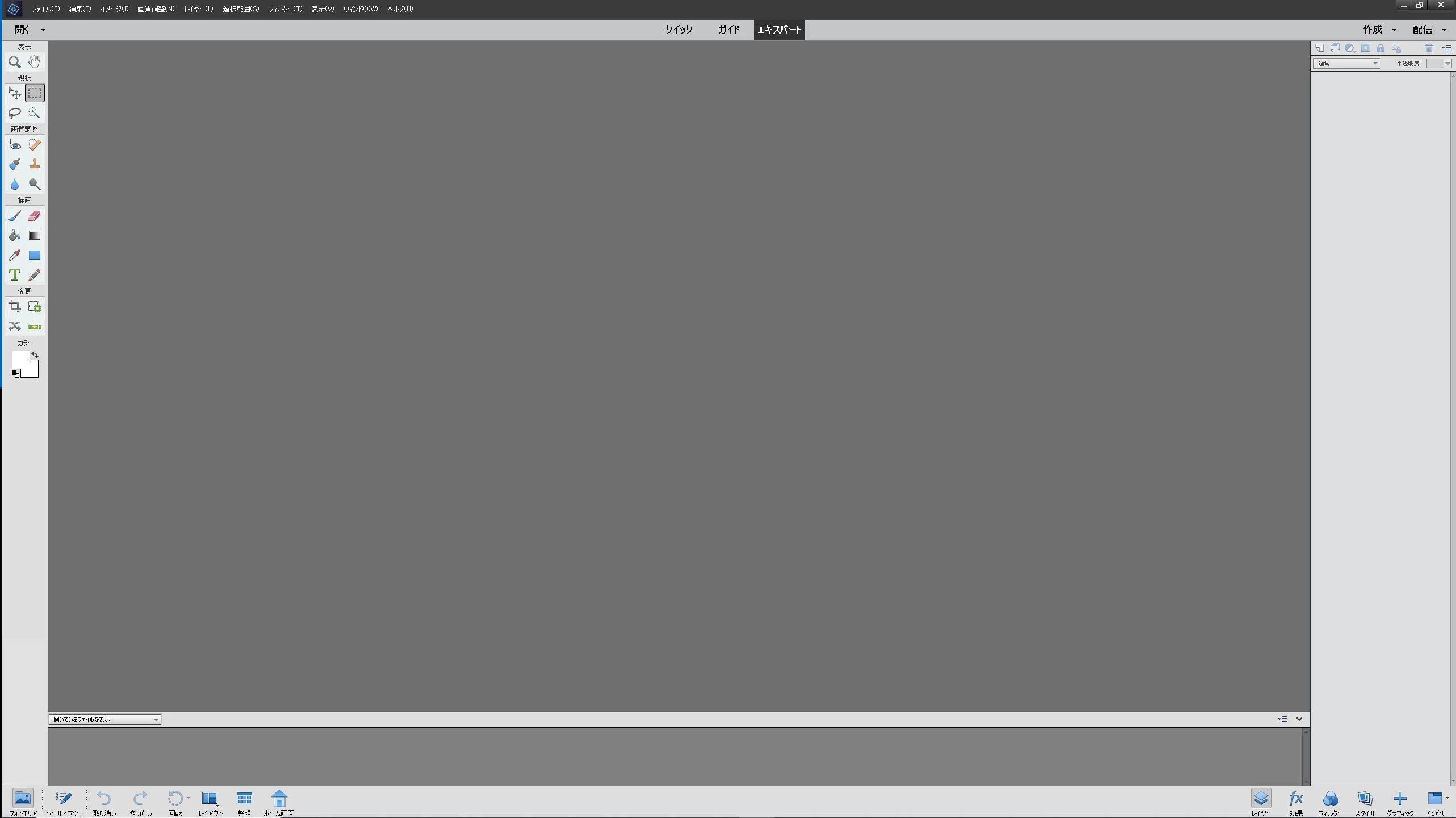
エレメント2020を使っているのですが、作業用のアイコンが小さくて見づらいのです。

見やすく大きくする方法をご存じないですか?
 

This topic is closed to new replies. Start a new post to keep the conversation going.
Jeff Arola
Jeff ArolaCorrect answer
Community Expert
May 2, 2021 7:54 AM UTC

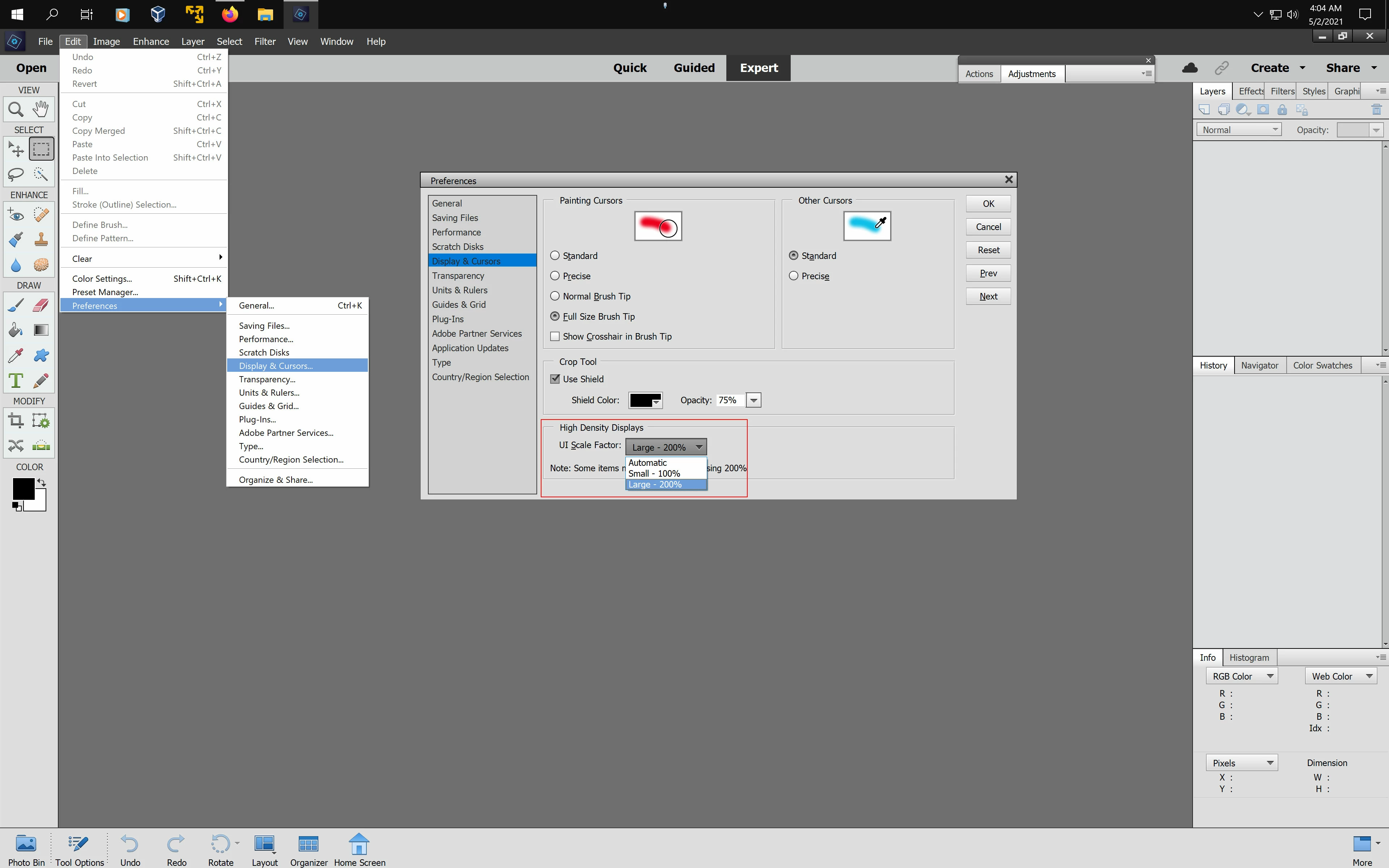
Go to Edit>Preferences>Display & Cursors, set the Ui Scale Factor to Large-200% and restart photoshop elements.


3 replies

assause
Community Expert
Community Expert
May 2, 2021 9:10 AM UTC

実際にどれくらいの解像度のディスプレイを使っているのでしょうか。

もし4Kディスプレイかつ、OSのディスプレイ設定が100%であれば、大画面でも全体表示は小さいはずです。

Jeff Arolaの提示する方法もありますが、デフォルトは自動で、OS側の設定に追随することになります。

その点も確認した方がいいかもしれません。


なお Photoshop Elements (us) から Photoshop Elementsフォーラム (jp) に移動しました。

Translate
Participant
May 10, 2021 4:39 AM UTC

コメント、ありがとうございます。

Jeffさんの指摘で変更することができました。

この設定で使おうと思います。

assauseさんの言われる通り、OSの設定も調べてみようと思います。

Translate
Jeff Arola
Community Expert
Jeff ArolaCommunity ExpertCorrect answer
Community Expert
May 2, 2021 7:54 AM UTC

Go to Edit>Preferences>Display & Cursors, set the Ui Scale Factor to Large-200% and restart photoshop elements.


Translate