
Unable to get Oauth token due to 500 error
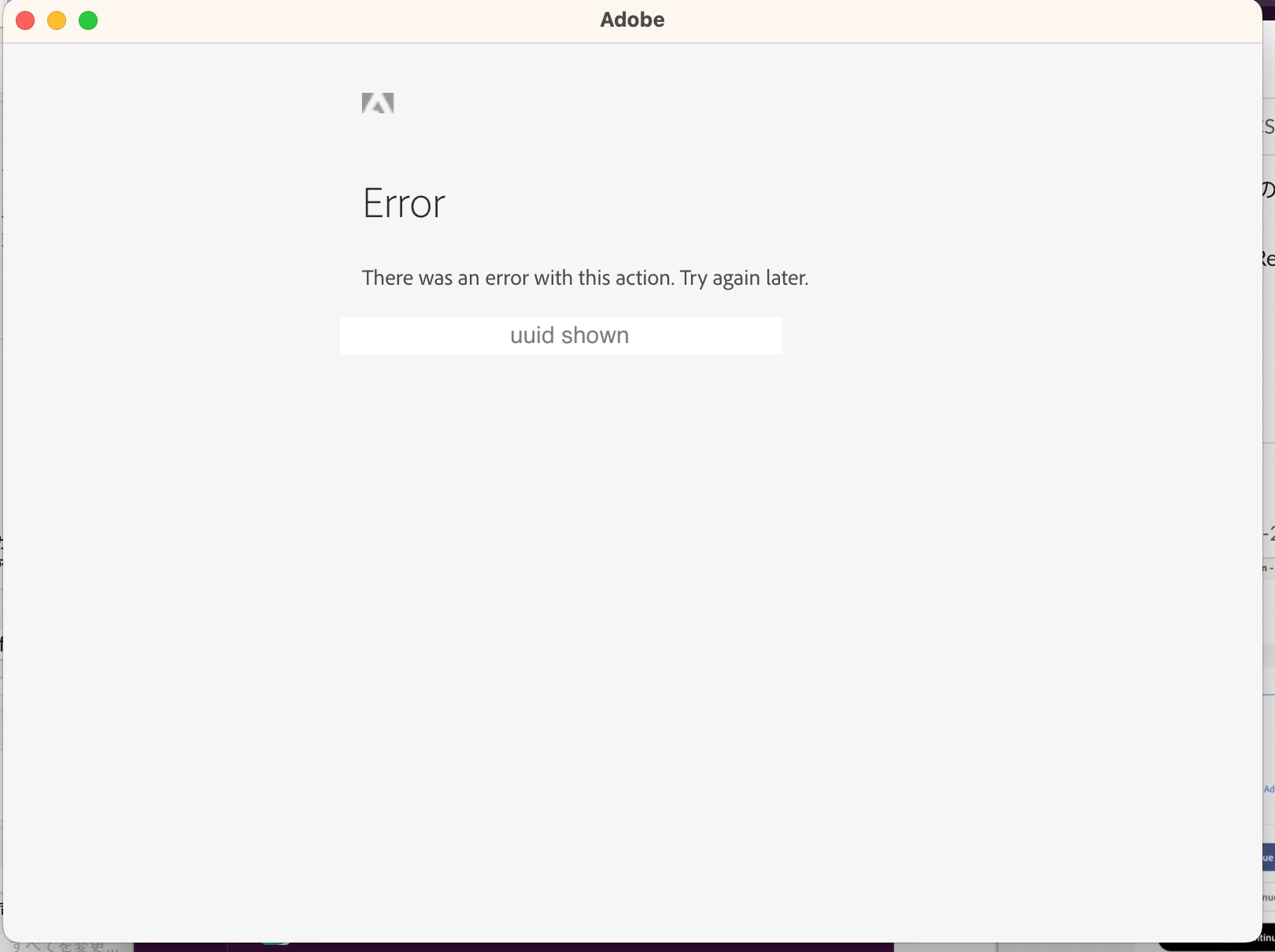
When trying to obtain an OAuth token, I get the error "There was an error with this action. Try again later." and cannot obtain the token due to a 500 error.
I am trying to obtain an OAuth Token.
I created a project from the Adobe Developer Console and set up OAuth Web as Credentials.
This gave me the Client ID and Client Secret. I then set up Postman as follows to try to get a token:
Token Name: Specified any name
Grant Type: Selected "Authorization Code"
Callback URL: Specified the redirect URL set in the project
Auth URL: https://ims-na1.adobelogin.com/ims/authorize/v2
Access Token URL: https://ims-na1.adobelogin.com/ims/token/v2
Client ID: Specified the value of the "Client ID" obtained from the project's OAuth credentials
Client Secret: Specified the value of the "Client Secret" obtained from the project's OAuth credentials
Scope: openid
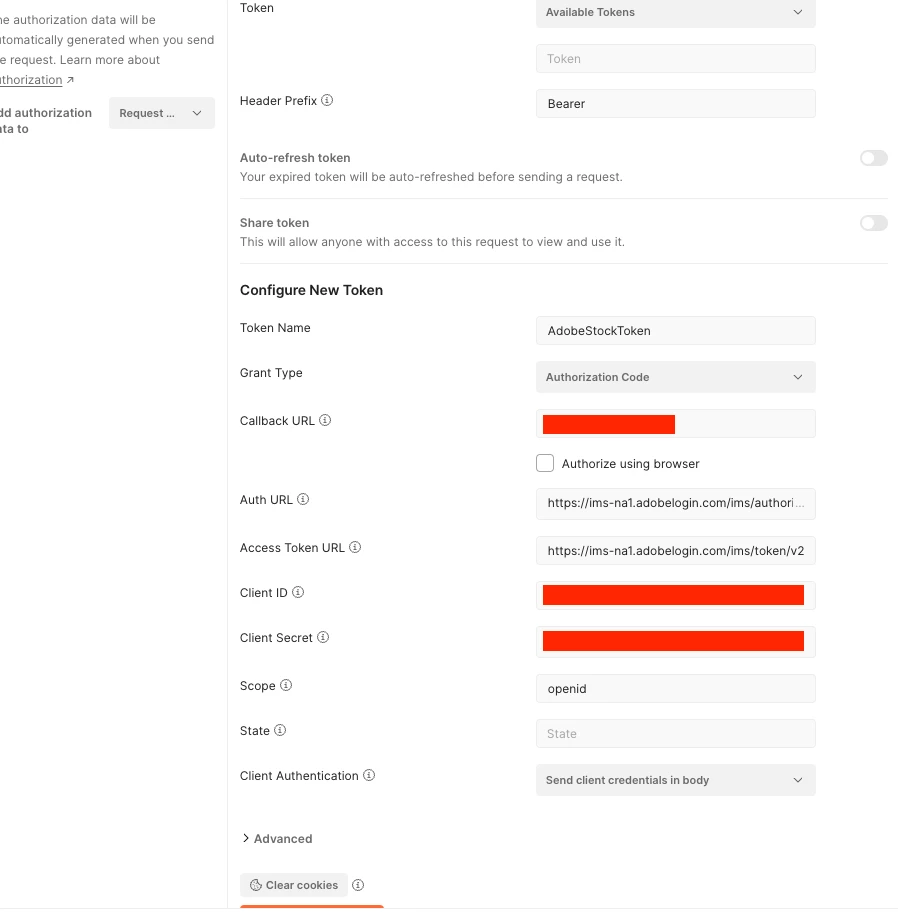
After that, I clicked "Get New Access Token", and after logging in with my Adobe account, I was able to get a token.
However, since 8/25, after logging in, I get the message "Error There was an error with this action. Try again later." and a 500 error is returned.
I tried several times over different days because it said "Try again later", but the error persists. Why is this error occurring? How can I resolve this error?
---
OAuthトークンを取得する際、Error There was an error with this action. Try again later. と表示され、500エラーで取得できない
https://qiita.com/smzakio/items/ede69ffeb7a90222964a を参考に、OAuth Tokenの取得を行っています。
Adobe Developer Console から Project を 作成し、Credentials として OAuth Web を作成することで、Client IDとClient Secretを取得しました。その後、以下のようにPostmanの設定を行い、tokenの取得を試みました。
- Token Name: 任意の名前を指定
- Grant Type: "Authorization Code" を選択
- Callback URL: Project に設定したリダイレクト URL を指定
- Auth URL: https://ims-na1.adobelogin.com/ims/authorize/v2
- Access Token URL: https://ims-na1.adobelogin.com/ims/token/v2
- Client ID: Project より取得した OAuth 資格情報 "Client ID" の値を指定
- Client Secret: Project より取得した OAuth 資格情報 "Client Secret" の値を指定
- Scope: openid
その後、「Get New Access Token」を押下し、Adobeのアカウントでloginすることで、tokenが得られていました。
しかし、8/25以降、ログイン後、「Error There was an error with this action. Try again later.」と表示され、500エラーが返ってくるようになりました。
Try again later. とのことでしたので、何回か日を開けて繰り返しましたが、変わらずエラーが出続けています。
なぜエラーが発生するのでしょうか。エラーの解消にはどうすれば良いですか。


 AdChoices