


Participant
September 11, 2023
Question

여기서 진행 안됩니다

  • September 11, 2023
  • 1 reply
  • 216 views

프리미어프로 인스톨을 진행하면 '


The Creative Cloud app will open and install Premiere Pro (and Media Encoder). Once Premiere Pro is installed, it will launch automatically.

Use the Creative Cloud app to install and update all your creative apps and services.

Get help


이 문구가 있는 사이트와 함께 어도비 크리에이티브가 실행되구요

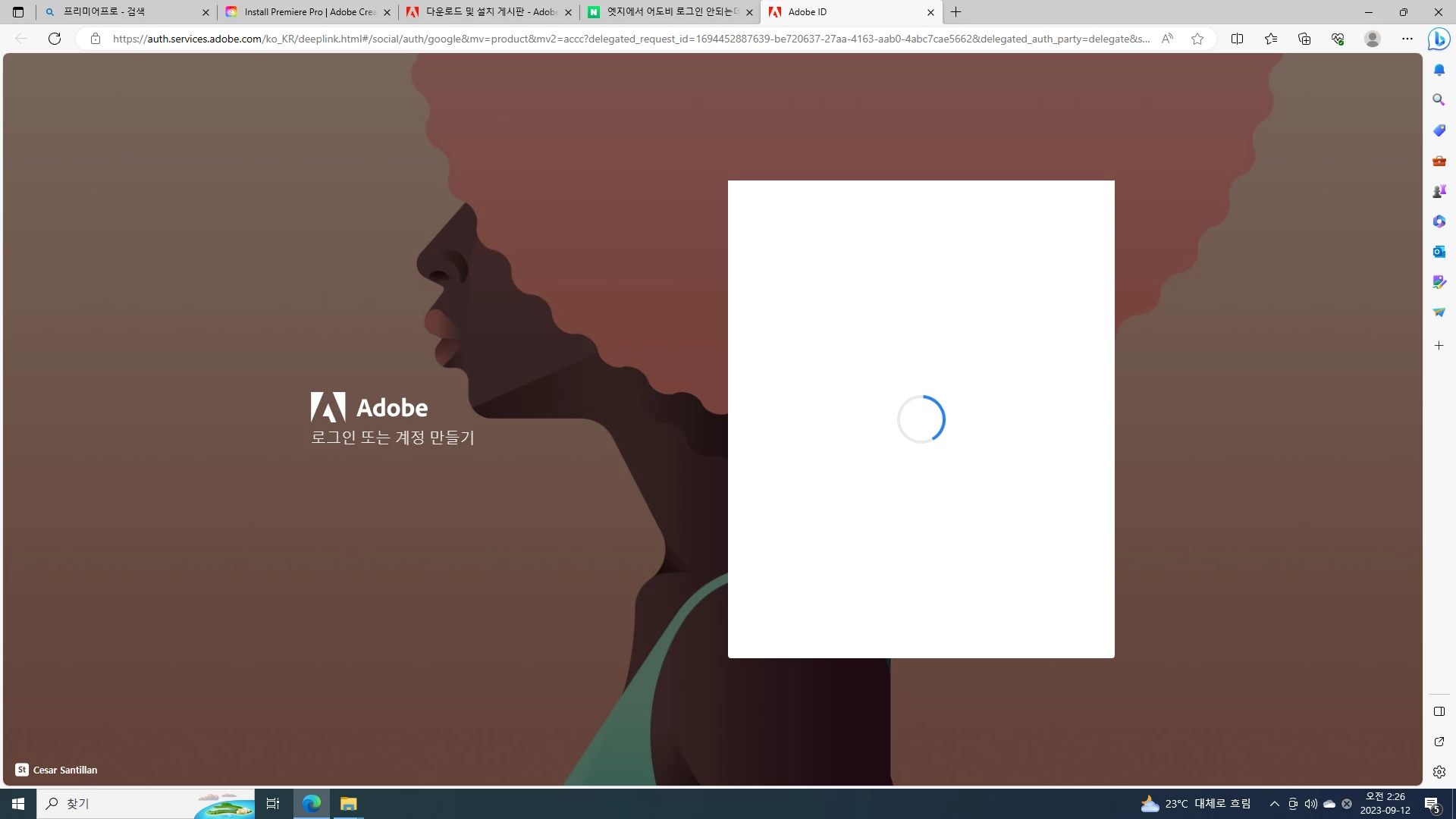
거기서 로그인을 누르면 첨부된 사진의 페이지 상태에서 진행되지않습니다.

마이크로 엣지 로그인이 되어있는 상태에서도 계속 로그인하라고 떠서 로그인하면 저 상태에서 멈춰요.
 

    This topic has been closed for replies.

    1 reply

    Inspiring
    September 13, 2023

    안녕하세요 

    엣지가 아닌 크롬으로 설치이용해보십시오 
    아래와 같이 설치파일을 참고하여 설치해보시겠습니까?

     윈도우의 경우 윈도우 10 이상의 설치파일 : https://ccmdl.adobe.com/AdobeProducts/KCCC/CCD/5_6_0/win64/ACCCx5_6_0_788.zip


    Windows 설치 방법

    1. 링크를 통해 압축(.zip) 파일 다운로드
    2. 다운로드가 완료된 파일의 압축 해제
    3. 압축 해제 후 "Set-up.exe" 파일을 실행
    4. 안내에 따라 제품 설치

    Creative Cloud 앱 설치 관련 공식문서입니다.
    ▶ 참고문서 : https://helpx.adobe.com/kr/download-install/kb/creative-cloud-desktop-app-download.html 

    참고부탁드립니다. 


    감사합니다.