Known Participant
July 29, 2019
Question

shape builder & pathfinder 미세한 유격 문제

  • July 29, 2019
  • 1 reply
  • 2281 views

일러스트레이터에서 그동안 없던 오류가 생겨서 질문합니다.

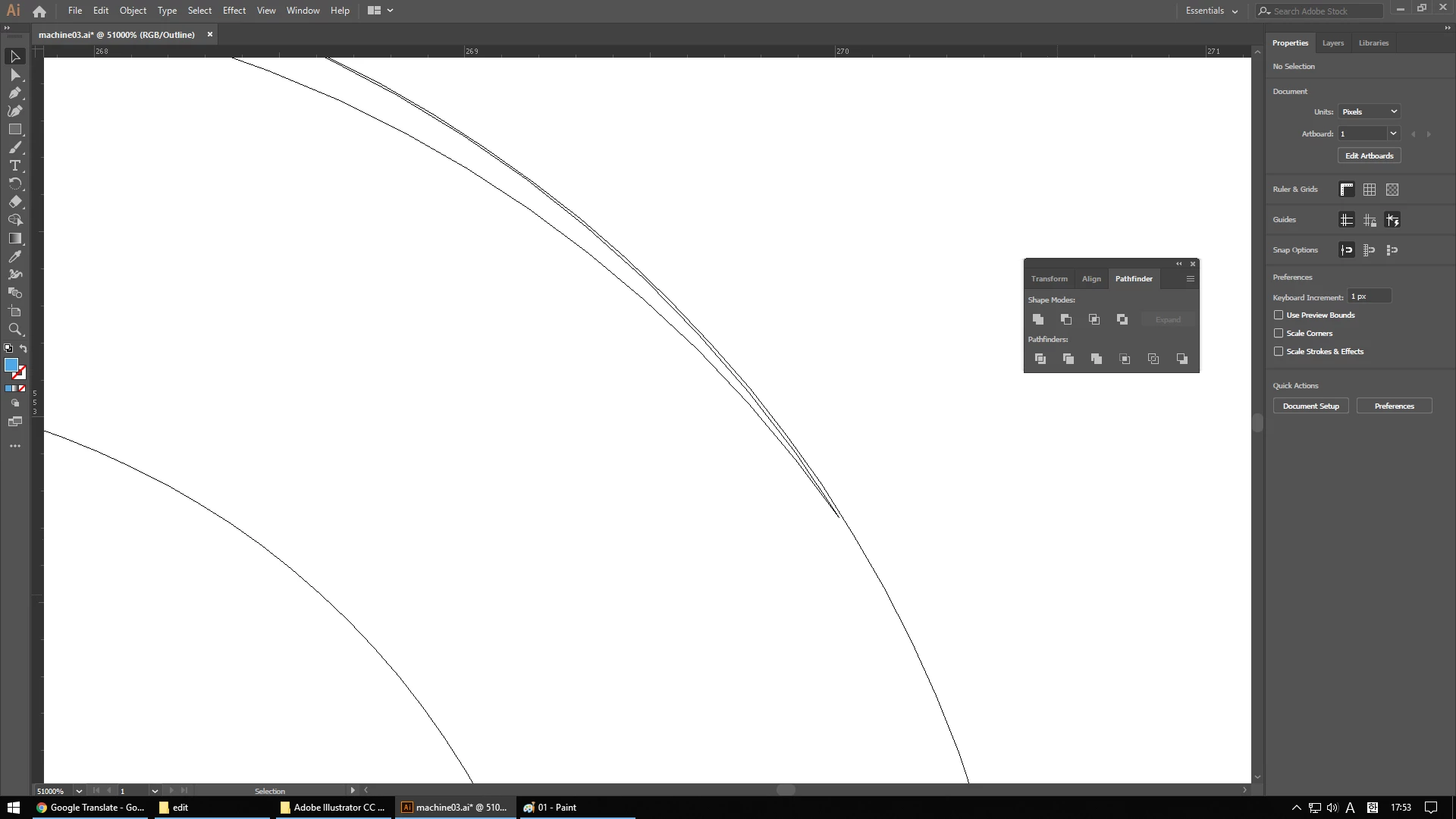
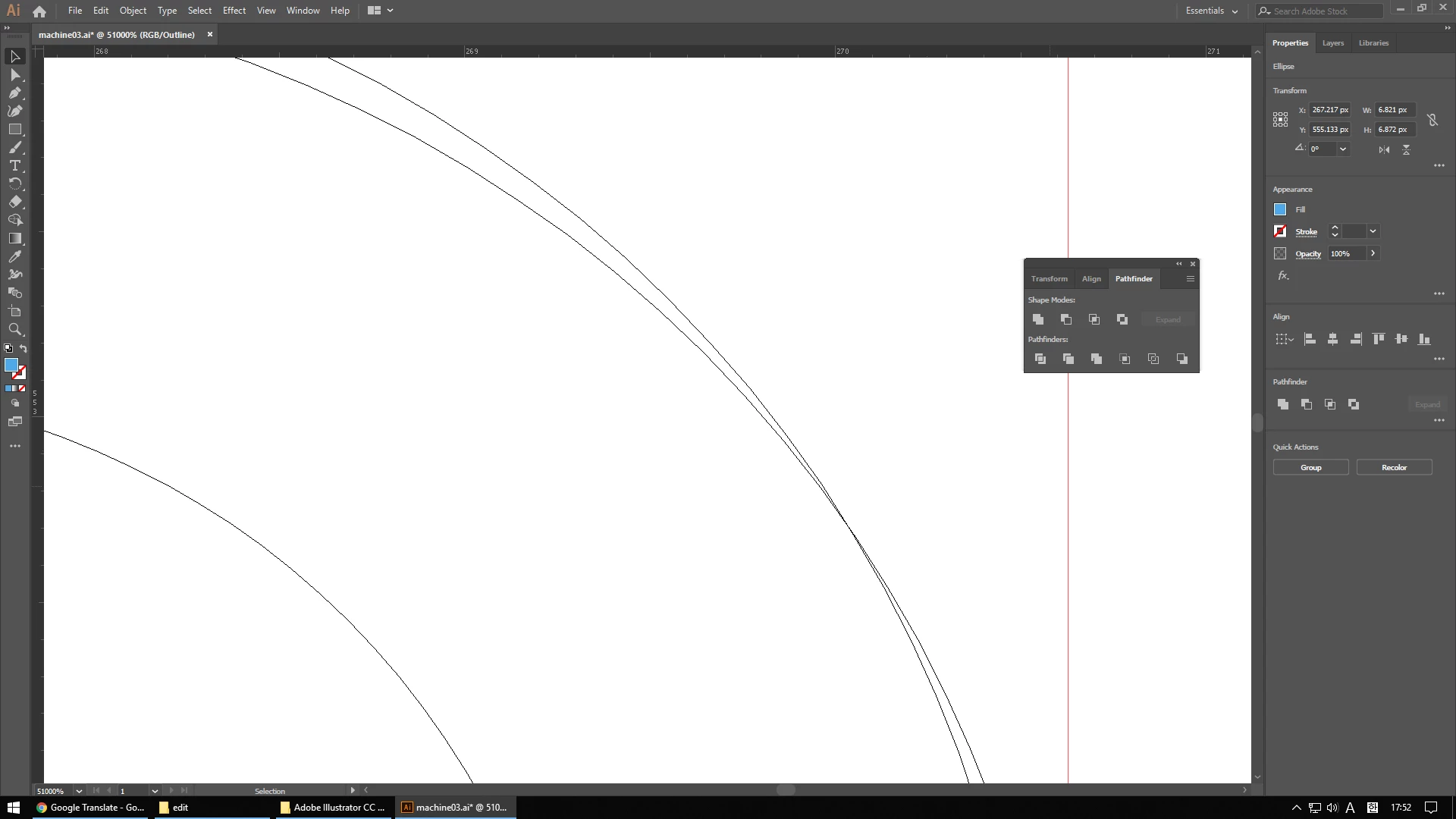
shape builder나 pathfinder로 일정 부분을 잘라내면 미세하게 틈이 생깁니다.

(shape builder와 pathfinder 둘 다 같은 결과가 나옵니다.)

첨부한 이미지는 ctrl+c, ctrl+f 로 같은 이미지를 복사한 상태입니다.

위치가 같다면 선이 깔끔하게 맞아떨어져야 하는데 제 노트북에서는 이상이 없고 데스크탑에서만 문제가 있습니다.

재설치, 재부팅, 그래픽 드라이버 업데이트, pc 포맷 등 해 봤는데도 해결이 되지 않습니다.

혹시 해결 방법이 있을까요?
    This topic has been closed for replies.

    1 reply

    Monika Gause
    Community Expert
    Community Expert
    July 29, 2019

    You are zoomed in 51000%

    I assume that this is a lack of precision that you would have to take into account at that zoom level.

    Known Participant
    July 29, 2019

    I have the same problem when I open a file on my pc from another device. (Laptops, other pc, etc.) Therefore, there is a problem with the actual work, not with what is displayed on the screen.

    John Mensinger
    Community Expert
    Community Expert
    July 29, 2019

    yumik72747907  wrote

    I have the same problem when I open a file on my pc from another device. (Laptops, other pc, etc.) Therefore, there is a problem with the actual work, not with what is displayed on the screen.

    While I understand the logic you're applying there, I don't think Monika meant to suggest it's necessarily a device issue, but rather that its possible Illustrator may be unable to render it to the screen (any screen), any better.