


Participant
February 10, 2020
質問

포토샵 cc 투명도만 올리는 방법

  • February 10, 2020
  • 返信数 1.
  • 907 ビュー

안녕하세요

제목 그대로 포토샵 cc에서 투명도만 올리는 방법이 있는지 궁금합니다.

글로만 적으면 이해하기 힘들 것 같아서 이미지를 준비했습니다.
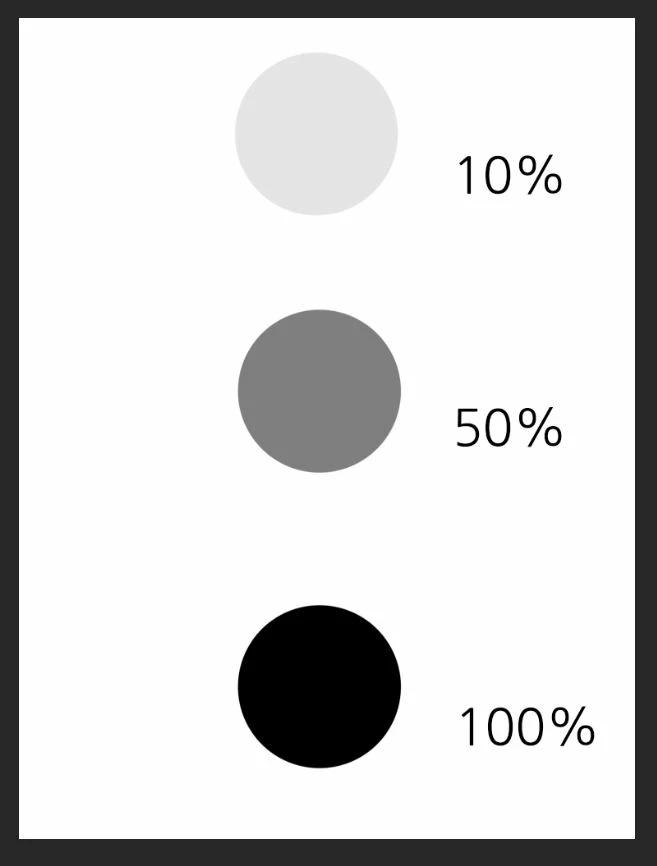


검정색에 투명도를 낮추게 되면 회색을 거치고 결국에는 하얀색이 됩니다.

저는 평소 브러쉬에 불투명도를 주고 사용하기 때문에 이러한 느낌을 좋아합니다.

하지만 여기서 제가 알고 싶은 점이 있습니다.
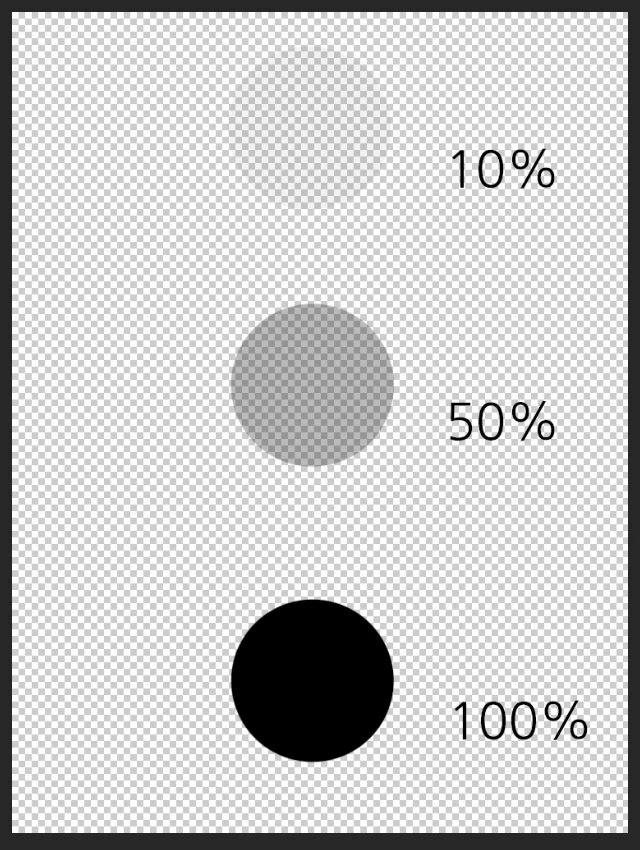


사진처럼 배경을 없애면 투명도로 인하여 퍼센트에 따라 투명하게 보입니다.

저는 이 투명한 것을 없애고 싶습니다. 다른 부분은 건들지 않고 오직 투명도만 올리는 것이죠.
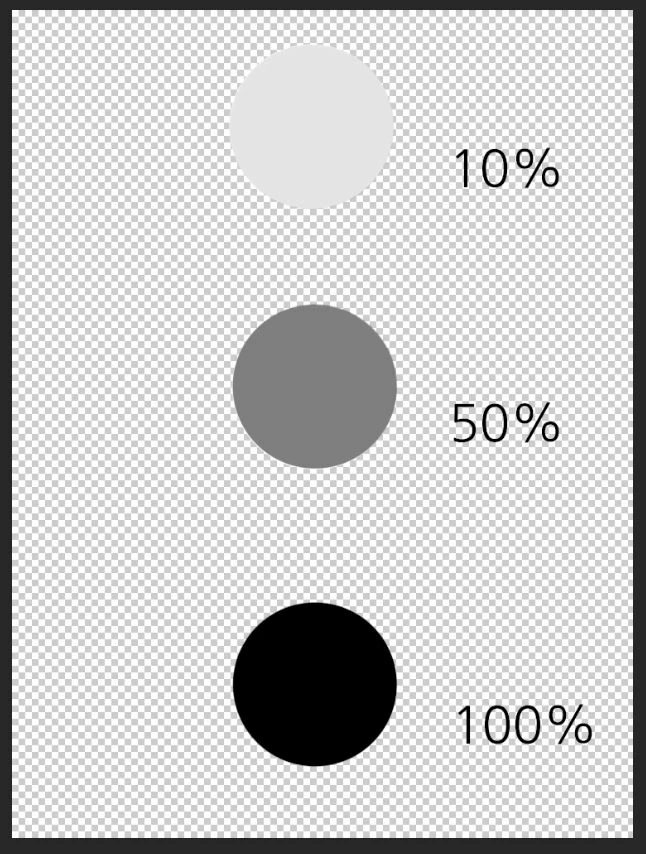


이것은 제가 예시로 만든 이미지입니다.

혼자서 몇 번 시도를 해보았지만 해결할 방법을 찾지 못했습니다.

포토샵에서 투명도만 올리는 방법이 없을까요?

このトピックへの返信は締め切られました。

返信数 1

Legend
February 10, 2020

Maybe you want this. Disable transparency display.


EDIT:

Probably misunderstood...
)
 
Paran作成者
Participant
February 10, 2020

Thank you, r-bin.
That's a good way, but I want to know how to increase the transparency of pixels.
Or is there any way to create a new layer with a transparent layer and keep the transparent layer in shape and only coat it in white?

(I don't know if it's accurate using the translator.)

Legend
February 10, 2020
Maybe I misunderstood again (english is not my language).
Perhaps you want to remove transparency.
There is a suitable plugin in this collection https://www.thepluginsite.com/products/photowiz/photofreebies/index.htm
called RemoveTransparensy.

P.S. Perhaps again I did not guess )